Nartbag
Members
-
Joined
-
Last visited
Everything posted by Nartbag
-
 Imitation is the most sincere form of flattery.
 -
 You can make anything you want appear as an extra. I'm saying this would be good for future vehicles, as it would have to be modeled into the car.
- 135 comments
- 22 reviews
-
No, I mean this would be for future development. Just like some cars have toggleable LoJack or other bits, your plugin could be enabled on certain slots to toggle extra_10 when the weapon is removed/restored.
- 135 comments
- 22 reviews
-
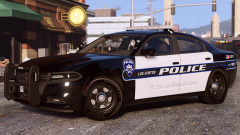 damn. I'd love to see the Sparks one come out or something like this one you posted a few days ago.
 -
You should make this toggle a vehicle extra! We can make a commonly unused one (10 or 12) be a rifle in the car...
- 135 comments
- 22 reviews
-
-

- 1
-
-
y u never release tho
-
-
-
-
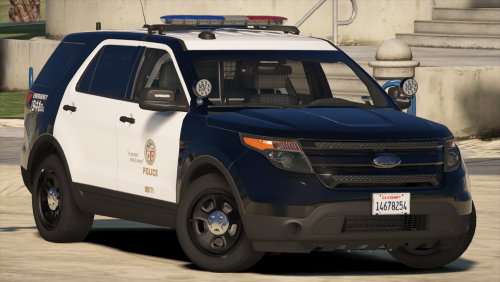 Base model is great, lighting modules are great, ELS pattern setup is meh (take a look at Cj24's implementation for more realistic usage), emissives are poor and some parts are floating in the vehicle. Use real lights for the indicators instead of coronas if you're going to put this much work into it, coronas just don't look good in red/blue combination. 3/5.
- 563 comments
- 116 reviews
-
-
- 1
-
-
-
 Would love to see a feature allowing officers to get into the passenger seat of the car for use during traffic stops.
 -
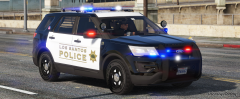 Love how simple it is.
 -
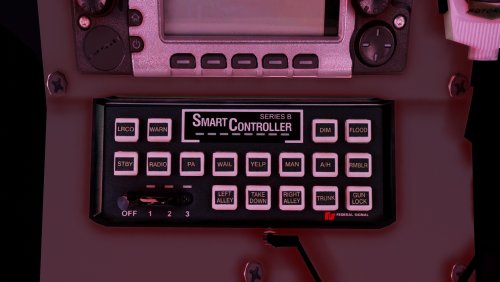 Speakers and the doppler effects change the way sirens sound. It's the same tone generator in all models. The only difference you will find in a newer SmartSiren is compatibility for FS lighthead synchronization and Valor/Integrity specific features. Perhaps the difference you're hearing is the tiny bit of added latency in newer ones due to electronics changes, but the tones are ultimately the same and this latency doesn't matter in GTA since ELS doesn't simulate switching latency. Your siren sounds great, but to suggest that the tones are different from previous models is bad information.
- 58 comments
- 13 reviews
-
-
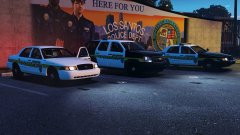
From the album: GTA V
-
-
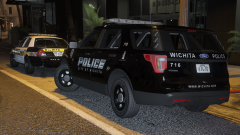
From the album: GTA V
© Pricefield
-
-
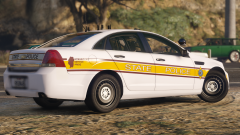 It's getinmybelly. No matter how you word your request, you won't see a result.
 -
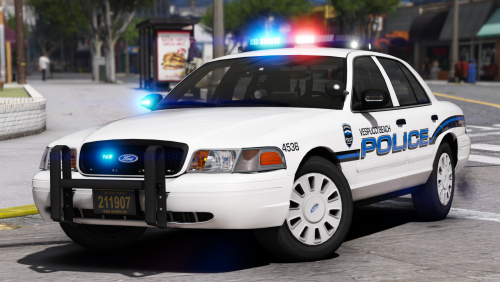
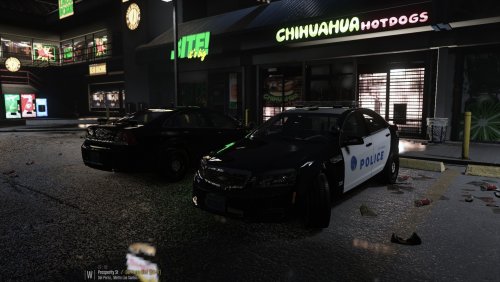
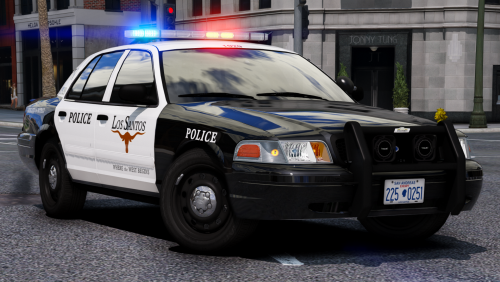
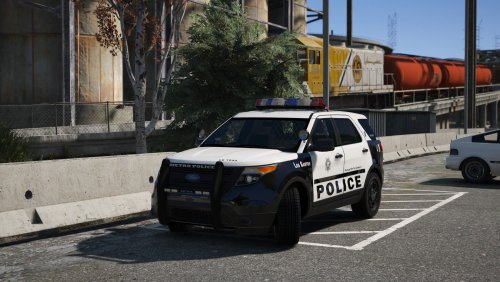
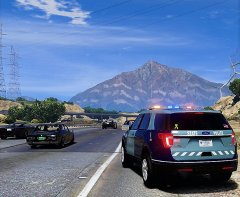 Those are some nice cars! I wonder who made them?
 -
-
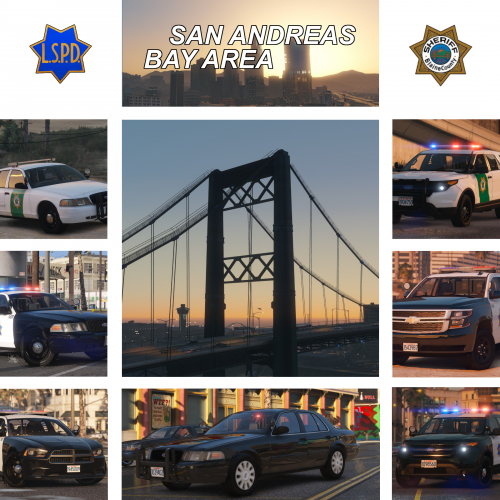 Nice job. The only thing I would look into is proper scaling of the lightbars (they're a bit big, especially on that Utility), and some material fixes on the Vic (certain chrome things aren't "chromey" enough). I personally don't care for the bar you threw on the Sheriff vic, but that's not docking your stars by any means. The els mapping also seems a little funky on the LSPD cars but it's not bad at all. Lastly, a realism suggestion is to use a Code 3 siren controller on the LSPD units as opposed to a SmartController, and maybe add some siren speakers in. Other than that, I greatly enjoy this pack. 4.5/5
- 21 comments
- 23 reviews
-
-
- 3
-
-
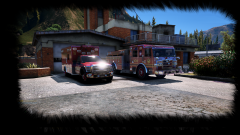 send weewoo and vagene
 -