Dhruv
Members
-
Joined
-
Last visited
Everything posted by Dhruv
-
@Sameer: Yeah,thanks.But the only thing which pinches me is the lack of Scorpios in Delhi Police Force.My personal favorite is Chennai Police Force.They own a lot of cool vehicles.
-
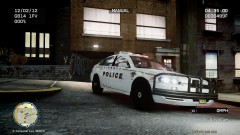 LOL! Now,thats a cocky rambar!
 -
That last one is a Ford Excursion,right Slimory?
-
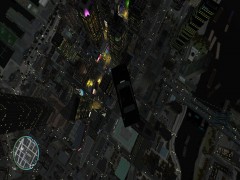 Crime Scene Investigation team officers Molten and Dhruv tape the building's entrance and examine the wreck. Dhruv: Damn it! I suspect he succeeded in escaping before the crash,eh Molten?
 -
What is this? A plain Charger? With a plain skin? Hundreds out there.
-
Sigh! Custo will always be Custo.
-
Thanks.I won't mind if you post some screens so that others won't be feeling a li'l uncomfortable with the texture.
-
Thanks for the tip. +1 I'd definitely try this..
-
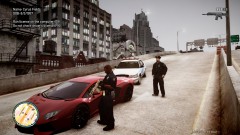 No its not ACR.Its SCAR fo sure!
 -
You need OpenIV to export models to 3DSMax.But I see you guys prefer zmodeler,so...my mistake.
-
-
Heard OpenIV is better when modelling Police Cars...?
-
Edit the G in els.ini and change it to something like "Q".Don't forget to change keycode.
-
Here's the man who can help you with this.Use PM http://www.lcpdfr.com/user/18137-sgtkanyo/
-
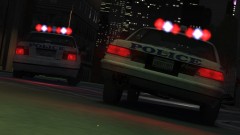 Nope.I was commenting on your sentence,"Because default cars are very badass"
 -
Yes,Molten. RIP Ofiicer Harper.You'll always be remembered for your life-threatening mischiefs.
-
-
"Oh no! Harper took it for a ride before I could put in the landing gears!"
-
True.
-
-
+1,er...Nate.But don't you think industry is done with editable mesh,now? Editable poly is more in use nowadays.Mesh is an ancient technique.Yes it still persists,but...anyhow.Nice tut :thumbsup:
-
Pretty much,yes it seems.
-
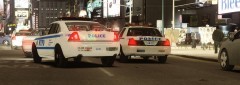 Nice!
Nice! -
Yeah,I know.Both things.
-