


IronicRainbow
Members
-
Joined
-
Last visited
Everything posted by IronicRainbow
-
Indeed it is, but with some major edits, of course. :P Ours are no longer Holdens. In short: If you don't know what you're doing, don't buy it yet. Do some research and learn.
-
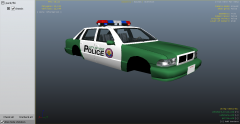 This is the most detailed, high poly car I have ever seen.
 -
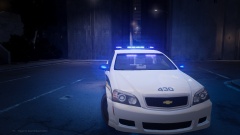 Whelen produces the Whelen ION and the Whelen Vertex. ninja was pretending he got your name mixed up with the two products, because he was talking about the IONs and addressing you (vertex). Kind of confusing, but I hope this helps you un-confuse.
 -
I see what you did there, and I approve of it. Also, looking good Vertex!
-
 Okay, who sent you that picture of me?
 -
-
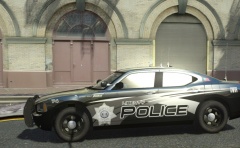 Please do!
 -
Awesome! Planning to release?
-
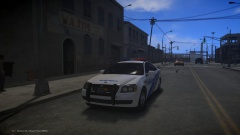 What, this isn't how they look? Well, my life has changed.
 -
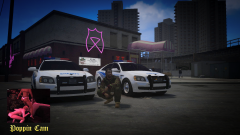 ... This picture is just f**ked.
 -
wat. No offence, but those are uuuuugly
-
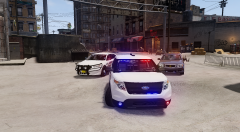
From the album: IronicRainbow's Pictures
-
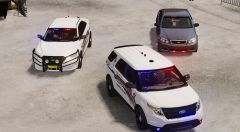
From the album: IronicRainbow's Pictures
-
Way too much.
-
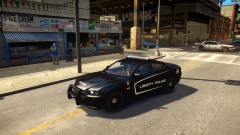 Is this the model that has the hideous LOD?
 -
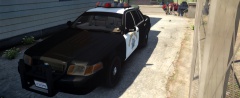 I love the last picture! It give off a California feel. Keep up the good work :) Can't wait for the model!
 -
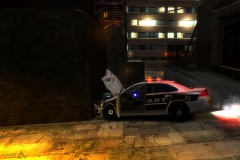 Not sure if steady burns or primary lights.
 -
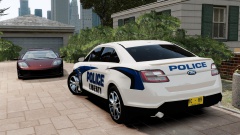 Interesting concept.
 -
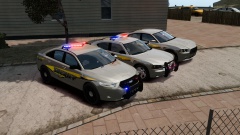 What are you laughing at, punk?
 -
Yeah, sorry about that.
-
-snip- wrong info, sorry! GreenAid has gotcha covered.
-
If you have the models already purchased, and just need them to be converted, then people may do it for free. If you need to buy the model, they certainly won't do it for free.
-
You need to disable your trainer keys.
-
-
Awesome, it's finally released! I have been following this since you first started converting it :)
- 20 comments
- 2 reviews
-
-

- 1
-

