G17 Media
Management Team
-
Joined
-
Last visited
Never
Everything posted by G17 Media
-
-
-
-
-
-
-
-
-
-
-
-
-
-
-
-
-
-
-
Today is the day, that will be written down in the history of gaming leaks. Grand Theft Auto 6, or whatever the next GTA title was going to be called, just got leaked.
-
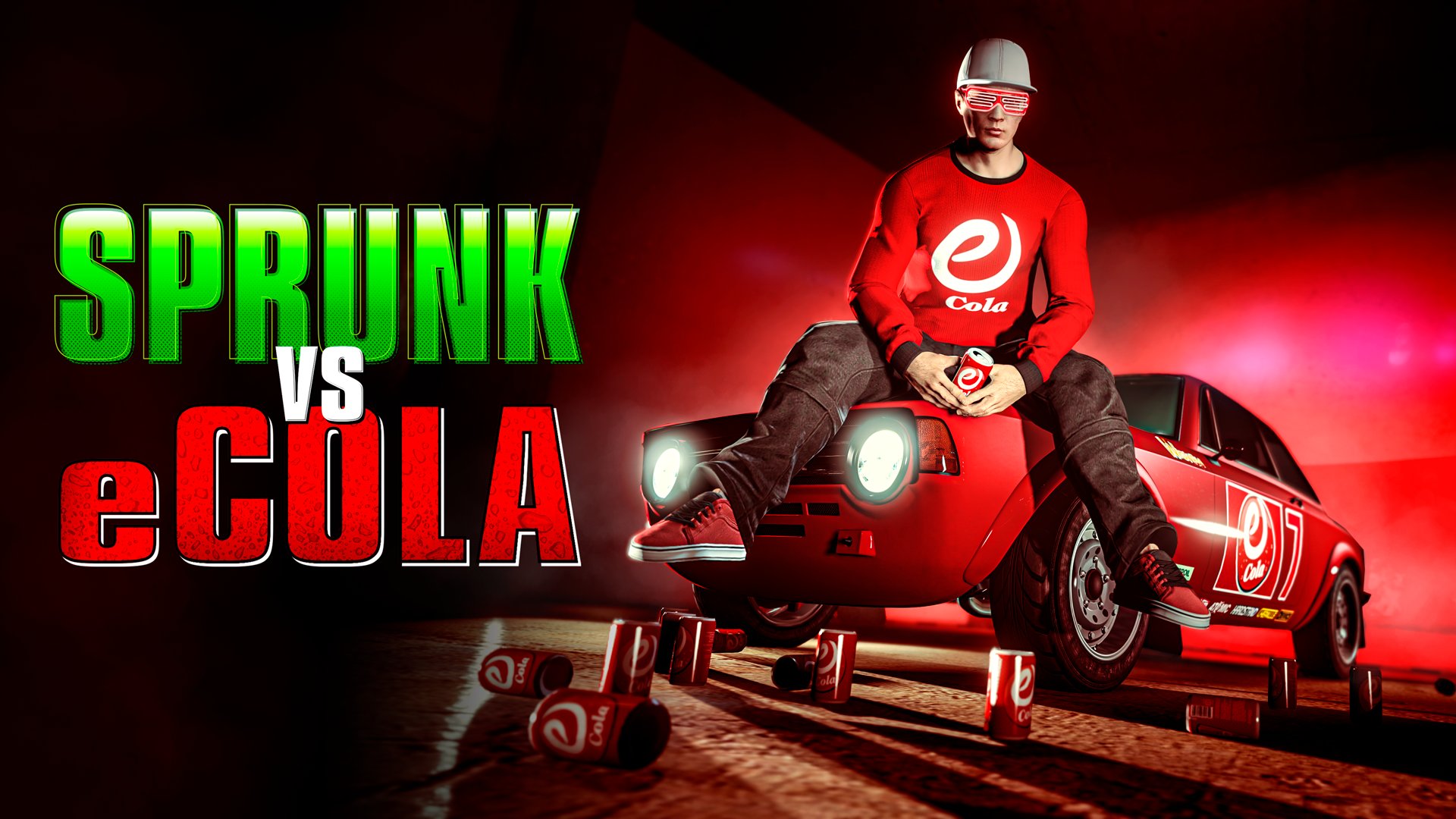
The winner of the Sprunk VS eCola event, which has been running for a month now, is eCola! Congratulations to the winners, it was unexpected!
-
Earn both Triple & Double rewards on the following activities this week in GTA Online:
-
A new monthly event for Red Dead Online has just been release by Rockstar as usual. Let's see what it brings!
-
There's a new Title Update for Red Dead Redemption 2 / Red Dead Online now available for download. Around 5GB all platforms. Read below for the details...
-
There's a new Title Update for Red Dead Redemption 2 / Red Dead Online now available for download. Around 5GB all platforms.
-
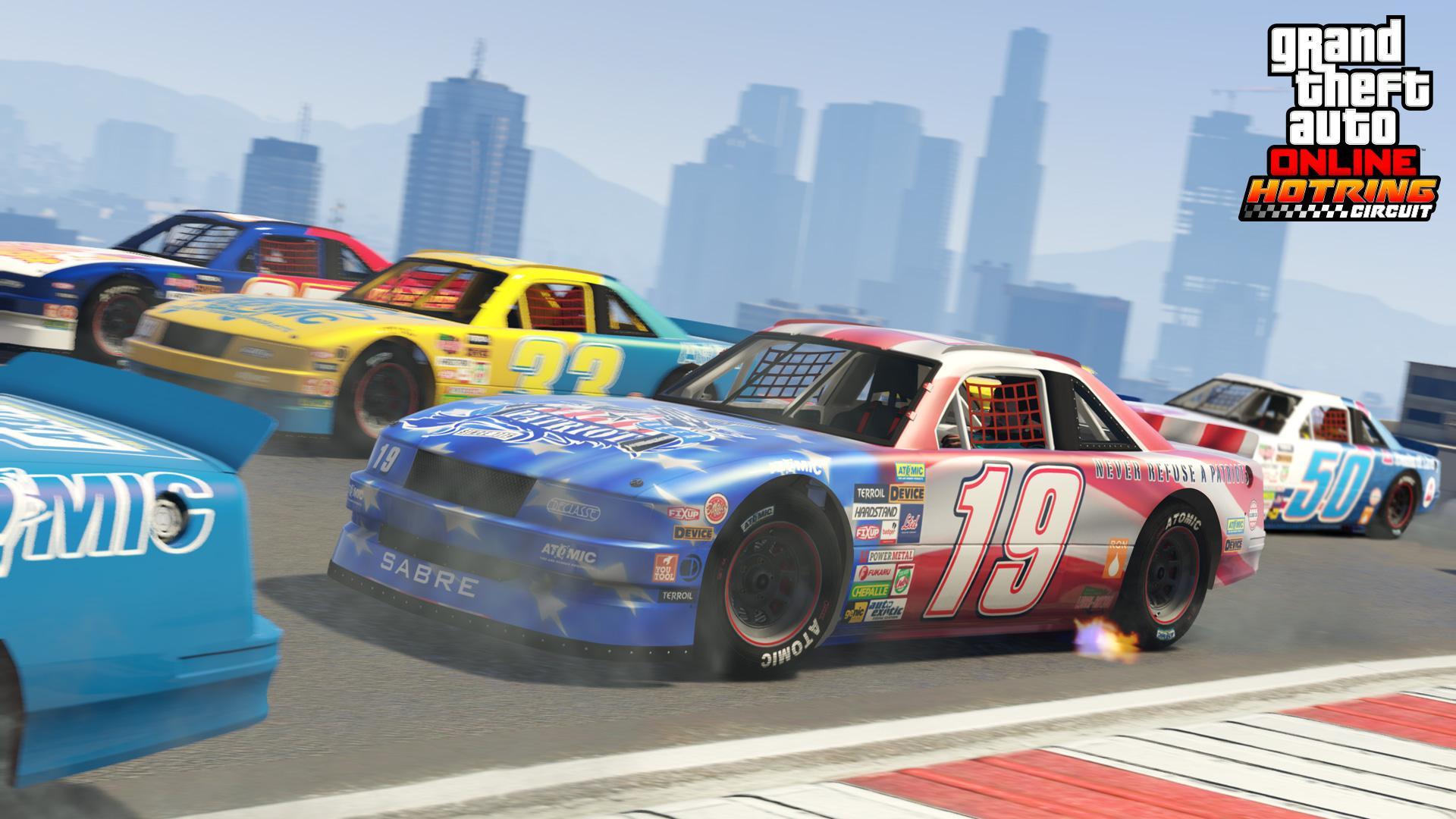
The Vigero ZX is now available in GTA Online from Southern S.A. Super Autos, priced at GTA$1,947,000. 6 New HSW Races are now available as well.