
Skip to content
View in the app

A better way to browse. Learn more.

LCPDFR.com

A full-screen app on your home screen with push notifications, badges and more.

To install this app on iOS and iPadOS
  1. Tap the Share icon in Safari
  2. Scroll the menu and tap Add to Home Screen.
  3. Tap Add in the top-right corner.
To install this app on Android
  1. Tap the 3-dot menu (⋮) in the top-right corner of the browser.
  2. Tap Add to Home screen or Install app.
  3. Confirm by tapping Install.

Lumber

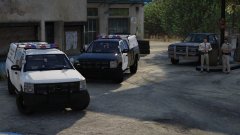
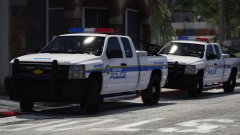
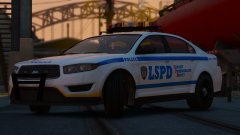
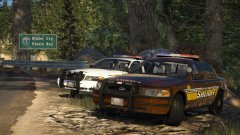
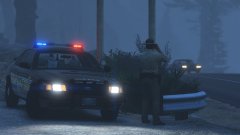
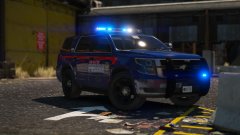
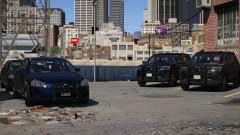
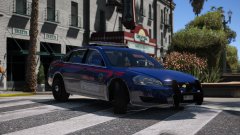
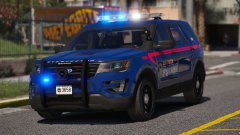
So, ya'll might remember me doing a collab with Harrison90. Well, we're getting somewhere. So with this collab, I'm building a small pack around his skins, rather than me building the vehicle and then him skinning it. So he has a tonne of input into this mini-pack, and this is where we're at.


First built is the CVPI, with a X21 TR light bar, lots of side and front lighting too. Two skins, standard patrol of traffic services will be available. The others vehicles will just have to be a surprise!


20180227212500_1.thumb.jpg.726a0056dfeb8b7756a3aa1fa445e4bd.jpg

20180227212528_1.thumb.jpg.cd303a5491d54cbd5288f4258e054714.jpg

20180227212708_1.thumb.jpg.0575b18440641c2f9bc8c729e977ef58.jpg

20180227212337_1.thumb.jpg.590f8d217645915163489eb52cddfcf3.jpg

20180227212423_1.thumb.jpg.87917b6b614765bacb89c8442a76a774.jpg


From the album:

Jed's Models

· 124 images

Account

Navigation

Search

Search

Configure browser push notifications

Chrome (Android)
  1. Tap the lock icon next to the address bar.
  2. Tap Permissions → Notifications.
  3. Adjust your preference.
Chrome (Desktop)
  1. Click the padlock icon in the address bar.
  2. Select Site settings.
  3. Find Notifications and adjust your preference.