


Can't see the wood for the trees

By Jedahdiah
- 1,713 views
- View Jedahdiah's images
So, I know I've been gone a while, but that's life aye?
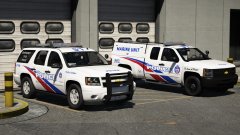
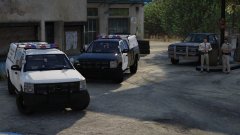
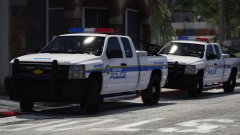
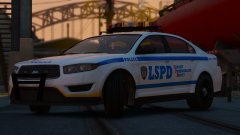
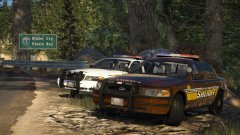
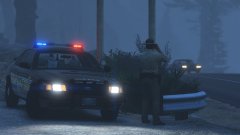
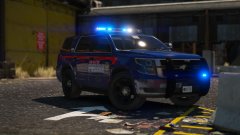
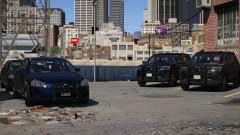
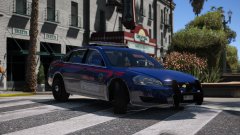
Anyway, this is my newest Blaine County Sheriff's Office mini-pack that's coming out within a matter of hours. It's the collaboration I made with Harrison90. As I said previously, the concept was that I'd build vehicles based around the liveries he designed, and here's the (near) finished product. I'm making a few cosmetic changes then I'll release it.
This pack is a mini-pack and consists of three vehicles: CVPI, Charger and a Tahoe
You can get it here:
There's a video promo down below if you're interested.


Video promo:
Spoiler
Credit
Jedahdiah, Harrison90
Copyright
© Jedahdiah
Recommended Comments
Join the conversation
You can post now and register later. If you have an account, sign in now to post with your account.