
Skip to content
View in the app

A better way to browse. Learn more.

LCPDFR.com

A full-screen app on your home screen with push notifications, badges and more.

To install this app on iOS and iPadOS
  1. Tap the Share icon in Safari
  2. Scroll the menu and tap Add to Home Screen.
  3. Tap Add in the top-right corner.
To install this app on Android
  1. Tap the 3-dot menu (⋮) in the top-right corner of the browser.
  2. Tap Add to Home screen or Install app.
  3. Confirm by tapping Install.

Promenade

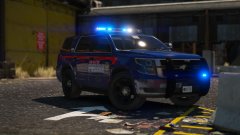
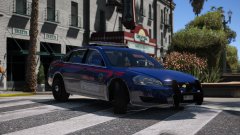
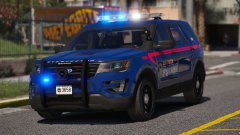
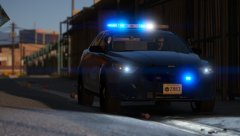
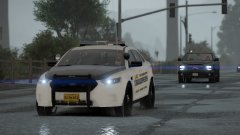
You asked for more vehicles for the Atlanta themed pack, and I listened. I've decided to add an Impala, Tahoe and a Charger or two.


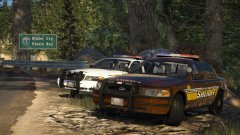
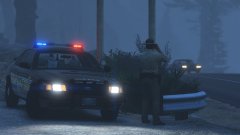
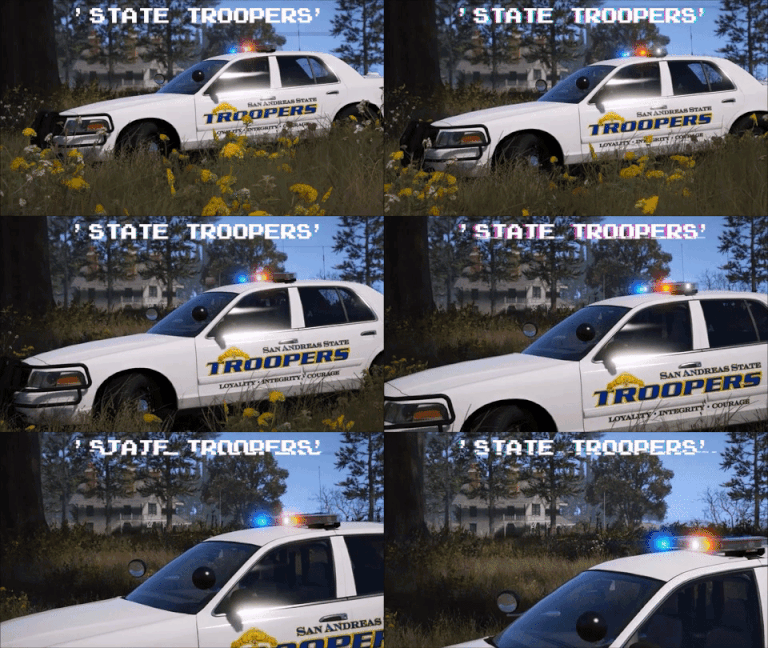
This is the Impala, a little rough round the edges but pretty much done. I've left an amusing video I put together of the testing of it earlier, which is at the bottom of the pictures. Even DEVs get it wrong too sometimes. 


20180217185047_1.thumb.jpg.5ceac8143a97a08176d1f75bf497b8de.jpg

20180217185144_1.thumb.jpg.bc4ddfcdf4f38036939209a9c79abd58.jpg

20180217185201_1.thumb.jpg.18db050036e15b647185ce1f83362fce.jpg


Video:

Spoiler


From the album:

Jed's Models

· 124 images

Account

Navigation

Search

Search

Configure browser push notifications

Chrome (Android)
  1. Tap the lock icon next to the address bar.
  2. Tap Permissions → Notifications.
  3. Adjust your preference.
Chrome (Desktop)
  1. Click the padlock icon in the address bar.
  2. Select Site settings.
  3. Find Notifications and adjust your preference.