
Skip to content
View in the app

A better way to browse. Learn more.

LCPDFR.com

A full-screen app on your home screen with push notifications, badges and more.

To install this app on iOS and iPadOS
  1. Tap the Share icon in Safari
  2. Scroll the menu and tap Add to Home Screen.
  3. Tap Add in the top-right corner.
To install this app on Android
  1. Tap the 3-dot menu (⋮) in the top-right corner of the browser.
  2. Tap Add to Home screen or Install app.
  3. Confirm by tapping Install.

Smoke break?

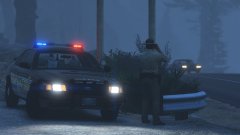
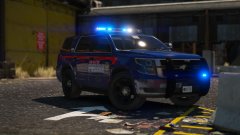
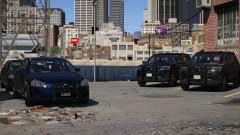
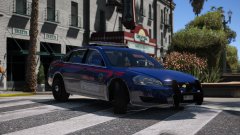
Los Santos Police - Mini Pack


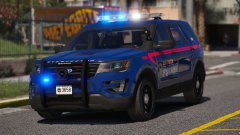
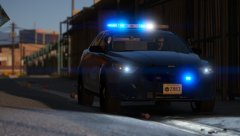
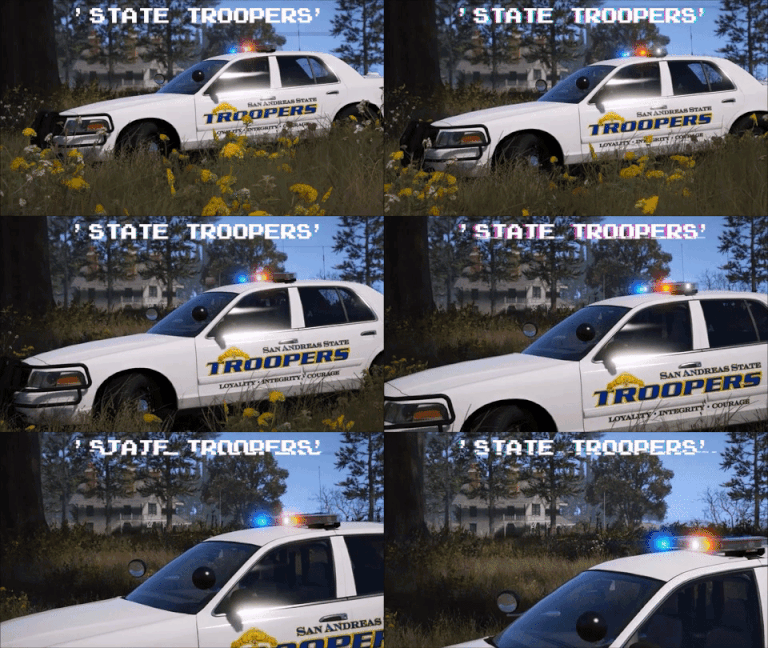
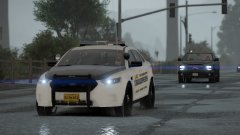
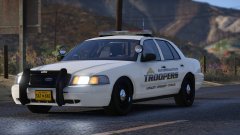
Making a new LSPD pack as filler for my Los Santos Police Service pack (the one based on Toronto Police Service). It'll feature only three vehicles: CVPI, FPIU and FPIS. It's based off Atlanta PD, but is heavily changed away from their department. 


Not sure why the lights look a bit blue. Just trying to fix that with my testers.


20180215213856_1.thumb.jpg.6a4abed5729383d1c76cf62c230fdf04.jpg

20180215213951_1.thumb.jpg.8f56de5eee23aded4236313a199eebb3.jpg

20180215214005_1.thumb.jpg.e1b8536787fde8cd5ef30475fb7bbbb1.jpg

From the album:

Jed's Models

· 124 images

Account

Navigation

Search

Search

Configure browser push notifications

Chrome (Android)
  1. Tap the lock icon next to the address bar.
  2. Tap Permissions → Notifications.
  3. Adjust your preference.
Chrome (Desktop)
  1. Click the padlock icon in the address bar.
  2. Select Site settings.
  3. Find Notifications and adjust your preference.