
Skip to content
View in the app

A better way to browse. Learn more.

LCPDFR.com

A full-screen app on your home screen with push notifications, badges and more.

To install this app on iOS and iPadOS
  1. Tap the Share icon in Safari
  2. Scroll the menu and tap Add to Home Screen.
  3. Tap Add in the top-right corner.
To install this app on Android
  1. Tap the 3-dot menu (⋮) in the top-right corner of the browser.
  2. Tap Add to Home screen or Install app.
  3. Confirm by tapping Install.

Hood gonna love it

Posting these now 'cause I'm not around later.


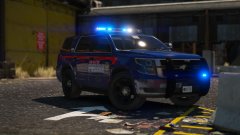
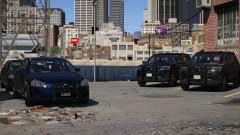
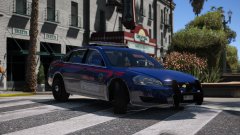
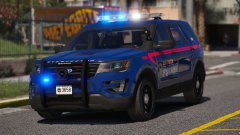
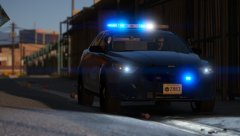
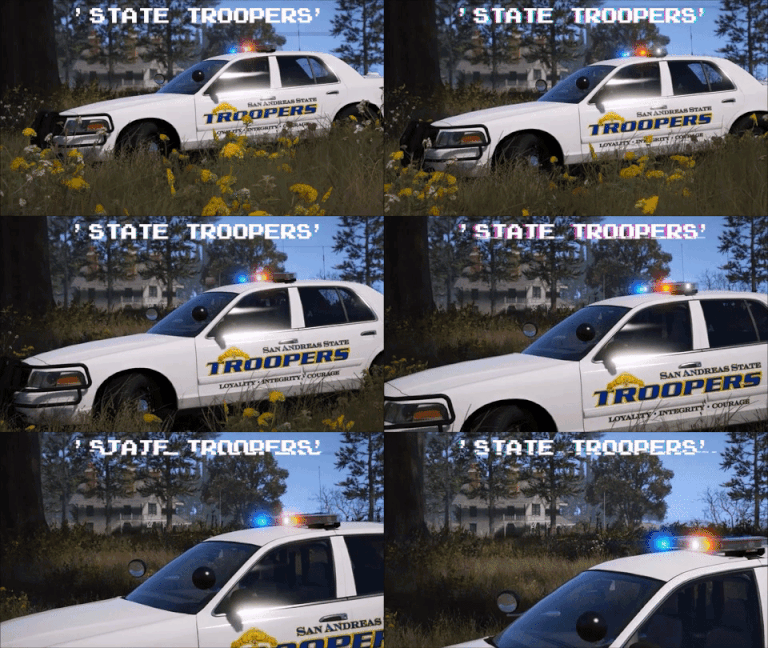
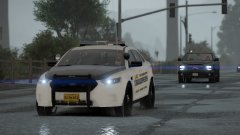
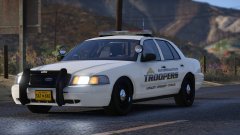
Suddenly had the urge last night to try and make some Atlanta PD themed vehicles, and this is the outcome of it. I quite like it, so might make it into a mini pack.


Oh, and I couldn't get the red line or text right, so a big thanks to Chambers for the base template for this pack.


And don't worry, the Toronto themed LSPD pack is coming, it's just taking me a long time to produce it.


20180214082330_1.thumb.jpg.62e4d732ffa56311e8fe5ae16dfa86ce.jpg

20180214082425_1.thumb.jpg.a68b795573fa026071ecaea2c0f6086f.jpg

20180214082521_1.thumb.jpg.5344acf5d5f79282f66d36865402025e.jpg

20180214082536_1.thumb.jpg.7b8ac543f77990c9608d0d5c8e4a4fbe.jpg

From the album:

Jed's Models

· 124 images

Account

Navigation

Search

Search

Configure browser push notifications

Chrome (Android)
  1. Tap the lock icon next to the address bar.
  2. Tap Permissions → Notifications.
  3. Adjust your preference.
Chrome (Desktop)
  1. Click the padlock icon in the address bar.
  2. Select Site settings.
  3. Find Notifications and adjust your preference.