


Skip to content
View in the app

A better way to browse. Learn more.

LCPDFR.com

A full-screen app on your home screen with push notifications, badges and more.

To install this app on iOS and iPadOS
  1. Tap the Share icon in Safari
  2. Scroll the menu and tap Add to Home Screen.
  3. Tap Add in the top-right corner.
To install this app on Android
  1. Tap the 3-dot menu (⋮) in the top-right corner of the browser.
  2. Tap Add to Home screen or Install app.
  3. Confirm by tapping Install.

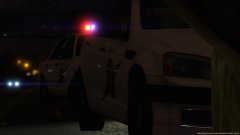
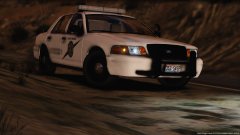
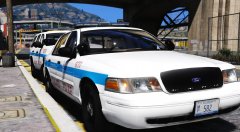
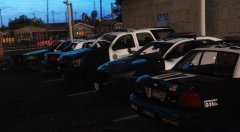
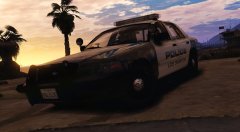
I'm back!!

After a few months of having problems with my PC... I am back making vehicles for the GTA Community. Sorry I didn't expect this to happen but it did but I'm not confident that my PC will be stable enough to release more in the future, btw sorry I haven't put any presents under the tree, don't worry there will be a late present soon!


Twisted.

Copyright

© TWISTEDSCOPES

From the album:

W.I.P Models (GTA V)

· 137 images

Account

Navigation

Search

Search

Configure browser push notifications

Chrome (Android)
  1. Tap the lock icon next to the address bar.
  2. Tap Permissions → Notifications.
  3. Adjust your preference.
Chrome (Desktop)
  1. Click the padlock icon in the address bar.
  2. Select Site settings.
  3. Find Notifications and adjust your preference.