Skip to content
View in the app

A better way to browse. Learn more.

LCPDFR.com

A full-screen app on your home screen with push notifications, badges and more.

To install this app on iOS and iPadOS
  1. Tap the Share icon in Safari
  2. Scroll the menu and tap Add to Home Screen.
  3. Tap Add in the top-right corner.
To install this app on Android
  1. Tap the 3-dot menu (⋮) in the top-right corner of the browser.
  2. Tap Add to Home screen or Install app.
  3. Confirm by tapping Install.

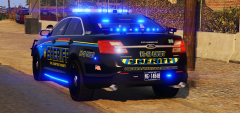
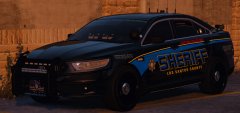
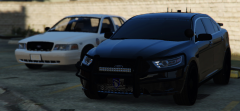
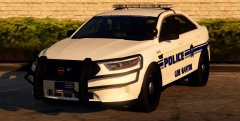
Paleto Bay PD Ford FPIS

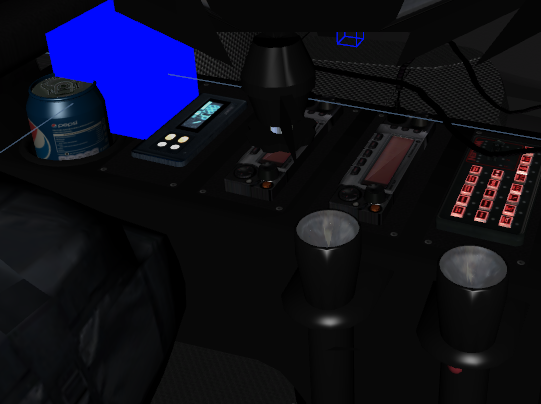
I cannot be ANYMORE proud of this! It couldn't came out anybetter..All emis interior...rambar and radar are extra's...working cruise lights and take downs...I really took my time with this model...I wanted it to be absolutely prefect.I can't wait for you guys to be able to use it!

bnUl8tl.jpg

bxsyIdx.jpg


4a17a5f117c69714fcb1a8492850b520.png

From the album:

Ford Taurus

· 9 images

Account

Navigation

Search

Search

Configure browser push notifications

Chrome (Android)
  1. Tap the lock icon next to the address bar.
  2. Tap Permissions → Notifications.
  3. Adjust your preference.
Chrome (Desktop)
  1. Click the padlock icon in the address bar.
  2. Select Site settings.
  3. Find Notifications and adjust your preference.