


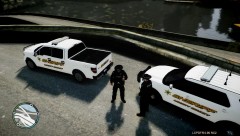

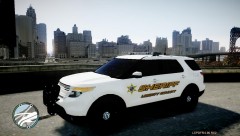


LCSO 2010 dodge charger used for regular patrol and supervisor roles.

By Deactivated Member
- 1,388 views
- View Deactivated Member's images
the LCSO have received 65 new 2010 dodge chargers to go with there new fleet of dodge cars. these cars will be put into patrol duties first thing tomoro morning. when we asked the sheriff is these cars will eventually replace the old CVPI fleet, the sheriff sead ' the CVPI has been a valuable aset to the former LCPD and in our 30 years of service the crown vics have been our primary patrol units and they are able to out manover almost any car thay come across, i fully intend to ceep these cars until the day i get old enough to retire' 89% of the deputies agree with the sheriff.
Recommended Comments
Join the conversation
You can post now and register later. If you have an account, sign in now to post with your account.