
Skip to content
View in the app

A better way to browse. Learn more.

LCPDFR.com

A full-screen app on your home screen with push notifications, badges and more.

To install this app on iOS and iPadOS
  1. Tap the Share icon in Safari
  2. Scroll the menu and tap Add to Home Screen.
  3. Tap Add in the top-right corner.
To install this app on Android
  1. Tap the 3-dot menu (⋮) in the top-right corner of the browser.
  2. Tap Add to Home screen or Install app.
  3. Confirm by tapping Install.

Emergency uniforms pack - Law & Order 9.3.1

(236 reviews)

10 Screenshots


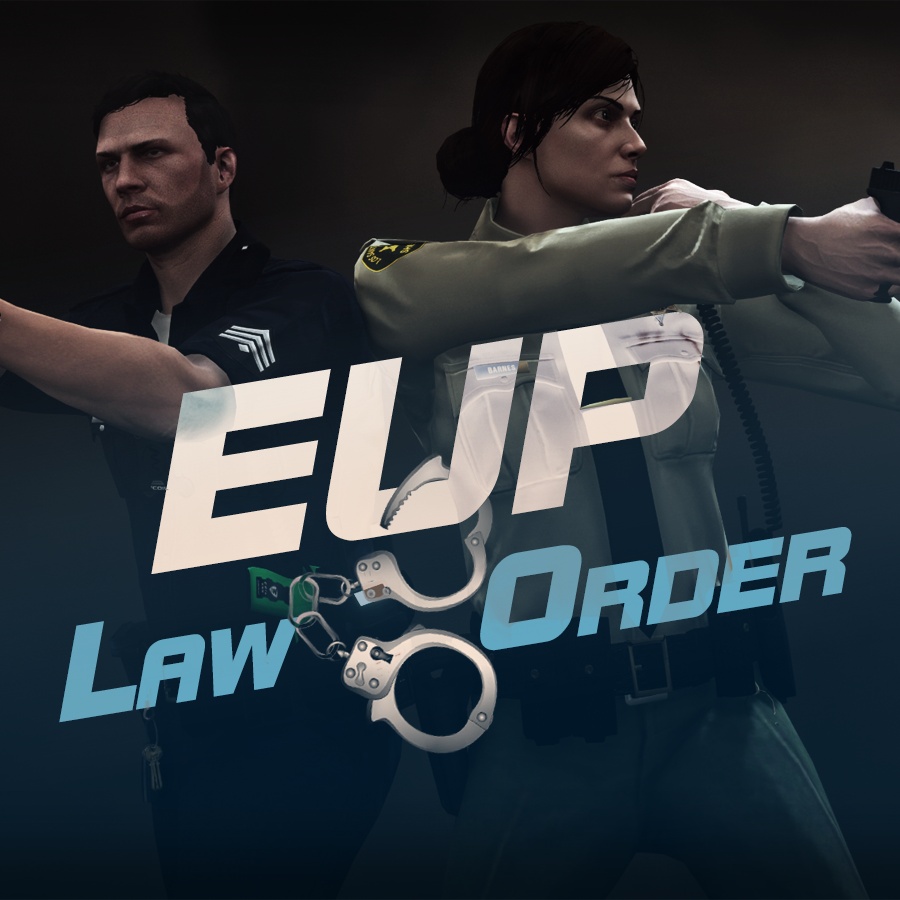
632635363_EUPlw.png.08a8e4d613dc7a278fc352b6b57ce8a2.png

EUP is an all-in-one modification that gives us the free range to create your own law enforcement officer as you patrol the streets and roads of San Andreas. U mad Ronson?

This time, play different - be different. Adapt your style to the situation. Get your gear on - use a High-Vis vest to direct traffic, a waterproof jacket on a rainy day or a tactical outfit when the situation gets hot. Choose from various lore-friendly departments base of real life. Customize various components of your outfits.

The mod that started as a holster and a vest retexture, now so expansive, most Australians finish downloading it right when an update comes out. Emergency Uniforms Pack Law & Order 8.2 offers an unrivaled catalog of lore-friendly California-inspired law enforcement uniforms for both male and female multiplayer characters. From tasteful evolutions of the classic LSPD outfits, you see AI cops wearing, to dozens of uniforms for entirely new lore-friendly law enforcement departments based on real-world California departments. Emergency Uniforms Pack has it all, and when tied with partner mods such as EUP Serve and Rescue, EUP Menu, and EUP LSPDFR Configs, you can totally transform your LSPDFR experience.

Creative Commons License
This work is licensed under a Creative Commons Attribution-NonCommercial-ShareAlike 4.0 International License.


If you were you were looking for the latest version of EUP and wish to support our work click the button down below:

Patreon

 
This mod is a free mod, the beta versions of EUP accessible only through our patreon page, is a tool for us to support the development of the mod and create a platform to interact with the community, 5 years later this mod became my main ''job'' and source of income, thanks to all the fans and supporters. Which means more quality and enhancements, since I can allow all my time to it and invest money into assets and programs.

The public version is still important to us and will receive updates, which is only made possible through our membership system.


For General discussions, beta registration, support, images contest and more follow join our Discord Server:


EUP Discord


Add-Ons


In order to select and customize outfits, you NEED to get the menu here:


Need help? Something went wrong? Not sure how to proceed?
Leave the comments and reviews alone, we don't really monitor them.


Follow the link to EUP Discord for help or comments


Edited by Alex_Ashfold
Links update

What's New in Version 9.3.1

Released

jsut updating the version umber to display a more accurate one. No need to downloand and reinstall, no new content.


Short Description

https://www.patreon.com/alex_ashfold

User Feedback

Recommended Comments

Lordy42O

Members

4 hours ago, PhillBellic said:

You sure about that?


Under the large Green 'Download' Button there, there's an "All Versions" List there.

Awh shiet haha really appreciate mate xD. I'm really sure that i gotta go to the hospital and got my eyes checked again haha xD

jiffey1021

Members

(edited)

when I put a outfit on it looks ridiculous, they are all mix matched with different clothes can someone help me please.


Edited by jiffey1021

leezo98

Members

How can I use the menu on main characters as when I attempt to open the menu im just given a random dude that I made 

DeputyJ

Members

So, I'm fairly new to installing uniforms, vehicles, etc.. I followed the instructions to a T (at least so I think) and also downloaded the configuration and menu. 

So it changed the lspd default uniform and gives me different options for IAA but that's it. It doesn't allow me to change anything else to any other depts. Any help with this?

cstolte

Members

so i downloaded this (which im new to downloading uniforms, cars i know how to) but all of the lspd officers have the pilot patches, how do i fix that?

Kairik

Members

Is there a way to make the npc's outfits not get affected?


Knight31

Members

Can any of you tell me where or what the names for the neck badge files are?  I'm trying to retexture one but failing in an epic way


Denny

Members

(edited)

The EUP menu has hundreds of different tops/ accessories etc that have nothing to do with the EUP. Its all Christmas/MP themed clothing. Why can't the EUP menu simply contain only the emergency service related clothing and accessories? The menu is incredibility overwhelming and it is next to impossible to assemble any kind of outfit.

Edited by Denny

Michael000

Members

Can I get 2.0.0.0 version of EUP Menu?

Weazelsun

Members

(edited)

8 hours ago, Denny said:

The EUP menu has hundreds of different tops/ accessories etc that have nothing to do with the EUP. Its all Christmas/MP themed clothing. Why can't the EUP menu simply contain only the emergency service related clothing and accessories? The menu is incredibility overwhelming and it is next to impossible to assemble any kind of outfit.


I would suggest also installing 

 if you are getting Christmas/MP themed clothing. As that usually indicates there are missing clothing. Emergency uniforms pack - Law & Order and the following pack I linked have premade outfits made as well. 


EDIT: I checked and yes, it appears in the wardrobe function of the menu some of the clothing items are indeed Christmas/MP themed clothing. That appears to be a bug, and I would suggest going to their discord and reporting it.

Edited by n3hqbizgaming

paymax12

Members

Spoiler

everytime is just like  this, instead of police uniforms, are these shitty uniforms, please, help me.


image.png

NorthKing

Members

cop holster does not work correctly for me idky my cop grabs the gun but when he puts it back its. blank and empty nothing in the holster I tried to copy and paste and make adjustments to the cop holster xml but no luck does would anyone be able to copy there hole cop holster xml and send it to me? or am I doing something wrong?

Denny

Members

On 6/30/2019 at 10:20 AM, paymax12 said:
  Hide contents

everytime is just like  this, instead of police uniforms, are these shitty uniforms, please, help me.


image.png

Either you installed EUP wrong or you are missing some required EUP add ons for those outfits. Try uninstalling everything and doing it again.

drkslyde

Members

ok i have everything loaded in and works perfect with my character but the other npc cops are wearing different tops how can i fix this?

HRxPaperStacks

Members

So, I don't have a "mods" folder like OpenIV (and the ReadMe) say I should. I've put everything under a plugins folder where I put LSPDFR+, Traffic Policer, etc. Should I install this mod to the main file like OpenIV wants, or... what should I do?

preslytax

Members

Does Support the new Version of LSPDFR and the bug of green grove street jackets has been solve ? 

Deactivated Member

Deactivated

is eup 8.1 compatible with rde 3.1.1


t3stl3ssXmind

Members

mine says a fatal error occurred during installation I don't understand 


Shatterstar

Members

Why cant we use holster without 2 bullet packs or whatever is it called... Is there any model which is only a holster and not a bullets?  i mean accesorries number 7

Ilya Kowalski

Members

After I installed this mod all npc cops began to use casual clothes and Christmas costumes. How to fix it? I apologize for my poor English.

TF75Chris

Members

28 minutes ago, Ilya Kowalski said:

After I installed this mod all npc cops began to use casual clothes and Christmas costumes. How to fix it? I apologize for my poor English.


Check to make sure you have EUP listed in your dlc list in mods/update.rpf/common/data. That'd be my guess

Ilya Kowalski

Members

8 minutes ago, TF75Chris said:


Check to make sure you have EUP listed in your dlc list in mods/update.rpf/common/data. That'd be my guess

I checked. There's not EUP. What to do?

TF75Chris

Members

1 hour ago, Ilya Kowalski said:

I checked. There's not EUP. What to do?


enable edit mode, right click on dlclist.xml, adn add "<Item>dlcpacks:/eup/</Item>" at the bottom, before </paths> so it looks like this:


Capture.PNG

Ilya Kowalski

Members

11 hours ago, TF75Chris said:


enable edit mode, right click on dlclist.xml, adn add "<Item>dlcpacks:/eup/</Item>" at the bottom, before </paths> so it looks like this:


Capture.PNG

I added "<Item>dlcpacks:/eup/</Item>" but it didnt help. NPCs still use the wrong uniform. 

image.thumb.png.f624e6a3c5d60cc690a98f21285ccb9c.png


Ilya Kowalski

Members

I fixed the issue by downloading jurisdiction+

Create an account or sign in to comment

Account

Navigation

Search

Search

Configure browser push notifications

Chrome (Android)
  1. Tap the lock icon next to the address bar.
  2. Tap Permissions → Notifications.
  3. Adjust your preference.
Chrome (Desktop)
  1. Click the padlock icon in the address bar.
  2. Select Site settings.
  3. Find Notifications and adjust your preference.















