Skip to content
View in the app

A better way to browse. Learn more.

LCPDFR.com

A full-screen app on your home screen with push notifications, badges and more.

To install this app on iOS and iPadOS
  1. Tap the Share icon in Safari
  2. Scroll the menu and tap Add to Home Screen.
  3. Tap Add in the top-right corner.
To install this app on Android
  1. Tap the 3-dot menu (⋮) in the top-right corner of the browser.
  2. Tap Add to Home screen or Install app.
  3. Confirm by tapping Install.

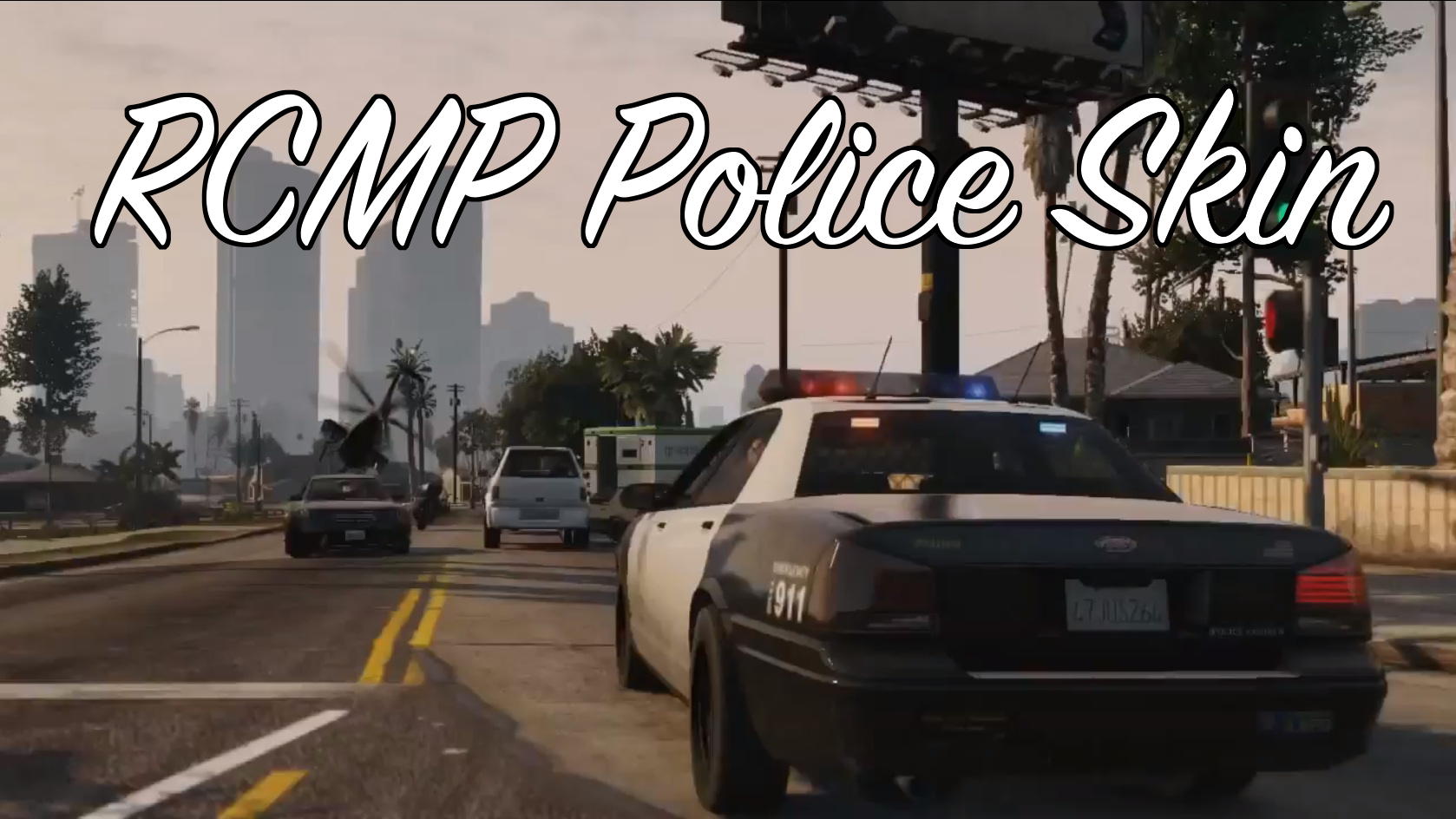
RCMP Police Skin 1.0.2

(1 review)

6 Screenshots

VIDEO TRAILER AT: https://www.gta5-mods.com/player/rcmp-police-skin or https://www.youtube.com/watch?v=OiSINqO90zY

Hey Guys! 
Thank's for stopping by and taking a look at my mod! I have put a lot of time and effort into this so please ask me before using them in other places :) 
Feel free to comment and give me ideas for more mods! Thank's again! 

f0rest 
P.s Everything is in the Readme.txt file in the download :) 

--------------------------INSTALLATION------------------------ 
First you will need to download OpenIV, use this URL to go to their website and Download OpenIV: http://openiv.com/ 

Next, run OpenIV and navigate to: 

x64e>Models>cdimages>compnentpeds_s_m_y.rpf 

Once there replace the: 's_m_y_cop_01' with the 's_m_y_cop_01' given to you in this mod. 

Next navigate to: 

x64e>models>cdimages>pedprops.rpf 

Once there replace the: 's_m_y_cop_01_p' with the 's_m_y_cop_01_p' given to you in this mod.

What's New in Version 1.0.2

Released

Hey Guys! I learnt that the RCMP shirt isn't blue! (silly me) Anyways, I have changed that now! Thank you for the feedback! 

1.0.1 ***NEW SCREEN SHOTS!***

1.0.2 ***FIXED THE BUG WITH THE BADGE AND CHANGED IT BACK FROM A MISS-UPLOAD!***

1.0.3 *** ADDED THE RCMP LOGO TO THE HAT***

User Feedback

Recommended Comments

f0rest1998

Members Author

Looks awesome!

Thank's Man!

GravelRoadCop

Members

(edited)

Please show better pictures. 

Also, the shirt is too blue, nothing like the real life RCMP issued uniform. Also, what's up with the smeared shoulder patch ? 

Edited by Drunkpolice

f0rest1998

Members Author

Please show better pictures. 

Also, the shirt is too blue, nothing like the real life RCMP issued uniform. Also, what's up with the smeared shoulder patch ? 

Only reason why the shirt is too blue is the fact that I upped the contrast on the Rockstar Editor :) and also the patch isn't smeared, it's only like that because of the animation he is currently in, I will upload some more images later on today. and Thank you for the feed back :)

Deactivated Member

Deactivated

(edited)

.

Edited by Account Deleted

f0rest1998

Members Author

Just a tip there, the RCMP shirt is actually a light gray, there's no blue in it. I know it seems bluish, but when they wear it with the dark blue vest or the lighting is just right it makes it look like the shirt is blue.

Ah thank you Nic! I will take a look and see if I can find the actual colour :)

Sheepish2

Members

(edited)

if you need a hand with RCMP uniforms and vehicle textures join me on the Mounties Gaming Teamspeak @ http://www.mountiesgaming.ca and ill help you there! I am a RCMP in IV & V with the mounties clan and great skin by the way!


Edited by Sheepish2

f0rest1998

Members Author

if you need a hand with RCMP uniforms and vehicle textures join me on the Mounties Gaming Teamspeak @ http://www.mountiesgaming.ca and ill help you there! I am a RCMP in IV & V with the mounties clan and great skin by the way!


Thank you! I'll be sure to drop by! Will have to be later on tonight! 

ConstableMatt

Members

The best RCMP skin there is it's on 2 sites thanks for sharing

deziel0495

Members

Installed correctly, but the patches on the arms are not there... they are just white textures. Tried installing multiple times.

Create an account or sign in to comment

Account

Navigation

Search

Search

Configure browser push notifications

Chrome (Android)
  1. Tap the lock icon next to the address bar.
  2. Tap Permissions → Notifications.
  3. Adjust your preference.
Chrome (Desktop)
  1. Click the padlock icon in the address bar.
  2. Select Site settings.
  3. Find Notifications and adjust your preference.