





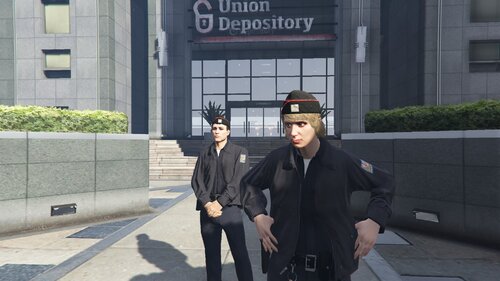
Sorry, I don't have any in-game photos of it, but they all do fit, and I have tested them in-game. These are not my best work, so don't expect them to look perfect.
A custom Gruppe 6 vehicle livery pack designed for FiveM. This pack features a fictional security company, Gruppe 6, intended for use in roleplay.
Usage & Permissions
Free to use on personal and public FiveM servers.
Please provide credit when showcasing or featuring these liveries.
Redistribution or re-uploading of these files is strictly prohibited.
Selling or claiming these liveries as your own is not permitted.
Vehicles featured are from https://troopercorentin.com/products/valor-pack
Vehicle Compatibility
2011 CVPI
2018 Charger
2018 F-150
2018 Taurus
2020 Explorer
Installation
Download the provided files.
Follow the included installation instructions.
Ensure the liveries are installed on their corresponding vehicle models.
Support
For installation assistance, questions, or issues with the pack, please contact me through Discord.
Enjoy the pack!
Edited by Claire Designs
Short Description
AI disclosure
The author has disclosed that AI tools were used in creating the following aspects of this file:
- Description
Vehicle Models: https://troopercorentin.com/products/valor-pack







Recommended Comments
Create an account or sign in to comment