





Military Style - Mini Livery Pack - By CapitalXR #v.1
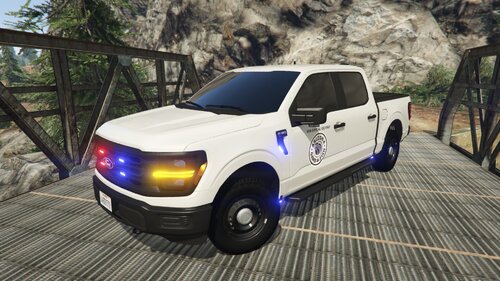
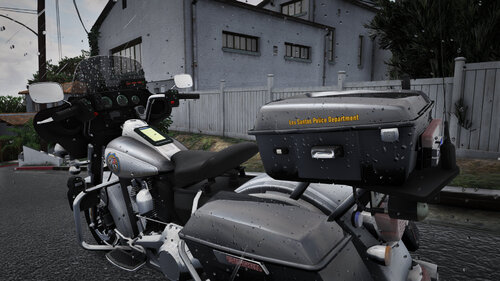
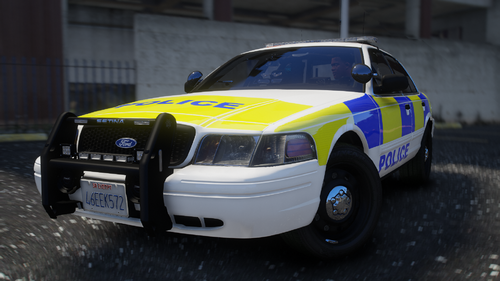
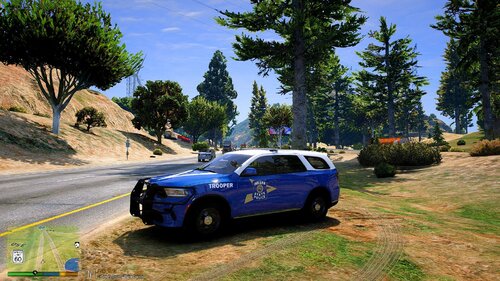
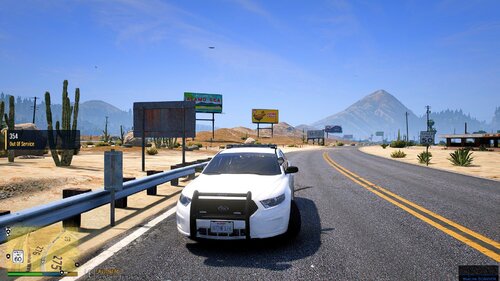
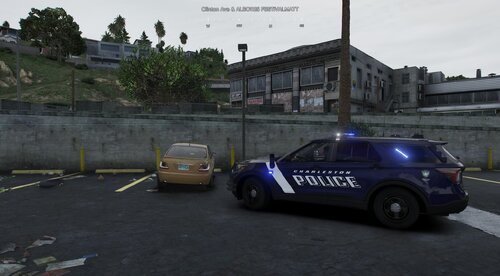
A military police inspired mini livery pack based on U.S. Army MP patrol vehicles from Fort Bragg. This pack features clean, simple, and realistic designs aimed at recreating the look of on-base law enforcement units. Designed to fit vehicles like the 2018 Charger and 2020 FPIU, it’s a great addition for players looking to enhance immersion with a subtle, authentic military-style presence in GTA V.
Disclaimer: This livery is inspired by U.S. Army Military Police (MP) patrol vehicles, specifically those used at Fort Bragg. This project is not affiliated with, endorsed by, or connected to the U.S. Army or any government agency.
How To Install:
1) Open "OpenIV" and enable "Edit Mode"
2) Go to your prefered Vehicle DLC in "Grand Theft Auto V\mods\update\x64\dlcpacks"
3) Open the Vehicle DLC Folder and go to: "YourVehicleDLC\dlc.rpf\x64\vehicles.rpf\"
4) In there you have to locate your 2018 Charger or 2020 FPIU .ytd file (Possibly named chrg, charger, 2018charger, 2020fpiu, fpiu, etc)
5) Open the vehicles's .ytd file
6) Search for the keyword "sign" (possibly named chrg_sign_1 or fpiu_sign_1 [or any other name or number])
7) Repeat this for every vehicle .ytd you find for a specific model. Including the "+hi" Version.
8) Now you must rename the file I included to match the original files name (DO NOT CHANGE THE FILE TYPE [KEEP IT A .PNG) HOWEVER you must Change the number to the next possible one (sign_1, 2, 3, 4, etc).
9) Drag it into the folder and click "Ok" WITHOUT changing any options.
10) Save it and launch GTA V
11) Use a mod menu (like Menyoo) or console to spawn in your vehicle. You can then change the livery using a mod menu.
Short Description
AI disclosure
The author has disclosed that AI tools were used in creating the following aspects of this file:
- Description
- Reference: U.S. Army Fort Bragg Military Police patrol vehicles



![[FiveM Ready] Fictional Gang Unit - Texture](http://s3-screenshots.int-cdn.lcpdfrusercontent.com/resize/500/-/monthly_2026_07/photo1.thumb.png.baa30090528225eddf2d3fee60afb3b2.png)




Recommended Comments
Create an account or sign in to comment