Skip to content
View in the app

A better way to browse. Learn more.

LCPDFR.com

A full-screen app on your home screen with push notifications, badges and more.

To install this app on iOS and iPadOS
  1. Tap the Share icon in Safari
  2. Scroll the menu and tap Add to Home Screen.
  3. Tap Add in the top-right corner.
To install this app on Android
  1. Tap the 3-dot menu (⋮) in the top-right corner of the browser.
  2. Tap Add to Home screen or Install app.
  3. Confirm by tapping Install.

[EUP] LSPD Uniforms Mega Pack for EUP 8.3 0.9.9.1

(4 reviews)

20 Screenshots


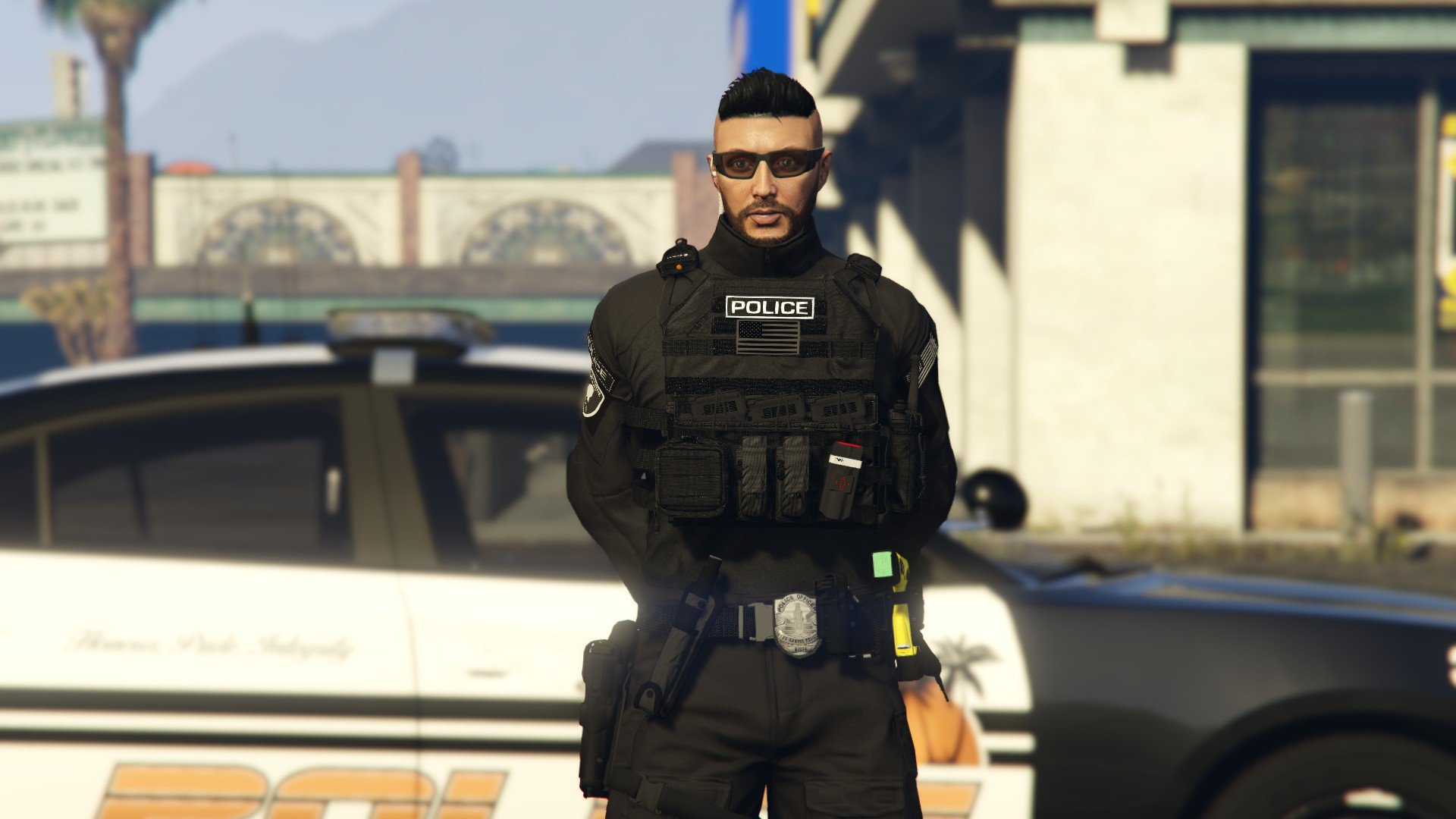
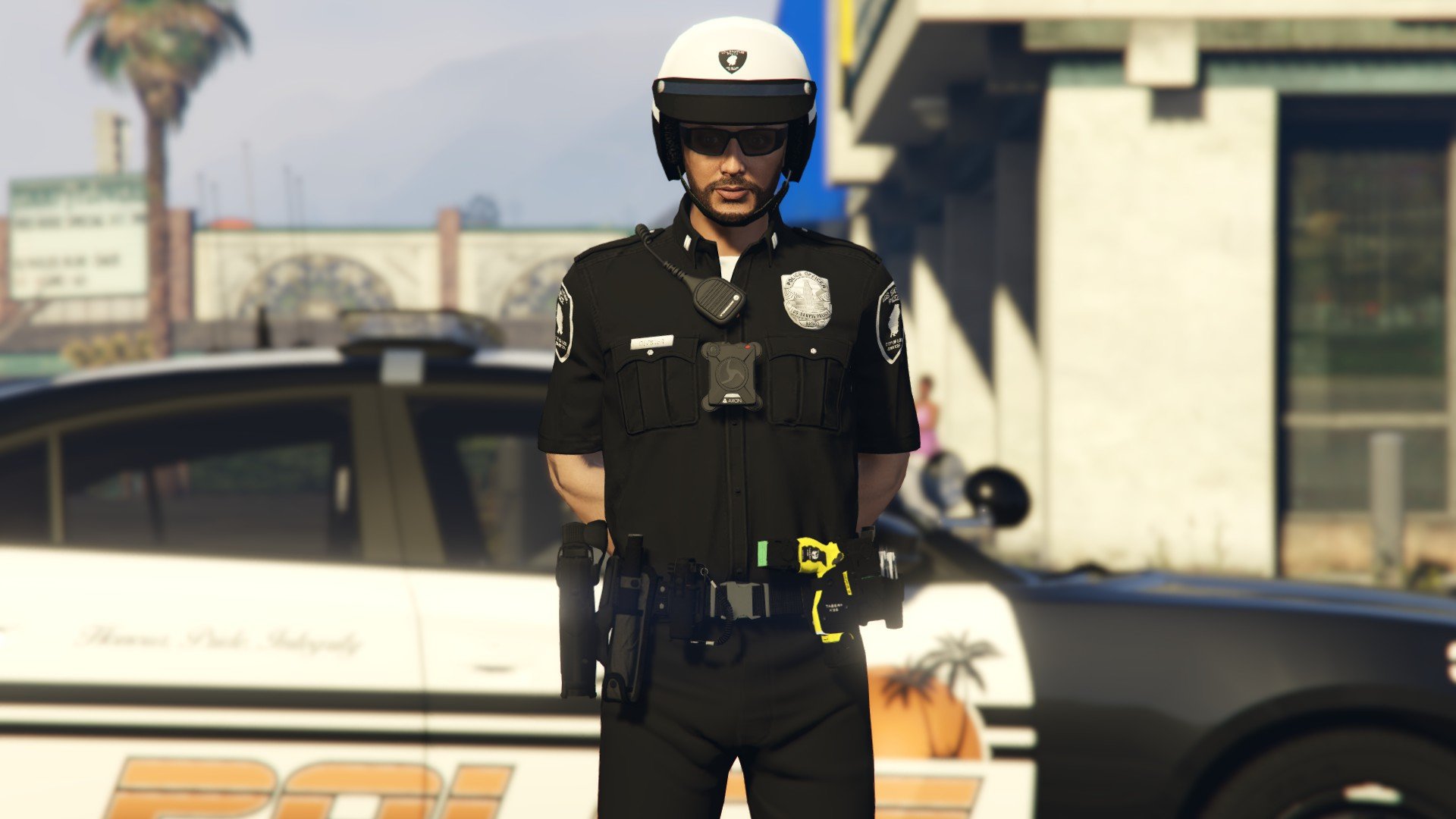
Hello this is Wikd's LSPD EUP mega pack thanks for checking it out!


Currently incluced in this pack is uniforms for

-Los Santos Police Department
-Los Santos International Airport Police
-Del Perro Police Department
-Los Santos Port Police
-Rockford Hill Police Department
-Some extra content (That is not categorised so you will need to find it)


(No models included only textures)


This pack is now not the main version of this pack

This pack is compatible with EUP 8.3. The pack is currently in version 0.9.0


-EUP 8.3


Link:


-New version of this pack: 


I am not responsible for ANY DAMAGES.
Do not claim this work as your OWN and do NOT REUPLOAD to any sites.
Do NOT EDIT these textures in ANY way unless you get written permission from myself.
Remember I put a lot of work into this.

Edited by Wikd

What's New in Version 0.9.9.1

Released

--0.9.0--


-This is now not the main version of this pack so i downgraded the ver of this pack.

-Added links to new ver


Short Description

Los Santos Gets a New Look!

User Feedback

Recommended Comments

Wikd

Members Author

47 minutes ago, xVeKk said:

You should do an .OIV or some simpler method to install it. The truth is that it is a very good job, but when I have seen everything that needs to be installed I have changed my mind. Luck!

Drag and drop is planned for final release.


1 hour ago, Azyllion said:

very good content , so if I understood correctly you can do the same thing with the LSSD and the BCSO but that in black version it is ?

Probably not unless I decide I want to.


9 hours ago, Exuhz said:

Talking about the cars in the screenshots. Sorry

LSPD Legacy pack by Ripple with my textures

Luk3s

Members

where can I download 9.3

 
image.png.7bdd31de00a8a9b0d547c2c383c0ed17.png


image.png.f4fac32b2833948fa46522c26a1f556a.png


T.R.Development

Members

15 hours ago, Wikd said:

Most of the models are from 8.2 and some are from 9.3 


Drag and drop is planned for final release 

will you also be doing females?

Wikd

Members Author

1 hour ago, T.R.Development said:

will you also be doing females?

I believe all textures are compatible with females 

Azyllion

Members

4 hours ago, Wikd said:

I believe all textures are compatible with females 

🙂


Lux

Members

hyped for more of your packs maybe bcso etc

Luk3s

Members

you don't know why the texture of the Class A.dds suit doesn't work for me

image.png

Luk3s

Members

you don't know why the texture of the Class A.dds suit doesn't work for me

Wikd

Members Author

2 hours ago, Luk3s said:

you don't know why the texture of the Class A.dds suit doesn't work for me

I don't know man.

ehco

Members

Will this work with EUP 8.1?


Shimada234456

Members

2 hours ago, ehco said:

Will this work with EUP 8.1?


nope it will not

HuntarMD

Members

Could you possible make a female version for this pack?

Wikd

Members Author

1 hour ago, HuntarMD said:

Could you possible make a female version for this pack?

Textures are compatible already.

Oddball23

Members

Great textures! Are the radios and bodycams in the screenshots part of EUP 9.3 or are they separate? 

HuntarMD

Members

(edited)

So instead of the male folder I drop the files in the female one? @Wikd

Edited by HuntarMD

Wikd

Members Author

6 hours ago, Oddball23 said:

Great textures! Are the radios and bodycams in the screenshots part of EUP 9.3 or are they separate? 

Yeah separate.


6 hours ago, HuntarMD said:

So instead of the male folder I drop the files in the female one? @Wikd

You should be able to put in in the female path which should be similar and should work. I don't play female and don't really plan to mess around with it. 

Xx1TAPKINGIRxX

Members

how do i install this?


GrubbyOldGamer

Members

Love how this looks.

I'm still new to all this so I'll ask a dumb question...these textures would work fine with my FiveM right? I have EUP 9.3 on the server. ^-^

Wikd

Members Author

On 8/30/2021 at 11:47 PM, Xx1TAPKINGIRxX said:

how do i install this?


Follow the install paths in the install guide included or look up a video for further help


On 8/31/2021 at 11:59 PM, Redeye Designs said:

Looks Good!

Thanks!


8 hours ago, GrubbyOldGamer said:

Love how this looks.

I'm still new to all this so I'll ask a dumb question...these textures would work fine with my FiveM right? I have EUP 9.3 on the server. ^-^

It should but no support will be provided and if you do use it on a FiveM server make sure to credit me.

Woqqs1

Members

How do you install this? I can't find any tutorials on how to install these.

Hondo1977

Members

On 8/25/2021 at 11:08 AM, Wikd said:

Install it as you install any other texture and it will work.

How so? Do they need to be renamed or just dragged an dropped into respective folder with current file names?

yourhomiehomey

Members

I can't find a lot of the install paths, specifically the LSPD Duty belt. The "task_diff_001_h_uni" is not in january2016

geraldcanty45

Members

imm trying to find that jacket thats in the last picture but i cant seem to find it anymore because i have an BCSO of it but none of the texture are working, please help 


geraldcanty45

Members

the one that has two zippers on the jacket, thats one im looking for

Create an account or sign in to comment

Account

Navigation

Search

Search

Configure browser push notifications

Chrome (Android)
  1. Tap the lock icon next to the address bar.
  2. Tap Permissions → Notifications.
  3. Adjust your preference.
Chrome (Desktop)
  1. Click the padlock icon in the address bar.
  2. Select Site settings.
  3. Find Notifications and adjust your preference.