Skip to content
View in the app

A better way to browse. Learn more.

LCPDFR.com

A full-screen app on your home screen with push notifications, badges and more.

To install this app on iOS and iPadOS
  1. Tap the Share icon in Safari
  2. Scroll the menu and tap Add to Home Screen.
  3. Tap Add in the top-right corner.
To install this app on Android
  1. Tap the 3-dot menu (⋮) in the top-right corner of the browser.
  2. Tap Add to Home screen or Install app.
  3. Confirm by tapping Install.

New York State EUP 8.2 NYSP,NYPP,OCSO,WPD 1.0.0

(0 reviews)

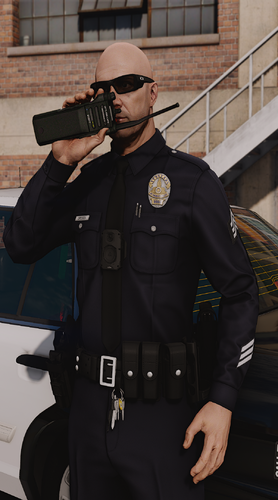
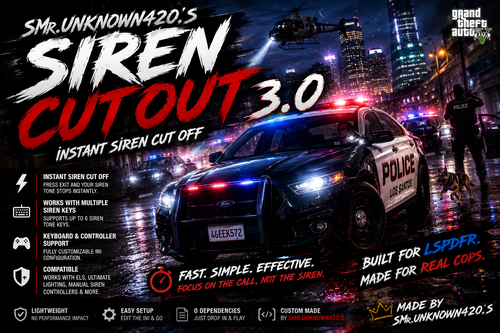
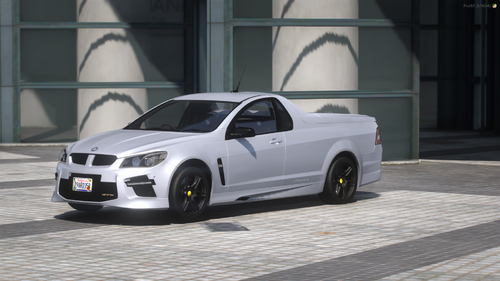
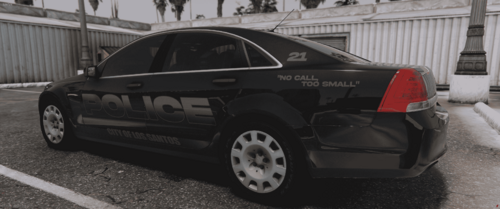
4 Screenshots

Hope You all Enjoy!!!! 


My First EUP pack let me know what Yall think Feel Free to contact me if you need any help!!!


My good Friend made skins for each Department So go show his pack some love!!!!!!!!


 HERE IS THE HAT [Moderation Note: Removed off-site content with disputed permission]


Short Description

These are custom and they are based off of real NYSP NYPP WPD And OCSO witch is a real county in the state of New York.

User Feedback

Recommended Comments

Promissed

Members

Where can I get the troopers hat?

taz25tl

Members

Hey does anyone know the Pathway? 


aaronbayer

Members Author

need my help my discord is 1_lincon_42#6140


Deactivated Member

Deactivated

Can you put the pathway in the download or description? I thing I got the pathway right but it’s not working. These look very nice and even better when I get it working. I don’t have discord so that’s why I’m writing this.

Create an account or sign in to comment

Account

Navigation

Search

Search

Configure browser push notifications

Chrome (Android)
  1. Tap the lock icon next to the address bar.
  2. Tap Permissions → Notifications.
  3. Adjust your preference.
Chrome (Desktop)
  1. Click the padlock icon in the address bar.
  2. Select Site settings.
  3. Find Notifications and adjust your preference.