
Skip to content
View in the app

A better way to browse. Learn more.

LCPDFR.com

A full-screen app on your home screen with push notifications, badges and more.

To install this app on iOS and iPadOS
  1. Tap the Share icon in Safari
  2. Scroll the menu and tap Add to Home Screen.
  3. Tap Add in the top-right corner.
To install this app on Android
  1. Tap the 3-dot menu (⋮) in the top-right corner of the browser.
  2. Tap Add to Home screen or Install app.
  3. Confirm by tapping Install.

GrammarPolice 1.8.3

(82 reviews)

4 Screenshots


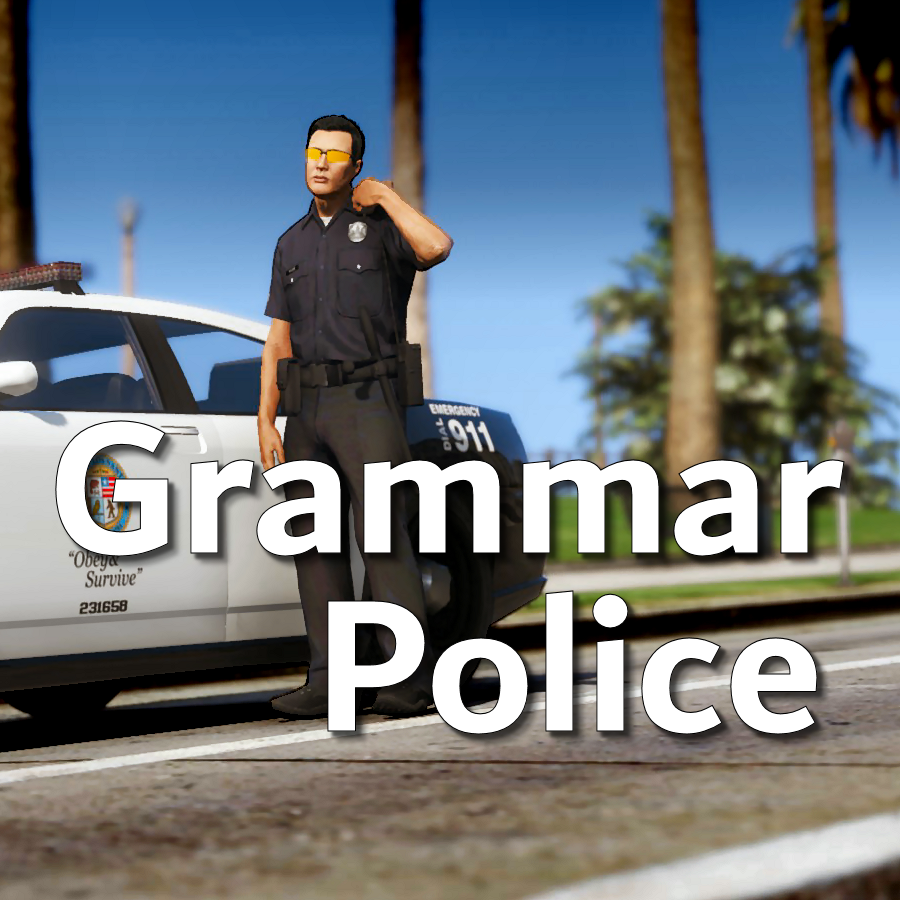
Welcome to Grammar Police!  This plugin began as a replacement for VocalDispatch but has grown into much more!


Speech Recognition

  • Issue commands to the dispatcher using your microphone
  • Includes a "hold to talk" feature that simulates a real radio
  • Supports StopThePed and UltimateBackup out of the box
  • Contains multiple sets of "10 codes" or customize yourself
  • Request backup, run plate checks, accept callouts and more!


Non-Verbal Interactions

  • Use an on-screen radio to interact with the dispatcher
  • Also includes a Officer Plugin Status style menu system
  • Both systems are fully customizable!


Language Support

  • English
  • French
  • German
  • Spanish


Technical Support


Tutorial Videos

Edited by opus49

What's New in Version 1.8.3

Released

Grammar Police 1.8

  • Restored player status display on PTT release (thanks OfficialFlipPlayz)
  • Restored the "say again" and generic response functionality
  • Restored emergency status on panic (thanks L’ère de l’a-paix)
  • Hardened radio check to prevent crash when there aren't any results
  • Adjusted timings of (non-chest) animations to look and sound more natural
  • Invalid callsigns no longer cause a failure but instead fallback to default
  • Moved speech engine handling to a separate thread to minimize UI freezes
  • Updated the radio check feature and added it to the settings menu
  • Fixed bug in felony backup request where it incorrectly saw no pullover
  • Detect Dynamic Traffic Stop from CalloutInterface and set status accordingly
  • Made configuration loading more resilient, no longer crashing on bad values
  • HoldToTalk now defaults to true and should benefit from engine worker thread
  • Made the delay between speech recognition and action execution configurable
  • Added config option for using the LSPDFR animation when using on screen radio
  • Added support for multiple handlers (e.g. UltimateBackup, PolicingRedefined)
  • Added command for cancelling backup without ending callouts, pullovers, etc
  • Fixed bug with INI where it wasn't allowing the hotkey modifier to be none
  • Added script generated HTML-based speech guides for all languages

    NOTE: THIS VERSION REQURES MICROSOFT SPEECH PLATFORM
    Microsoft has removed the interface for Windows Speech Recognition in recent versions of Windows 11.  Starting with this version of Grammar Police you will need to install Microsoft Speech Platform and the language pack you wish to use:


    Instructional video here:

    Microsoft Speech Platform: https://www.microsoft.com/en-us/download/details.aspx?id=27225
    Language Packs:  https://www.microsoft.com/en-us/download/details.aspx?id=27224
    Community Translations:   https://github.com/Immersive-Plugins-Team/GrammarPolice-Translations

Short Description

Interact with the dispatcher.

User Feedback

Recommended Comments

How do you call for code 2 backup for a tow truck? 


callmeeJ

Members

i don't know what I'm doing wrong. i did everything as far as i know. i change mine RMENU to 0, downloaded errything and dispatch still not responding 😞

regressfromyou

Members

been trying to figure this out, the plugin isnt loading at all ive tried reinstalling multiple times still nothing, i dont think im missing any dlls or anything help! 

Could contain: text, screenshot

vectorghost0

Members

(edited)

 I've been trying to figure out what's wrong I've got the Microsoft speech engine installed and the en-US language installed but i keep getting these two errors

Could contain: sky, outdoor, clothing, text, tree, screenshot, person, night

Edited by vectorghost0

nova2727

Members

7 hours ago, vectorghost0 said:

 I've been trying to figure out what's wrong I've got the Microsoft speech engine installed and the en-US language installed but i keep getting these two errors

Could contain: sky, outdoor, clothing, text, tree, screenshot, person, night

There is a few different grammar folders you can choose I’m using generic and that seems to work fine 

21Sumter

Members

On 12/3/2025 at 6:35 PM, vectorghost0 said:

 I've been trying to figure out what's wrong I've got the Microsoft speech engine installed and the en-US language installed but i keep getting these two errors

It's decided?

21Sumter

Members

Anyone who encounters a speech error and thinks they have installed everything correctly, all three links are at the very bottom, including github. Download the files from github and transfer them to grammarpolice, then go to the sound settings via the control panel and make sure that your microphone is set as the default and make sure that it is there alone, then go to steam and set not the default device, but your microphone, these actions should help you

officer245

Members

i installed everything, rekeybinded my keys, set my default mic settings and still my grammer police will not here me speak. please helpRagePluginHook.log

nova2727

Members

Grammar police can be hit and miss for some people. Try this

officer245

Members

10 minutes ago, nova2727 said:

Grammar police can be hit and miss for some people. Try this

2025-12-14 19:35:47.7968: listening for speech

2025-12-14 19:35:50.2531: Received RecognizeCompletedEvent

2025-12-14 19:35:50.2531: Cancelled: False

2025-12-14 19:35:50.2531: InputStreamEnded: False

2025-12-14 19:35:50.2628: Error: None

2025-12-14 19:35:50.2628: Result: null

2025-12-14 19:35:50.2628: received RecognizeCompleted event

2025-12-14 19:35:50.2628: RecognizedCompleted waiting until click is released


this is what i got

nova2727

Members

Have you tested your mic in another computer. Maybe it’s your mic that’s the problem, by looking at the log it seems grammar police is not receiving input from your mic

officer245

Members

1 minute ago, nova2727 said:

Have you tested your mic in another computer. Maybe it’s your mic that’s the problem, by looking at the log it seems grammar police is not receiving input from your mic

my mic works in game with the PA system i have installed but not for grammer police

11 minutes ago, officer245 said:

my mic works in game with the PA system i have installed but not for grammer police

2025-12-14 19:53:16.0754: listening for speech

2025-12-14 19:53:17.4550: received SpeechDetected event

2025-12-14 19:53:19.4864: received SpeechRecognized event

2025-12-14 19:53:19.4895: Recognized the following speech: on my way Confidence: 0.6034291

2025-12-14 19:53:19.4901: SpeechRecognizedHandler waiting util click is released

2025-12-14 19:53:19.5402: Received RecognizeCompletedEvent

2025-12-14 19:53:19.5402: Cancelled: False

2025-12-14 19:53:19.5402: InputStreamEnded: False

2025-12-14 19:53:19.5498: Error: None

2025-12-14 19:53:19.5498: Result: on my way

2025-12-14 19:53:19.5498: received RecognizeCompleted event

2025-12-14 19:53:19.5498: RecognizedCompleted waiting until click is released

2025-12-14 19:53:20.2789: SpeechRecognizedHandler calling the command handler

2025-12-14 19:53:20.2789: Copy, showing you en route.


i got this tho after switching over to my other mic

officer245

Members

1 minute ago, nova2727 said:

This seems to work

yes but when i go into the game and try and use it, it does nothing. if i press C and get a radio check it says 0 for all 4

officer245

Members

42 minutes ago, officer245 said:

yes but when i go into the game and try and use it, it does nothing. if i press C and get a radio check it says 0 for all 4

i just dont understand why its not working in game but it works out side of the game

Ricky001

Members

Okay, so I'm returning after quite a while now. Updated everything and fired up LSPDFR after around a year.

One thing I noticed is that the roadblocks/ spike strips backup never show up during pursuit.

Speech recognition is not the issue, as I get a proper response that backup is being deployed, but the actual backups don't show up in game. Don't remember facing such an issue before. So came here to understand if I'm missing something or don't know about something else that might have changed.

Any help here? :)

Roog07

Members

On 12/23/2025 at 8:03 AM, Ricky001 said:

Okay, so I'm returning after quite a while now. Updated everything and fired up LSPDFR after around a year.

One thing I noticed is that the roadblocks/ spike strips backup never show up during pursuit.

Speech recognition is not the issue, as I get a proper response that backup is being deployed, but the actual backups don't show up in game. Don't remember facing such an issue before. So came here to understand if I'm missing something or don't know about something else that might have changed.

Any help here? :)

Late response but the backup will only work if your have BejoIjo's Ultimate Backup installed aswell.

Pyramid

Members

Very nice mod! I do have a problem though, it seems like when I try to request state backup it during a pursuit it just sends me normal code 3 backup. It works as intended when calling for local backup during a pursuit. My status is set as "in pursuit".

Game recognizes my voice and answers me but it doesnt change my status or call anything like backup or stuff

do i have any mod which is conflicting or what is the problem?

RagePluginHook_31012026_233358.log

DEDHOUR

Members

Hey, when I go on duty, all my plugins load correctly except grammar police, and then LSPDFR crashes

venomboy

Members

when i say "requesting spikes" it says "that feature requires a plugin that is not currently installed or loaded" what do i do

On 12/3/2025 at 10:35 AM, vectorghost0 said:

 I've been trying to figure out what's wrong I've got the Microsoft speech engine installed and the en-US language installed but i keep getting these two errors

Could contain: sky, outdoor, clothing, text, tree, screenshot, person, night

have you figured it out? i think you installed the wront language pack it should be en-us speech sr or something not txt

Create an account or sign in to comment

Latest Mods

Account

Navigation

Search

Search

Configure browser push notifications

Chrome (Android)
  1. Tap the lock icon next to the address bar.
  2. Tap Permissions → Notifications.
  3. Adjust your preference.
Chrome (Desktop)
  1. Click the padlock icon in the address bar.
  2. Select Site settings.
  3. Find Notifications and adjust your preference.











