Skip to content
View in the app

A better way to browse. Learn more.

LCPDFR.com

A full-screen app on your home screen with push notifications, badges and more.

To install this app on iOS and iPadOS
  1. Tap the Share icon in Safari
  2. Scroll the menu and tap Add to Home Screen.
  3. Tap Add in the top-right corner.
To install this app on Android
  1. Tap the 3-dot menu (⋮) in the top-right corner of the browser.
  2. Tap Add to Home screen or Install app.
  3. Confirm by tapping Install.

Code 3 Z3 1.0.0

(0 reviews)

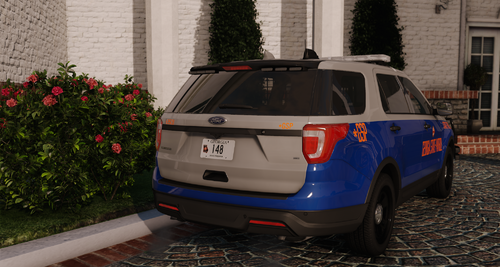
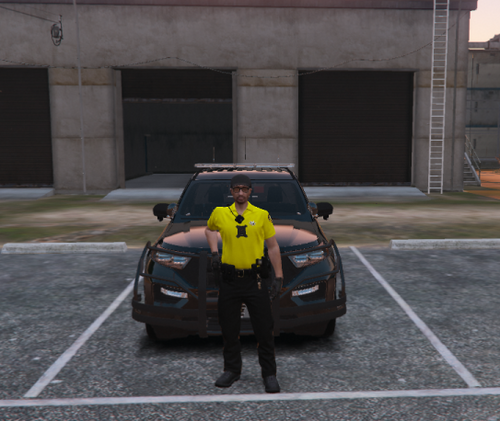
Siren is mostly used by Florida Highway Patrol (FHP) and Allentown police


Siren:


User Feedback

Recommended Comments

Jacobb324

Members Author

Just now, StraightGlitcheZ said:

Its really bad quality 

It was like that on the video

TheDotNeedsME

Members

it's like impossible to find a good showcase video for the z3 and the banshee. i don't think there is even one with good sound quality out there.

PBSO Guy

Members

If I'm correct FHP used the Code 3 RLS siren not this. I'm almost positive 

komo

Members

I made a Code 3 Z3 before with a friend of mine, but I don't feel like it's "up there" in superb quality and I don't feel like it's worth posting publicly yet. Though, it definitely doesn't have looping problems.

This Code 3 Z3 has some looping problems. Other than that, I can understand why the siren sounds "digitalized." It's because there's no air present and it's not emitting from a speaker so it doesn't make that lifelike sound. My Z3 has the same issue. Through means of tinkering around with Audacity, I was able to get close to that sound effect, but in my opinion, it didn't sound great enough to release it, and I had to spend a ton of more time getting the loop to work again and that's just a pain I don't feel like working with. I'm happy with my siren though that I have.

I know that stuff doesn't have to be superb at all to post here, but it's just my personal standards I set for myself. 

ShotsFired932

Members

(edited)

16 hours ago, Dejounte Murray said:

it's like impossible to find a good showcase video for the z3 and the banshee. i don't think there is even one with good sound quality out there.

Yeah, it is nearly impossible. Im in the middle of making one, im missing only the wail and i will test it

Edited by ShotsFired932

Jacobb324

Members Author

19 hours ago, PBSO Guy said:


19 hours ago, PBSO Guy said:

If I'm correct FHP used the Code 3 RLS siren not this. I'm almost positive 


This isnt rls

18 hours ago, komo said:

I made a Code 3 Z3 before with a friend of mine, but I don't feel like it's "up there" in superb quality and I don't feel like it's worth posting publicly yet. Though, it definitely doesn't have looping problems.

This Code 3 Z3 has some looping problems. Other than that, I can understand why the siren sounds "digitalized." It's because there's no air present and it's not emitting from a speaker so it doesn't make that lifelike sound. My Z3 has the same issue. Through means of tinkering around with Audacity, I was able to get close to that sound effect, but in my opinion, it didn't sound great enough to release it, and I had to spend a ton of more time getting the loop to work again and that's just a pain I don't feel like working with. I'm happy with my siren though that I have.

I know that stuff doesn't have to be superb at all to post here, but it's just my personal standards I set for myself. 

Thanks for pointing the looping out

doublev340

Members

1 minute ago, PBSO Guy said:

Okay So I'm partially wrong, they use both. You learn something new every day.


Yea they started using the code 3  z3 for about 2 years now on the chargers. 

eastpierceboy

Members

(edited)

yea franklin county sheriffs in Ohio use this siren and i hear them all the time. dude, if you can make this siren better, and sound amazing, i would appreciate that alot


Edited by EastPierceBoy

komo

Members

7 hours ago, Jacobb324 said:


This isnt rls

Thanks for pointing the looping out

Of course, you're welcome. Just trying to help.

Create an account or sign in to comment

Latest Mods

Account

Navigation

Search

Search

Configure browser push notifications

Chrome (Android)
  1. Tap the lock icon next to the address bar.
  2. Tap Permissions → Notifications.
  3. Adjust your preference.
Chrome (Desktop)
  1. Click the padlock icon in the address bar.
  2. Select Site settings.
  3. Find Notifications and adjust your preference.