Skip to content
View in the app

A better way to browse. Learn more.

LCPDFR.com

A full-screen app on your home screen with push notifications, badges and more.

To install this app on iOS and iPadOS
  1. Tap the Share icon in Safari
  2. Scroll the menu and tap Add to Home Screen.
  3. Tap Add in the top-right corner.
To install this app on Android
  1. Tap the 3-dot menu (⋮) in the top-right corner of the browser.
  2. Tap Add to Home screen or Install app.
  3. Confirm by tapping Install.

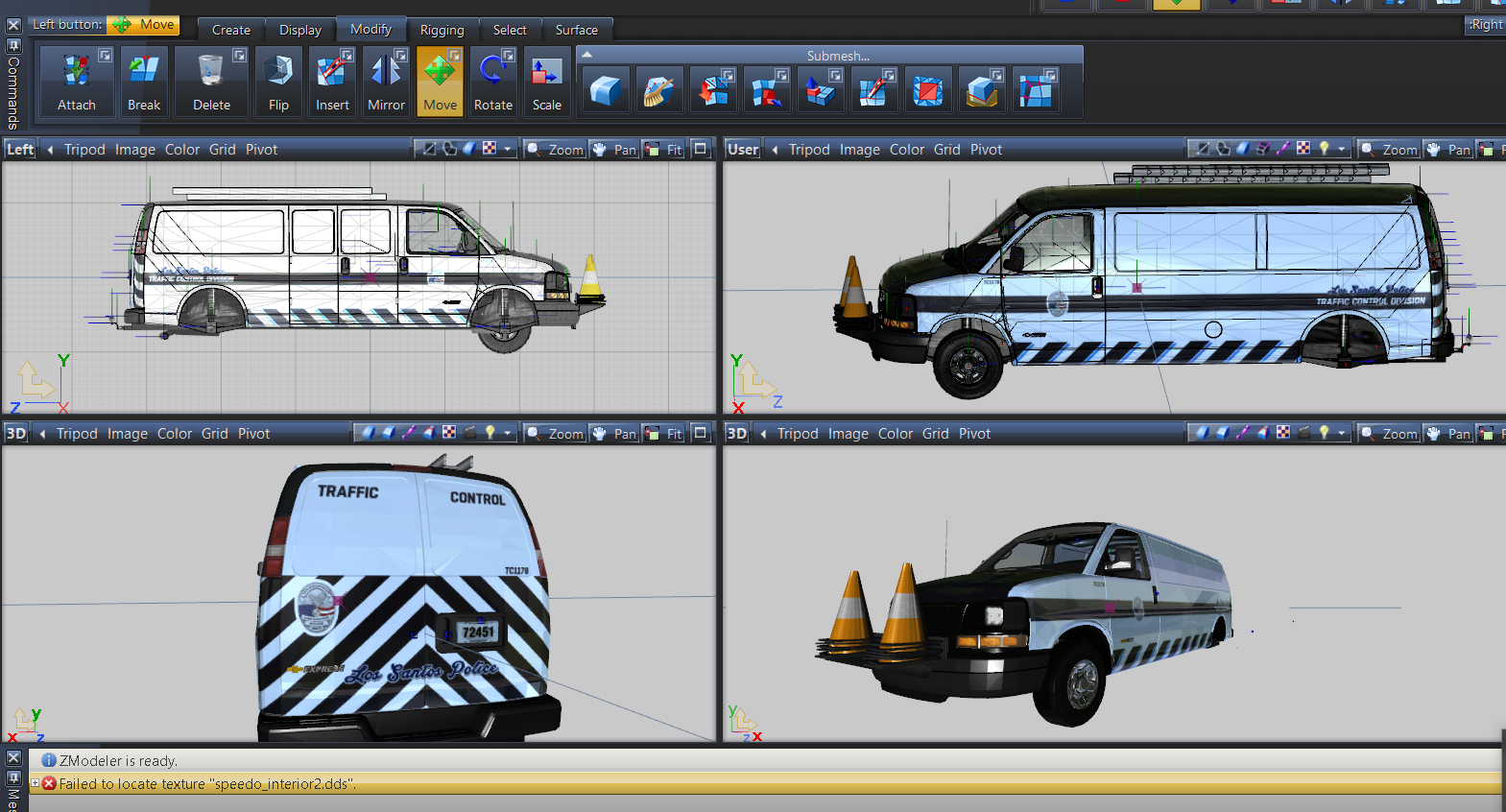
Chevy Express Van Coroner-Prisoner Transport - Undercover - Traffic Div 4.1

(13 reviews)

17 Screenshots

2016 Chevy Express Van 3500

Los Santos Police (Windsor Police Themed Van) [ELS and Non ELS]

5 Versions available

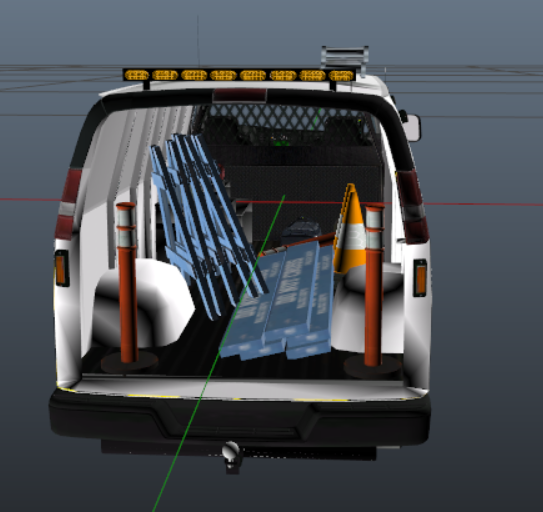
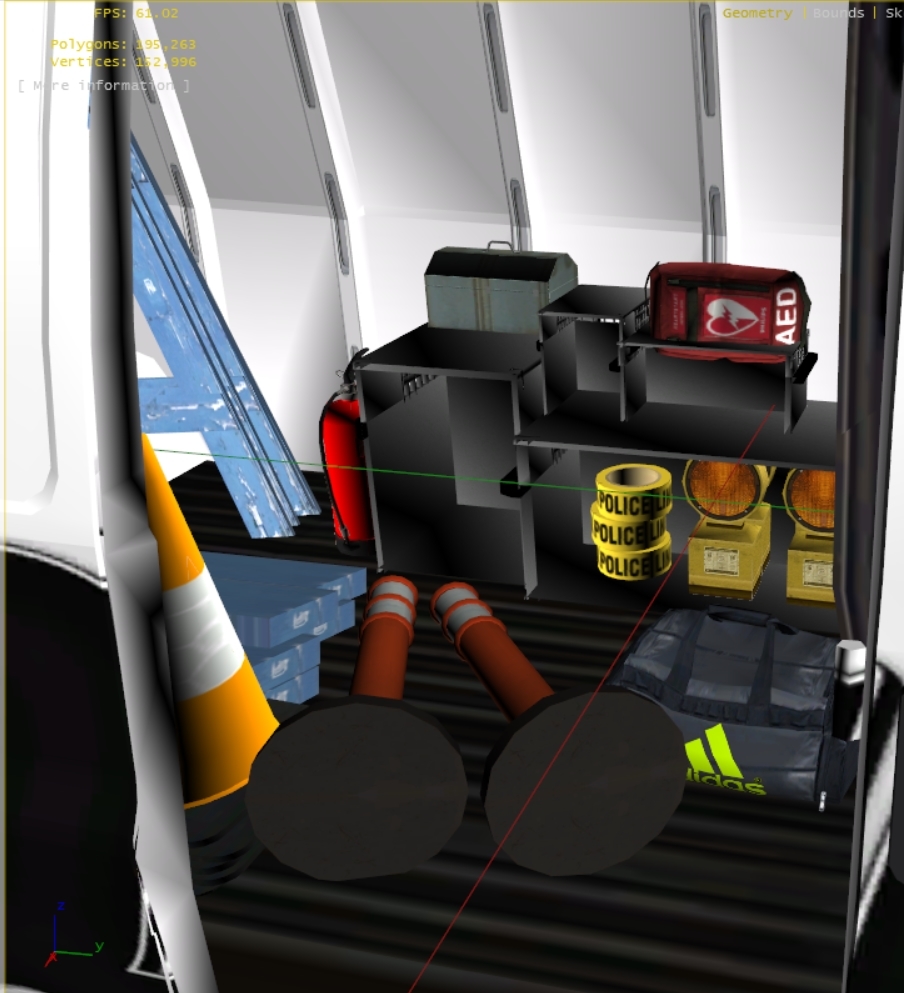
Coroner/Prisoner Transport /Undercover Versions/police Traffic/utility


Coroner Van Update in Seperate Download


FiveM ELS Version in Seperate download > this version will only work on fivem and is slightly different 

FiveM Version is Coroner/Prisoner Transport Van that is configurable via extra_ten slot.


NON ELS FiveM Version:: https://www.gta5-mods.com/vehicles/chevy-express-van-coroner-prisoner-unmarked

image.jpgimage.jpg


lossely based off the above vehicles. 


No Lightbar, 12 Single Module LEDS in Extra 5 and 6 Flash Red and Blue, other version has rear amber TA in rear.

extra_10 - tow hook 

read install instructions on use 


if you reupload or edit this van please give proper credits===>> 


Known Bugs  GTA doesn't like this van in a boxville slot won't work. Will work in speedo, corspeedo, policet, and police4 slots.or any other similar speedo slot


In the new update, ytds got mixed up, so ensure before install your version thst you have the right lights and skin you want. For the van version Your using


AI not using lights and sirens was resolved by setting sirensettings to 13 in carvariations.meta.

Ensure ur ELS is set to allow ai to utilize ELS


install.png.e02cec922ae92a0ffabba64a5da5250e.png

(replace) install in latest patchday 

or mods\update\x64\dlcpacks\patchday8ng\dlc.rpf\x64\levels\gta5\vehicles.rpf


install as an add on use this MOD

https://www.gta5-mods.com/vehicles/more-police-cars-to-add-v1-2#comments_tab


rate this download if you like it.


Original Version is unlocked all updates and improved versions are locked. textures and templates are included, you can link to this download, as needed. please dont reupload these files link to this download


creationsnyc.thumb.png.1c4d39b2ed1819c9b11a5d37a9b1a0f8.png

What's New in Version 4.1

Released


  1. Version 2.2 - fixs rear TA on Coroner and PoliceT Versions, fixes, organizes, please ensure u have the right lights and paint when u install
  2. fix for PoliceT and Undercover if it didn't spawn
  3. Added 3.2 Beta Fix for Seat Positions in the Undercover and Prisoner Transport versions ONLY also adds more seating to back total of 6 back seats, 2 in front, test this out and post your comment in comments or in discord.
  4. 12/2017 Merry Christmas everyone - Coroner vans update with HQ mirrors, new body bag and interior equipment available in separate download, note included xml , if you dont like the patterns use the original speedo van xml. Download Coroner Van V3.
  5. Included in separate download updated prisoner transport van, if previous version happen to crash on 5M or was not working properly, HQ mirrors, breakable windows, and rear bullet proof windows.
  6. added fivem version in separate download Coroner/Prisoner Transport
  7. FiveM Non ELS Version update, no lightbar slicktop


Note: editing your vehicles.meta is always tricky sometimes GTA is ok with it other times it crashes idk why could be anything if you encounter this problem restore your vehicles.meta to original and your game should be fine. id recommend using the van without the edited vehicles.meta, hopefully some can post a fix or a better tutorial on this topic
 

2b327b8ef0ea2973d1dfe27068c179e3.png7750c78a72afeff69dc312b898302328.jpg d32da5ee41a49934c3a450023abd57ba.png


User Feedback

Recommended Comments

Candice

Members Author

wheel problem im not sure why its doing this, the wheels have LODs up to L4 so they should always be there. 

mhulcio576

Members

is there anywhere in the meta i can check if something is off?

Candice

Members Author

Im not sure everywhere else ive seen this van used, the wheels do that

AwesomeBL9

Members

On 12/30/2017 at 2:19 AM, Candice said:

contact me in discord and i will send you the files directly

you mean can i change it from Andreas to a Canada Plate?

Notice how there is an Ontario license plate instead of a San Andreas plate?

coroner_sign.jpg

Headcrab

Members

(edited)

I really like the undercover van but can't get it installed, at least not on a FiveM server (using your version 3.2 police4 files). 


Candice, I think you use FiveM too -- have you successfully used it with FiveM?


If I stream it as replacement policet or police4 it crashes any client that spawns it even when there is no .xml installed.  I couldn't get it to work as an add-on either.

Edited by Headcrab

Candice

Members Author

(edited)

On 2/13/2018 at 3:48 AM, Headcrab said:

I really like the undercover van but can't get it installed, at least not on a FiveM server (using your version 3.2 police4 files). 


Candice, I think you use FiveM too -- have you successfully used it with FiveM?


If I stream it as replacement policet or police4 it crashes any client that spawns it even when there is no .xml installed.  I couldn't get it to work as an add-on either.

The van for some reason does not work on fivem i dont know why. I and others have been unsuccessful trying to get it to work.

Edited by Candice

Johnathan123

Members

Hey, don't know if it is this vehicle but im testing multiple other vehicles, I was just playing for atleast half an hour (game usually crashes within 5mins because of game memory) i was told it could be one of vehicles so i tested all them and this one caused the game to crash within 5mins of even being in it, could you look into this please? its an amazing vehicle but until then im gonna have to remove it from my downloads, sorry :(

Candice

Members Author

5 hours ago, Johnathan123 said:

Hey, don't know if it is this vehicle but im testing multiple other vehicles, I was just playing for atleast half an hour (game usually crashes within 5mins because of game memory) i was told it could be one of vehicles so i tested all them and this one caused the game to crash within 5mins of even being in it, could you look into this please? its an amazing vehicle but until then im gonna have to remove it from my downloads, sorry :(

Theres really nothing i can do to fix a game memory error. In the past ive had to reinstall the game.

Headcrab

Members

13 hours ago, Candice said:

The van for some reason does not work on fivem i dont know why. I and others have been unsuccessful trying to get it to work.


Ok, thanks.  Do you happen to know if your Dodge Caravan Undercover works with FiveM or is there a similar problem?

Candice

Members Author

Everything else works

6 minutes ago, Headcrab said:


Ok, thanks.  Do you happen to know if your Dodge Caravan Undercover works with FiveM or is there a similar problem?


Johnathan123

Members

On 2/14/2018 at 9:28 PM, Candice said:

Theres really nothing i can do to fix a game memory error. In the past ive had to reinstall the game.

Ah, alright ill keep trying to see if i can fix it, i loved the vehicles and was sad to see it cause the crash

Candice

Members Author

This Model does not work on fivem, i dont know why 

Deactivated Member

Deactivated

does this model have a template? or am i missing it.

Ranger61

Members

I set the sirensetting to 13 but still have sirens in the game when the vehicle spawn. Should I set the sirens to "None" in the ELS .xml file, or will that make the game crash?

Candice

Members Author

30 minutes ago, Ranger61 said:

I set the sirensetting to 13 but still have sirens in the game when the vehicle spawn. Should I set the sirens to "None" in the ELS .xml file, or will that make the game crash?

You can try 

Ranger61

Members

1 hour ago, Candice said:

You can try 

I figured it out. I set all srntone settings to "false"

Candice

Members Author

Trying to get this van to work in fivem slow process

Candice

Members Author

Updated added a fivem van, that wont crash fivem

GabLeGamer

Members

has the prisoner transport position been fixed so the perp's arms don't stick out the side? or is that something we have to modify in the .meta?

Candice

Members Author

(edited)

22 hours ago, GabLeGamer said:

has the prisoner transport position been fixed so the perp's arms don't stick out the side? or is that something we have to modify in the .meta?

did you see the download the says beta seat positions fix >>>>>>>> maybe that may fix it or edit the meta

Edited by Candice

mangaslaw94

Members

Nice looking van but wheres the ELS file for the police transport V4?

Candice

Members Author

Use any els vcf or download earlier version

On 5/22/2018 at 5:34 PM, mangaslaw94 said:

Nice looking van but wheres the ELS file for the police transport V4?


fritomnky

Members

can anyone tell me where to edit the carvariations.meta so the lights will turn on when they are responding?

techgamer15

Members

The AI dont use the lights on this van so i looked on this page and I dont understand where to find this file "carvariations.meta" as theres tonnes when I do a openiv search. 

Candice

Members Author

1 hour ago, techgamer15 said:

The AI dont use the lights on this van so i looked on this page and I dont understand where to find this file "carvariations.meta" as theres tonnes when I do a openiv search. 


you have to edit the car variations so it has the correct siren number, this will make it responsd to traffic

Create an account or sign in to comment

Account

Navigation

Search

Search

Configure browser push notifications

Chrome (Android)
  1. Tap the lock icon next to the address bar.
  2. Tap Permissions → Notifications.
  3. Adjust your preference.
Chrome (Desktop)
  1. Click the padlock icon in the address bar.
  2. Select Site settings.
  3. Find Notifications and adjust your preference.