
Skip to content
View in the app

A better way to browse. Learn more.

LCPDFR.com

A full-screen app on your home screen with push notifications, badges and more.

To install this app on iOS and iPadOS
  1. Tap the Share icon in Safari
  2. Scroll the menu and tap Add to Home Screen.
  3. Tap Add in the top-right corner.
To install this app on Android
  1. Tap the 3-dot menu (⋮) in the top-right corner of the browser.
  2. Tap Add to Home screen or Install app.
  3. Confirm by tapping Install.

This file has been reported as outdated or no longer maintained. For further information, see the file comments.

LSPDFR+ (Better Traffic Stops, Court System) 1.9.0.0

(137 reviews)

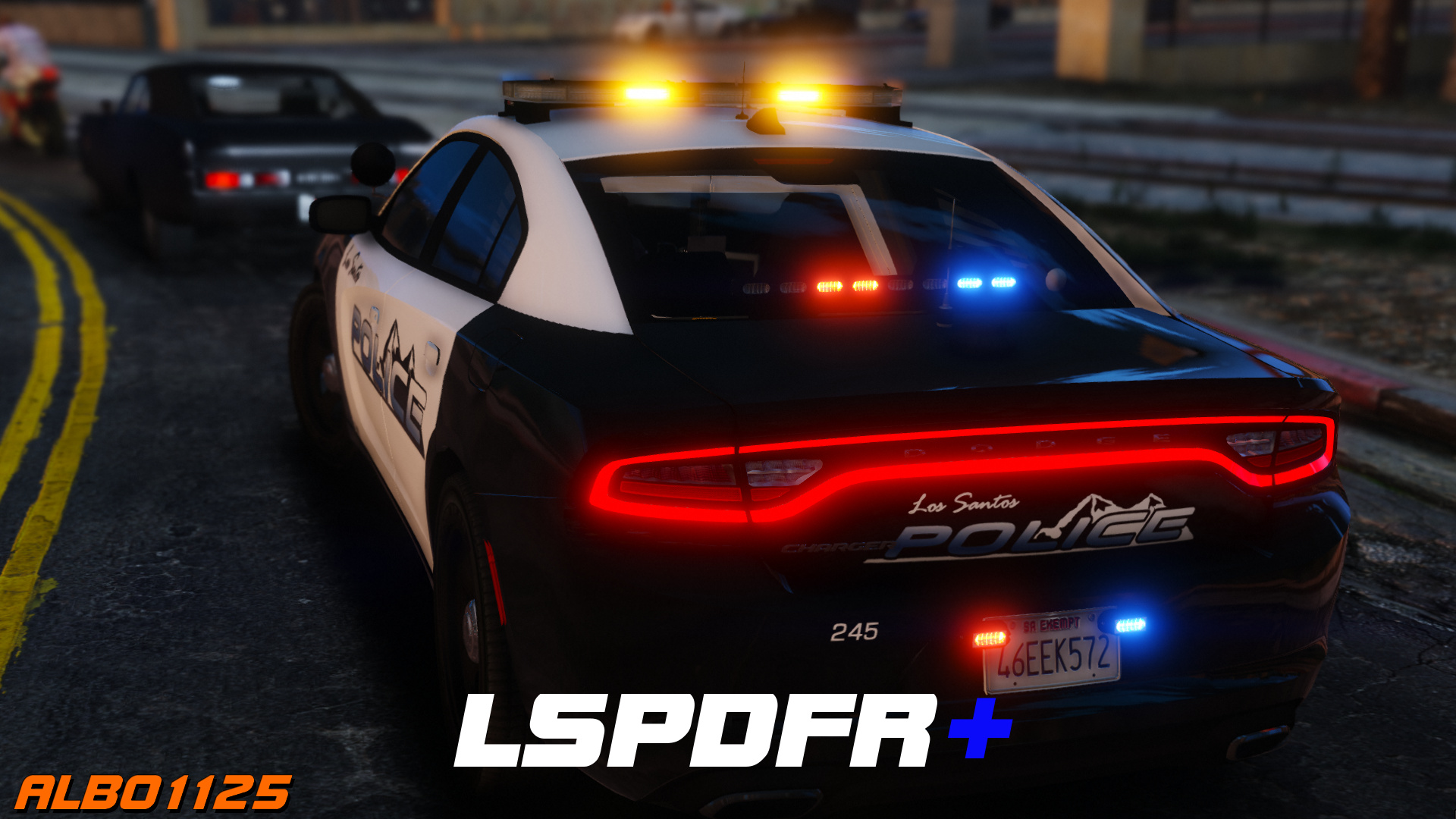
6 Screenshots

https://www.youtube.com/albo1125

DISCONTINUED & UNSUPPORTED - COMPATIBLE WITH OLDER LSPDFR VERSIONS ONLY - FEEL FREE TO HELP UPDATE THE CODE 

LSPDFR+ is now open source. https://github.com/Albo1125/LSPDFRPlus


Welcome to LSPDFR+! This script modification for LSPDFR greatly enhances your experience as a police officer by enhancing the base LSPDFR modification - LSPDFR+'s was designed to improve upon some of LSPDFR's features, hence its name. With improved pursuit AI, better Traffic Stops and even a fully fledged court system amongst the main features, there's bound to be something you'll love!

Requirements - some of these are included (credits go to their appropriate authors):

  • LSPDFR 0.4.2 (not included)
  • Albo1125.Common 6.6.4.0 or higher (included)
  • RAGENativeUI 1.6.3.0 or higher (included)
  • RAGEPluginHook 0.51 or higher (not included)
  • A legal copy of GTA V (version 1.0.1011.1 or higher).

Overview of LSPDFR+'s Features: Included in LSPDFR+'s documentation and the updated feature video above.

Support - what to do if you encounter a bug or have problems:

  1. Watch the installation video for my modifications here.
  2. Use this tool: http://www.lcpdfr.com/files/file/9755-lspdfr-troubleshooter-by-albo1125/ 
  3. Read the documentation PDF file if you're having trouble getting a specific feature to work.
  4. Suggestions can be made here.
  5. If all else fails: Please leave a comment (not a review). Include your RAGEPluginHook.log file, located in your Grand Theft Auto V folder. Also, please provide an accurate description of what happened. This allows me to help you as fast as possible.

Please do not reupload or redistribute this without my explicit permission. Thank you.

https://www.youtube.com/albo1125


Edited by Albo1125

What's New in Version 1.9.0.0

Released

1.9.0.0 (28-06-2019)
Update for LSPDFR 0.4.2
Update .net targetting to 4.6.1
Code cleanup I couldn't ignore
Fix issues with ordering peds out of vehicles on enhanced traffic stops thanks to new LSPDFR API functionality.


1.7.0.0 (21-12-2018)

DEVELOPERS: Security GUID method overloads in the API are now obsolete and non-functioning (existing plugins won't crash but statistics won't be counted any more). Please update your reference!
Some code cleanup.
Open sourced at https://github.com/Albo1125/LSPDFRPlus 
Updated licence.
Removed obfuscation.

LSPDFR 0.3.1

For some more information on the open-sourcing and my 'retirement'


https://www.youtube.com/albo1125


Use comments to ask for support. Do NOT use reviews to ask for support! You will get ignored and reported as this is against community guidelines.


Short Description

LSPDFR Plus for LSPDFR

User Feedback

Recommended Comments

DangerousRobot

Members

It should be Traffic Policer compatible i use them both.

Kinard

Members

Can you make a new version for the 0.42 ?

trebrown98

Members

3 hours ago, Kinard said:

Can you make a new version for the 0.42 ?

It's out now!!!!!!!!!!!!!!!!!

Daunlan

Members

My antivirus detected a "Network Insight Threat" from the LSPDFR+.dll file. Is this something that's supposed to happen?

I love you and your mods Albo thanks for updating this mod 🙂

LeAizen

Members

thanks for updating this Albo however do i really need the required files arrest manager.dll as i am only using the STP and was wondering will it work without arrest manager?

InfamousMZ

Members

Albo1125, thank you for updating all your  plugins as soon as possible for 0.4.2!

KINGVICC

Members

STILL CRASHES. SAYS THE LSPDFR FILE IS NOT FORMATTED FOR THE VERSION. YET I HAVE 4.2 AND YOUR LATEST UPDATE.  AND ALL YOUR UPDATED MODS. NEED HELP.  

tman122222

Members

On 6/14/2019 at 7:07 PM, Diggs said:

I sometimes have the same problem, what I do is make sure I'm standing face to face with the suspect, then double tap "E", you should see in the bottom corner of your screen : "you have 1 ped's attention" or something like that, and youll then have a host of options, and if you have interaction+ installed, you'll have even more options by pressing "T" or "Y", I cannot remember of the top of my head.  Hope that helps...

Get same problem. Used stop the ped to get around it

Nstheboss

Members

Hi, I've installed this plugin along with arrest manager and traffic policer but when I go on duty it says that the keybinds are conflicting with each other I changed them in the plugin configuration files but I keep getting the message... any thoughts?


Thanks

drkslyde

Members

im having trouble accessing the court system. i changed controls from F9 to F10 and its telling me file not open yet or something and it did this before i changed command key am i missing something?


thanks for the help in advance

Toby S.

Members

Why do I lose so much FPS when running your plugins or any LSPDRFR plugin it seems? With LSPDFR running and not on duty, I get 50-60 FPS, soon as I go on duty with your plugins, along with Ultimate backup and 2 callout packs, I go to 23 fps max and get freezing/stuttering.

Lyonmane

Members

(edited)

.

Edited by Lyonmane

thefunkydm

Members

Hi Guys. Im having an issue with LSPDFR+. I changed the ini so that the original traffic interaction is NONE and the + one is DPadRight. However on load up it always says loading default ini because of key conflict. Im so confused. Any help from you lovely lot would be appreciated 🙂


PS. LSPDFR is amazing! All modders keep up the good work. They are fantastic

JMS

Members

I have 2 of your other packs installed callout and arrest manager. When I installed this one the words on the interaction menu kept overlapping. I was watching  a video from Steve the gamer and saw his menu doing the same thing so I screenshot it. 

20190709_215025.jpg

thefunkydm

Members

1 minute ago, JMS said:

I have 2 of your other packs installed callout and arrest manager. When I installed this one the words on the interaction menu kept overlapping. I was watching  a video from Steve the gamer and saw his menu doing the same thing so I screenshot it. 

20190709_215025.jpg

HI, you need to go into the key.ini file. located in the LSPDFR folder in the game directory. Change the Interaction keys to 'None'

JMS

Members

6 hours ago, thefunkydm said:

HI, you need to go into the key.ini file. located in the LSPDFR folder in the game directory. Change the Interaction keys to 'None'

Ok thanks I'll give that a try. 

AboDream

Members

court system donst pop up when pressing f9 any  idea

OfficerOwen

Members

Hey guys, has anyone had the same issue as me in regards to updating to the latest version of LSPDFR and the court system no longer working at all?? Thanks in advance.

IrishGuy77

Members

Hello,  I've been GTA fan for years and I am so happy I found this site. I have downloaded this and was so hooked. I have some questions.


1) If you accept the job to chase the criminals, when your close to the red dot on the map, the camera on the screen start to focus/move/zoom by itself where the target is. I really hate that part and it bothers me, how I can disable that?


2) Next time, I suggest to merge LSPDFR+ with several others that you created and make into ONE Mod, that would save lot of headache, trust me. Lot of people are having issues as I noticed becuase of that.  I am IT developer and I work with web business for 20-30 years so I can understand the hard work and develop these mods and I think it's great but make it more convenice if you make one mod for all of them.


3) Please enable that I cna be able to carry any wepaons instead of limited one, unless I am missing something? Let me know. 


Thank you and keep the wonderful work!

IrishGuy77

Members

Also, I forgot to add, if I use the police menu to request for officers, I notice theres no Fire Truck option in case I need it and also I think the Army should be added in case if I need to stop these tough armor car chase that took me long time to end it.

BRYMAAN1

Members

On ‎7‎/‎13‎/‎2019 at 1:21 AM, IrishGuy77 said:

Hello,  I've been GTA fan for years and I am so happy I found this site. I have downloaded this and was so hooked. I have some questions.


1) If you accept the job to chase the criminals, when your close to the red dot on the map, the camera on the screen start to focus/move/zoom by itself where the target is. I really hate that part and it bothers me, how I can disable that?


2) Next time, I suggest to merge LSPDFR+ with several others that you created and make into ONE Mod, that would save lot of headache, trust me. Lot of people are having issues as I noticed becuase of that.  I am IT developer and I work with web business for 20-30 years so I can understand the hard work and develop these mods and I think it's great but make it more convenice if you make one mod for all of them.


3) Please enable that I cna be able to carry any wepaons instead of limited one, unless I am missing something? Let me know. 


Thank you and keep the wonderful work!

On ‎7‎/‎13‎/‎2019 at 1:55 AM, IrishGuy77 said:

Also, I forgot to add, if I use the police menu to request for officers, I notice theres no Fire Truck option in case I need it and also I think the Army should be added in case if I need to stop these tough armor car chase that took me long time to end it.


1. add the following line to the lspdfr.ini file

         Chase.DisableCameraFocus = true


2. some of these plug ins are redundant/incompatible with other plug ins so it is better to keep them in different packs(I personally don't use arrest manager)


3. download a trainer for gta to be able to spawn any weapon you want or change the inventory.xml file to spawn with them


4. download ultimate backup, it gives you full control over backup you can use


side note, 1 and 3 have nothing to do with this plugin. try to refrain from posting off topic in the future.

hope this helps 

Behamin

Members

Is it possible to disable the pursuit menu and it's features? 

OfficerOwen

Members

Does anyone know why since 0.4.2 None of my arrests and charges through Computer+ or LSPDFR+ go to court? I can create the Citations but can't hand them to the suspect any more, and I can charge suspects and get them transported but none of them show up in the court menu anymore, it's all just blank. Please help 😄 Been going on for a good while now, an't find anything on Google. Thanks in advance.

Hey guys, Can anyone tell me why the court system no longer works for me? I can create citations but can't give them to people, I can charge people and have them taken away but no charges appear in the court menu. I use computer+ to charge, never had an issue. Thanks in advance.

Sorry if I double posted, I got this message each time I tried 😞


Spoiler

Think before you post. Toxic behavior will not be tolerated. Unconstructive, toxic or unnecessarily sarcastic comments will be removed and warnings issued.


victor99m

Members

(edited)

With the new install, I go on duty and get a message saying this version is made for version 4.2 and is incompatible and wont load. I get the Rage/Albo message window in the middle of my screen and cannot dismiss it.1659825987_GrandTheftAutoVScreenshot2019_07.28-12_49_02_30.thumb.png.dc997ff36da999fa9400c9ecbafb0ef5.png

Edited by victor99m

Create an account or sign in to comment

Latest Mods

Account

Navigation

Search

Search

Configure browser push notifications

Chrome (Android)
  1. Tap the lock icon next to the address bar.
  2. Tap Permissions → Notifications.
  3. Adjust your preference.
Chrome (Desktop)
  1. Click the padlock icon in the address bar.
  2. Select Site settings.
  3. Find Notifications and adjust your preference.









