




Special Thanks
Thanks EVI for being the original beta tester and bouncing future ideas off us.
Thanks c13, BroCop and Dilapidated on assisting in the second wave of beta testing.
Thank you AlexGuirre for the Zones enum-related stuff and Dilapidated once again for the HELI_MISSION native use.
You cannot upload or redistribute the Law Enforcement Jurisdiction Script without the explicit written permission of Cee Montana (Nutt).
Q. Is there a tutorial on getting started?
A. Yes. Please see the awesome tutorial video by Albo in the video section. Also, the first time you execute the LEJS Editor - it will automatically link you with the tutorial video. Don’t worry, it’s only a onetime measure on cutting down on some of the learning curve questions. Lastly, the Editor may require the “run anyway” elevated permissions for the first time depending on your OS.
Q. How many Jurisdictions Patrol Profiles can I create within the .INI file?
A. Creating jurisdiction profiles are limitless. That being said, I would personally suggest on keeping each jurisdiction area or zone, vehicle count under twenty-five (25). Especially if you’re using non-vanilla vehicles and a large activation boundary. In other words: You can have hundreds and hundreds of patrol spots… just keep each jurisdiction or area under twenty-five (25) vehicles if possible.
Q. Can the user create jurisdictions and patrol points all across Los Santos?
A. Yes.
Q. Can the user create sea and air support jurisdictions points?
A. Yes. If you’re creating custom air-support and/or sea-support jurisdictions… you can gather coordinates by using a simple trainer or enhanced trainer “airbrake” feature during gameplay, then saving the coordinates data via RHA console command “SaveLEJSLocationInfo MyLocationName”.
Q. How accurate are the Jurisdictions and patrolling setups?
A. The script is very accurate to what the .INI file is setup to do (by you). The x, y, z coordinates, heading coordinates and the area of patrol size, are very important key components on giving the user as much control and accuracy on creating believable jurisdictions patrols.
Q. What is the difference between selecting a “Custom” and “Zone” jurisdiction setup?
A. Custom setups gives the user more options (control) for specific needs and accuracy… while Zone setups gives the user immediate selections (over 90 zones) on getting patrols setup quickly - without the needed coordinates data.
Q. Can I create “Custom” and “Zone” setups within the same jurisdiction?
A. Yes.
Q. Is there a default .INI (prebuilt) contained in the download?
A. Yes. A few patrol points on getting you started.
Q. Can I use custom and/or renamed patrol vehicles?
A. Yes.
Q. Can I use civilian cars?
A. Yes. If it has wheels, wings and it floats - you can use it.
Q. Do the LEJS Officers react to crimes?
A. Yes and No. Officers will react to Michael’s, Trevor’s and Franklin’s crimes - not surrounding crimes (gangbangers, fights, etc…). We’re working on the latter part… so stay tuned for updates.
Q. The Officers that are patrolling - do they roam away from their areas of assignments?
A. No. As long as the user sets the correct “area of patrol size” and/or other boundaries within the .INI file… the patrolling Officers will stay within their jurisdiction scope.
Q. Will Officers leave their Jurisdictions during a commission of crime?
A. Yes. But we’re looking into giving the user the option on “not allowing pursuits beyond the set jurisdiction scope”.
Q. How do I get the axis x, y, z, and heading coordinates for my particular custom patrol needs?
A. LEJS has a custom console command “SaveLEJSLocationInfo MyLocationName” which allows you to easily save your location information in the required format of LEJS's INI file.
Q. Will there be a thread on sharing locations and coordinates?
A. Sure will. I figured some end-users may-not want to go through the hassle of plugging in data. So there will be a thread where users can share their Jurisdiction setups and/or patrolling spots (with photos) – so that others can decide if its fits their needs.
Q. How stable is the script?
A. No major problems to report.
Q. How can I edit the .INI file?
A. The nice and simplistic .INI Editor of course!
Q. Key features?
A. Most of the key features can be viewed from the .INI Editor. However, I believe the master viewing mode (F3 Key by default) is quite impressive. You can verify the areas of patrols that you created (per immediate surrounding area), and modify them later based on your observation. And if you set the blip feature (per car) within the .INI file, you’ll see the vehicles in real-time (especially the vehicles that are set to patrol) doing their job within the area of scope that you set.
Q. What are the red, green and yellow blips in the master viewing mode (F3)?
A. If enabled in the .INI file (per vehicle), the master viewing mode lets the user know which vehicles are stationed (red), which ones are patrolling (green) and which ones are zoned spawned (yellow).
Q. How do I reload the script if it stops working completely?
A. Bring up the Rage Plugin Console. First, if necessary, unload the plugin by typing UnloadPlugin “Law Enforcement Jurisdiction Script.dll” and pressing enter. You can then reload it by typing LoadPlugin “Law Enforcement Jurisdiction Script.dll” and pressing enter.
Q. Can I easily make changes to the INI file while in game?
A. Absolutely! When you’re in master viewing mode (F3), you can reload the values from the INI file by pressing F5 (default). You will see the changes you made are immediately reflected by the master viewing mode for easy editing and perfecting your jurisdictions.
Tutorial Video:
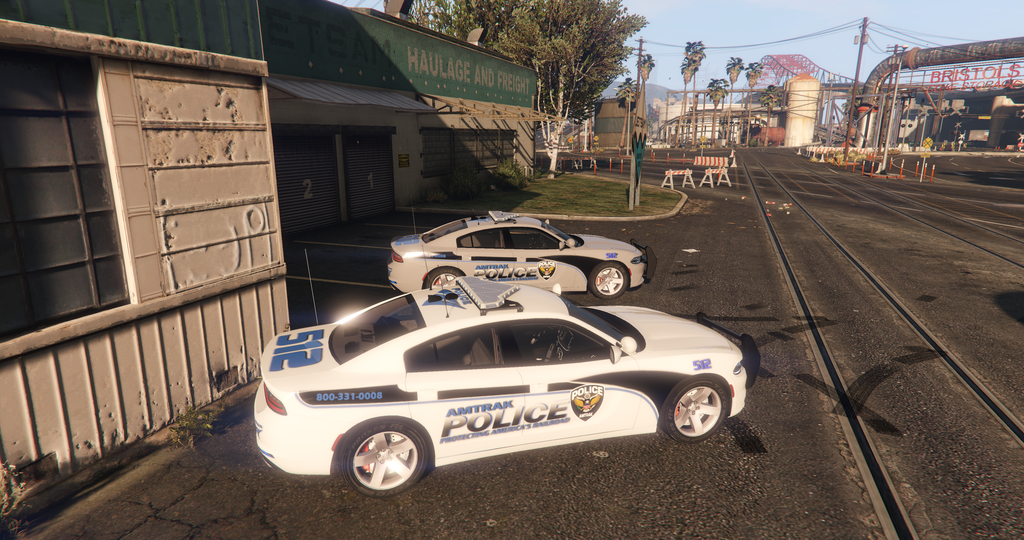
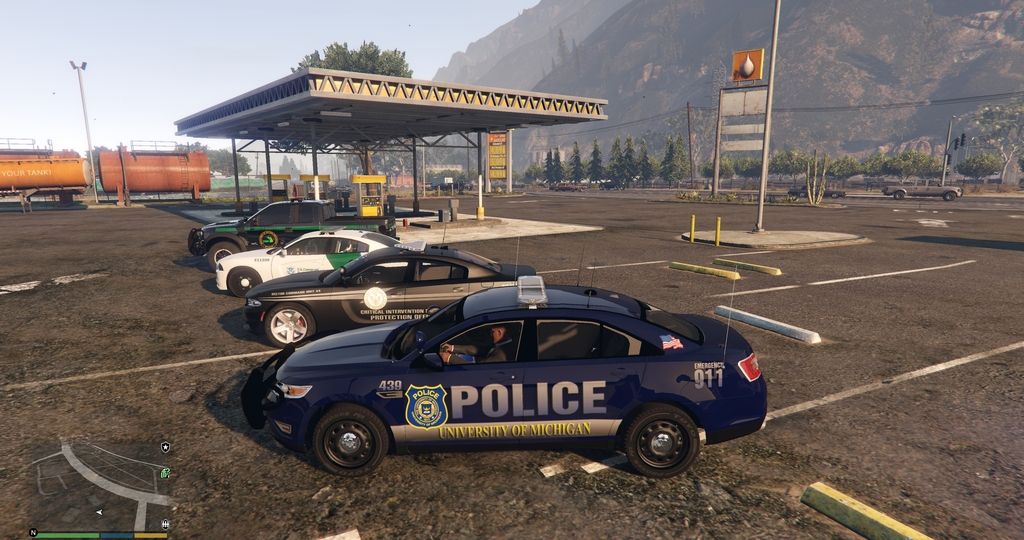
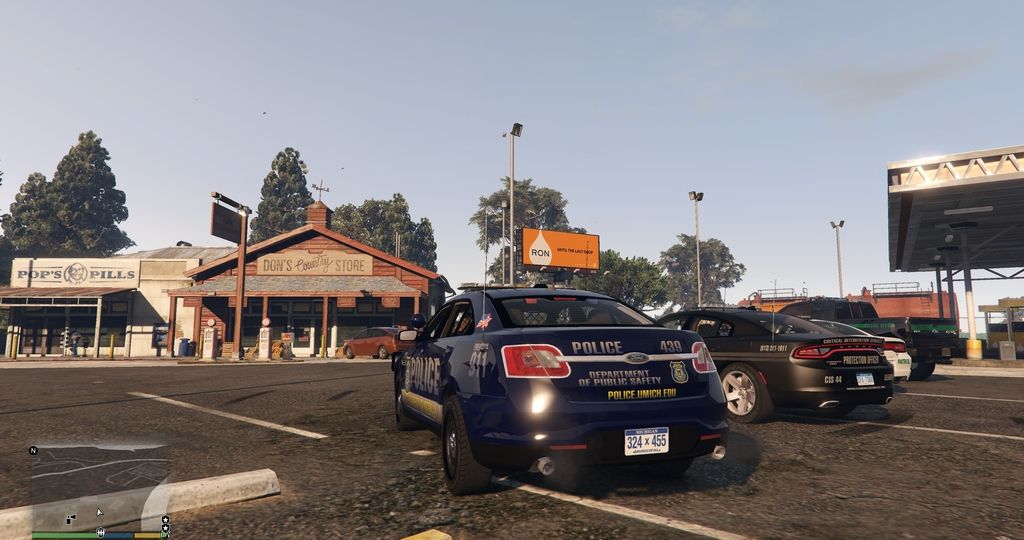
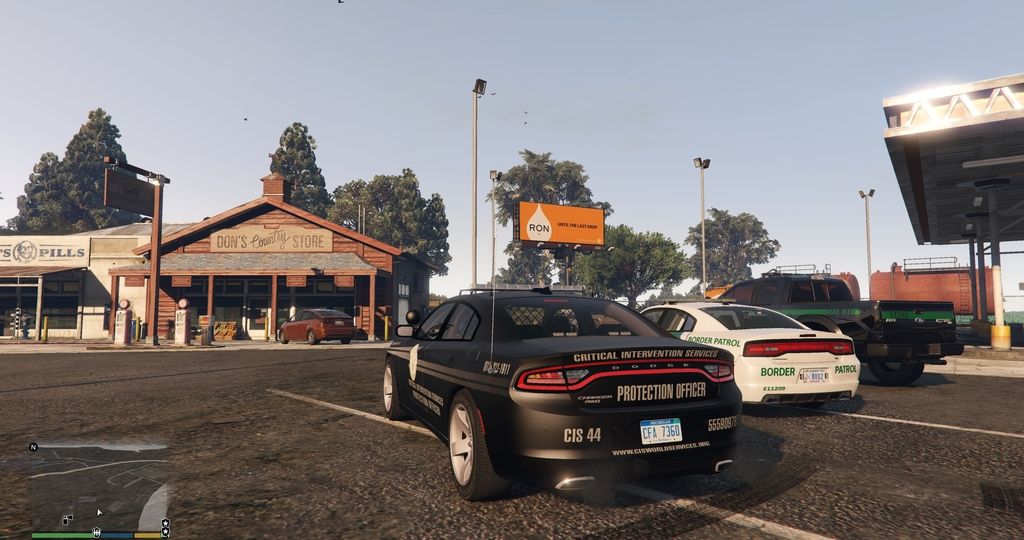
Optional LEJS Livery Starter Pack (Los Santos Included):
What's New in Version 0.8.0.0 - RPH 0.41+
Released
0.8.0.0:
Updated for GTAV 1.0.944.2 and RPH 0.49.
Still works with RPH 0.41 and higher.
Various adjustments made to improve performance and stability on the new RPH & GTA.
Some slight changes in how the plugin is loaded/unloaded.
Fixed a problem that prevented the console command from working.
0.7.0.0:
-Added 'Random' to ambient events.
-Added 'Ambient Event Chance' field.
-Tweaked pursuit ambient event slightly.
0.6.0.0:
-Reworked the processor architecture target to x64 only.
-Removed various debugging symbols.
-Reworked the pullover ambient event.
-Fixed an issue where the suspect entities were not appearing/disappearing properly.
0.5.1.0:
-Fixed issues with the pursuit ambient event.
-Pullover ambient event implemented into custom jurisdiction setups. (Zoned setups won't work with pullovers.)
-Improved suspect entity cleanup.
-Fixed errors thrown when setting zoned jurisdictions to pursuit.
-If SirenActive is true, siren is now also no longer silent during pursuits.
0.5.0.0:
-Multiple zone names per zoned jurisdiction.
-Added 'writing' ambient action.
-Option of just spawning a parked vehicle without the need for an officer.
-Added the 'ambient event' field for both zoned & custom jurisdictions.
-Added 'Pursuit', 'Pullover' and 'None' to the ambient event options.
-Officers responding to other crimes is still WIP.
-Various code & performance optimizations.
-INI EDITOR 1.5.0.0:
Redone Zone Names
Added field for ambient event.
Added writing option.
Altered some of the layout behind the scenes code.
Hello Everyone,
Quite a few new features were added to the latest LEJS file, since the 0.4.0.0 version. As you can see from the change log a few versions (0.5, 0.5.1 and 0.6) were not released do to quality testing and making sure the release candidate is in good working order.
• The newest release contains options for selecting multiple zones at the same time, when creating patrol points… without the need for creating repeated layouts on covering particular area(s).
• There are two new vehicle ambient features for patrolling cars. Patrol and Pursuit for Zoned created patrols and Patrol and Pullover for Custom created patrols. Both ambient events have options for Random and Chance on allowing a more realistic approach. More vehicle ambient features coming soon…
• New writing ambient action for law enforcement peds.
Cee Montana (aka Nutt) is the owner of the Law Enforcement Jurisdiction Script.
You cannot upload or redistribute the Law Enforcement Jurisdiction Script without the explicit written permission of Cee Montana (Nutt).








![Los Santos County Sheriff Livery Pack [Berkeley County-based]](http://s3-screenshots.int-cdn.lcpdfrusercontent.com/resize/500/-/monthly_2026_04/20260415155948_1.thumb.jpg.4cd04373ce1cf72df8e99a993cf4a145.jpg)



![Clayton County Sheriff's Office [4K]](http://s3-screenshots.int-cdn.lcpdfrusercontent.com/resize/500/-/monthly_2026_04/Screenshot_2511.thumb.png.e79613aafaa7abfbd34da660fe32acd3.png)

.thumb.jpg.96a3b82b9866eade5618dbec8b4f2fae.jpg)

![[NON-ELS] Unmarked 2018 Ford Taurus - FiveM Ready](http://s3-screenshots.int-cdn.lcpdfrusercontent.com/resize/500/-/monthly_2026_04/Screenshot_5040.thumb.png.b1168547b80673783144294d18805701.png)
Recommended Comments
Create an account or sign in to comment