15,930 files
-

- 63 Downloads
- 3798 Views
- 990.16 kB File Size
- 9 Comments
Updated -

- 310 Downloads
- 6568 Views
- 2.63 MB File Size
- 1 Comments
Submitted -

- 292 Downloads
- 6272 Views
- 4.24 MB File Size
- 2 Comments
Updated -

- 152 Downloads
- 3153 Views
- 4.99 MB File Size
Submitted -

- 439 Downloads
- 11331 Views
- 18.02 MB File Size
- 55 Comments
Updated -

- 21 Downloads
- 1810 Views
- 330.36 kB File Size
- 2 Comments
Updated -

- 178 Downloads
- 5997 Views
- 2.87 MB File Size
Updated -

- 99 Downloads
- 3539 Views
- 698.62 kB File Size
Submitted -

- 261 Downloads
- 13258 Views
- 11.03 MB File Size
- 9 Comments
Submitted -

- 356 Downloads
- 6828 Views
- 2.2 MB File Size
- 9 Comments
Updated -

- 91 Downloads
- 3189 Views
- 249.71 kB File Size
- 6 Comments
Submitted -

- 217 Downloads
- 11633 Views
- 24.22 MB File Size
- 4 Comments
Submitted -
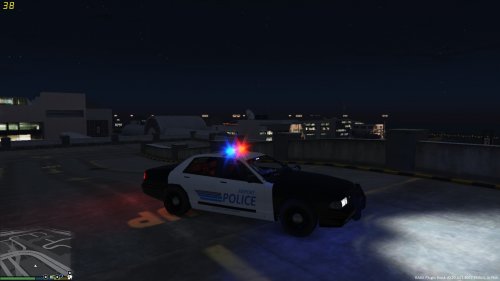
- 14 Downloads
- 1694 Views
- 46.67 kB File Size
Submitted -

- 367 Downloads
- 5928 Views
- 3.37 MB File Size
- 1 Comments
Submitted -

- 95 Downloads
- 4187 Views
- 26.48 MB File Size
- 5 Comments
Updated -

- 16 Downloads
- 2239 Views
- 252.04 kB File Size
Updated