




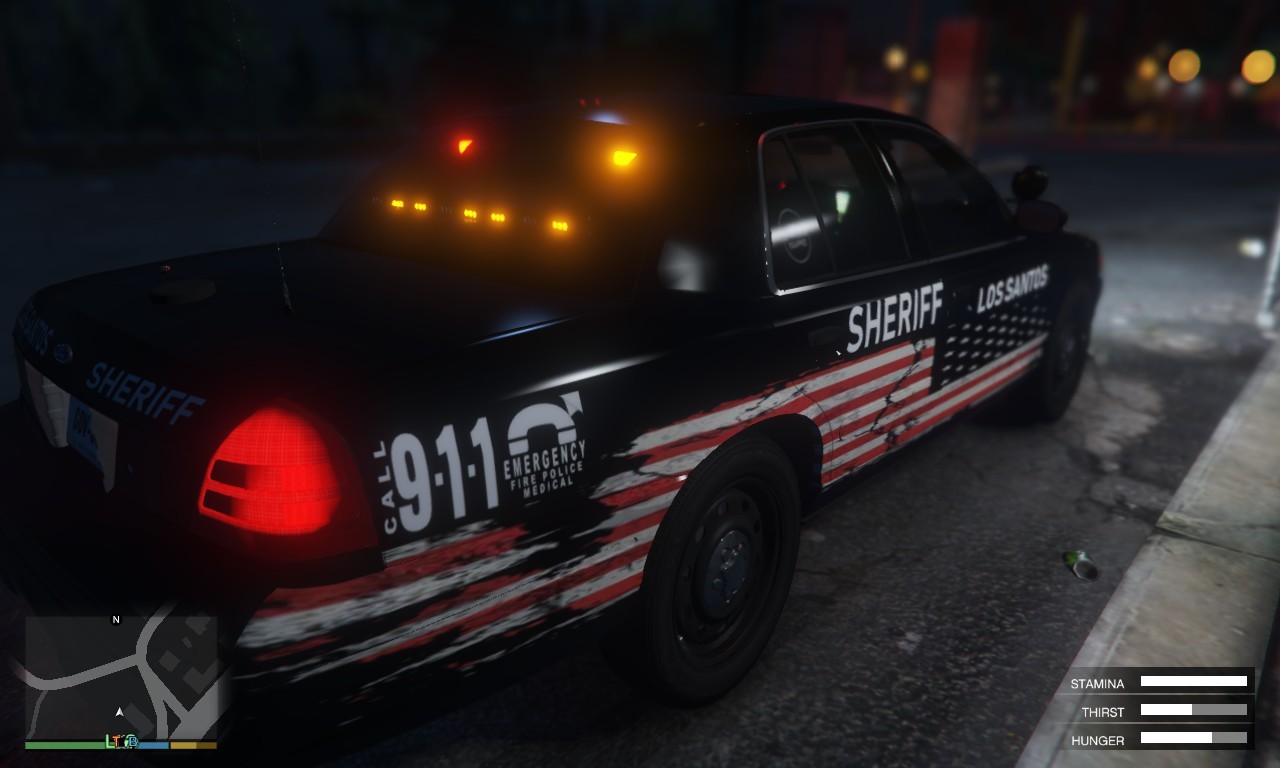


Some skins I had made for TickleMyElmo's Pack but then realized they look and go a lot better with toys New York State Police Mega Pack.
What's New in Version 1.4.0
Released
Changed models originally used to toys New York State Police Mega Pack. Not sure if ill add any other vehicles in.
Credits to toy for the models.





![Los Santos County Sheriff Livery Pack [Berkeley County-based]](http://s3-screenshots.int-cdn.lcpdfrusercontent.com/resize/500/-/monthly_2026_04/20260415155948_1.thumb.jpg.4cd04373ce1cf72df8e99a993cf4a145.jpg)



![Clayton County Sheriff's Office [4K]](http://s3-screenshots.int-cdn.lcpdfrusercontent.com/resize/500/-/monthly_2026_04/Screenshot_2511.thumb.png.e79613aafaa7abfbd34da660fe32acd3.png)

.thumb.jpg.96a3b82b9866eade5618dbec8b4f2fae.jpg)

![[NON-ELS] Unmarked 2018 Ford Taurus - FiveM Ready](http://s3-screenshots.int-cdn.lcpdfrusercontent.com/resize/500/-/monthly_2026_04/Screenshot_5040.thumb.png.b1168547b80673783144294d18805701.png)


Recommended Comments
Create an account or sign in to comment