


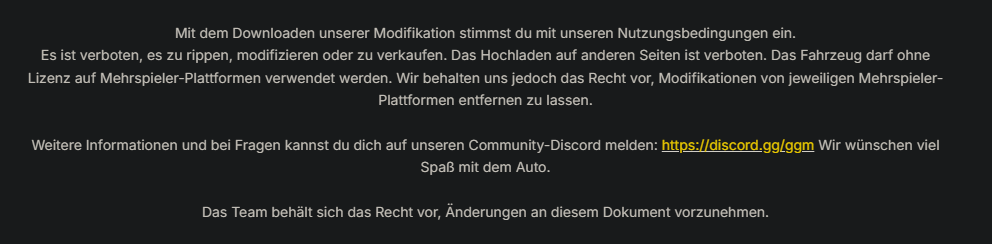
What's New in Version 2.0
Released
- Debadged Version hinzugefügt
- Kleine Bug Fixes
Short Description
VW Passat B8 NEF Fiktiv
3D Model: Razer
Convert: Leon
Textures: Leon
Lightbar: DBS5000 GGM
Innenausbau: Leon und Alex
Screenshots: Leon
GGM Leitung [Leon]
Convert: Leon
Textures: Leon
Lightbar: DBS5000 GGM
Innenausbau: Leon und Alex
Screenshots: Leon
GGM Leitung [Leon]
.thumb.png.d642ff9c57245d19627b16114298b2ea.png)






![[Non-ELS/DLSv2] LAPD BMW R1200RT-P [Addon/FiveM]](http://s3-screenshots.int-cdn.lcpdfrusercontent.com/monthly_2026_04/1.Thumbnail.thumb.png.ee831bb3bb39882cf936bde4872b0c88.png)







Recommended Comments
Create an account or sign in to comment