






The general idea of Lenny's Mod Loader is to provide an easy way to install file modifications. This is achieved in two different ways depending on whether existing resources in the game are to be 'replaced' or if new resources are added to the game as 'addons'. To replace resources, the game file system can be modified on a per-file basis allowing you to quickly change the content of files without touching any RPFs. To add new resources, the new content can be loaded from disk directly into the game, again without the need for any RPF changes. Goodbye to patchday17 and dlclist.xml. Certain mods, such as vehicles, can even be loaded at runtime, making choosing your new favorite ride a breeze.
You can find more information on the dedicated Lenny's Mod Loader page here: https://www.lcpdfr.com/lml/index/
Getting Started Guide: https://www.lcpdfr.com/wiki/lml/lml-installation-guide-first-steps-r75/
What's New in Version 0.4 Build 8825
Released
Improved compatibility with build 3179
Improved compatibility with NVE




(2).thumb.png.62d8dc71a69a1994803920a19551051e.png)





.thumb.png.1f4ac8c2c08ebdb5a00de2e58cd20481.png)


.thumb.png.9788e98db196594e6b6e34a34af7a94e.png)
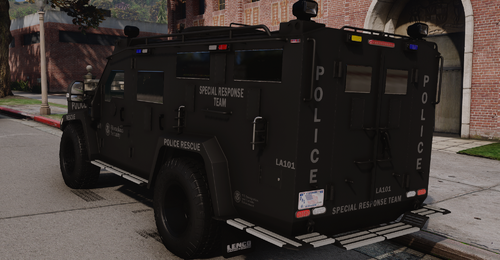
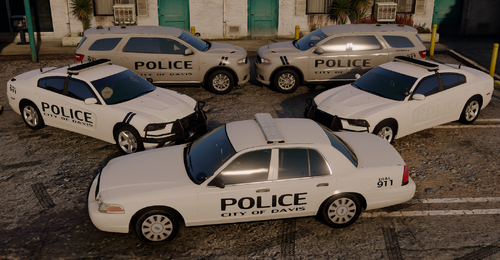
.thumb.png.4d59e30ff8b8385589769cf607a5e1aa.png)
Recommended Comments
Create an account or sign in to comment