Skip to content
View in the app

A better way to browse. Learn more.

LCPDFR.com

A full-screen app on your home screen with push notifications, badges and more.

To install this app on iOS and iPadOS
  1. Tap the Share icon in Safari
  2. Scroll the menu and tap Add to Home Screen.
  3. Tap Add in the top-right corner.
To install this app on Android
  1. Tap the 3-dot menu (⋮) in the top-right corner of the browser.
  2. Tap Add to Home screen or Install app.
  3. Confirm by tapping Install.

Realistic Fire Rate 1.2.0

(3 reviews)

1 Screenshot


Realistic Fire Rate

I've modified the fire rate of the pistol and the combat pistol.

They now shoot much faster!

I know that there are plenty of these out there but I feel like I've made it balanced. 

Not too fast

Not too slow.


Showcase.

https://www.youtube.com/watch?v=J2ZySZMOKkw


Installation.

I've made it an OIV installation so it's quick and easy!

The OIV replaces the weaponsanimations.meta


Requirements. OpenIV

Drop and drag the oiv file into OpenIV
Make sure you have edit mode on.


Note.

As I've said before I know that there are a few of these already released but I've been using mine rate of fire and I decided to release it in case anyone is interested too!
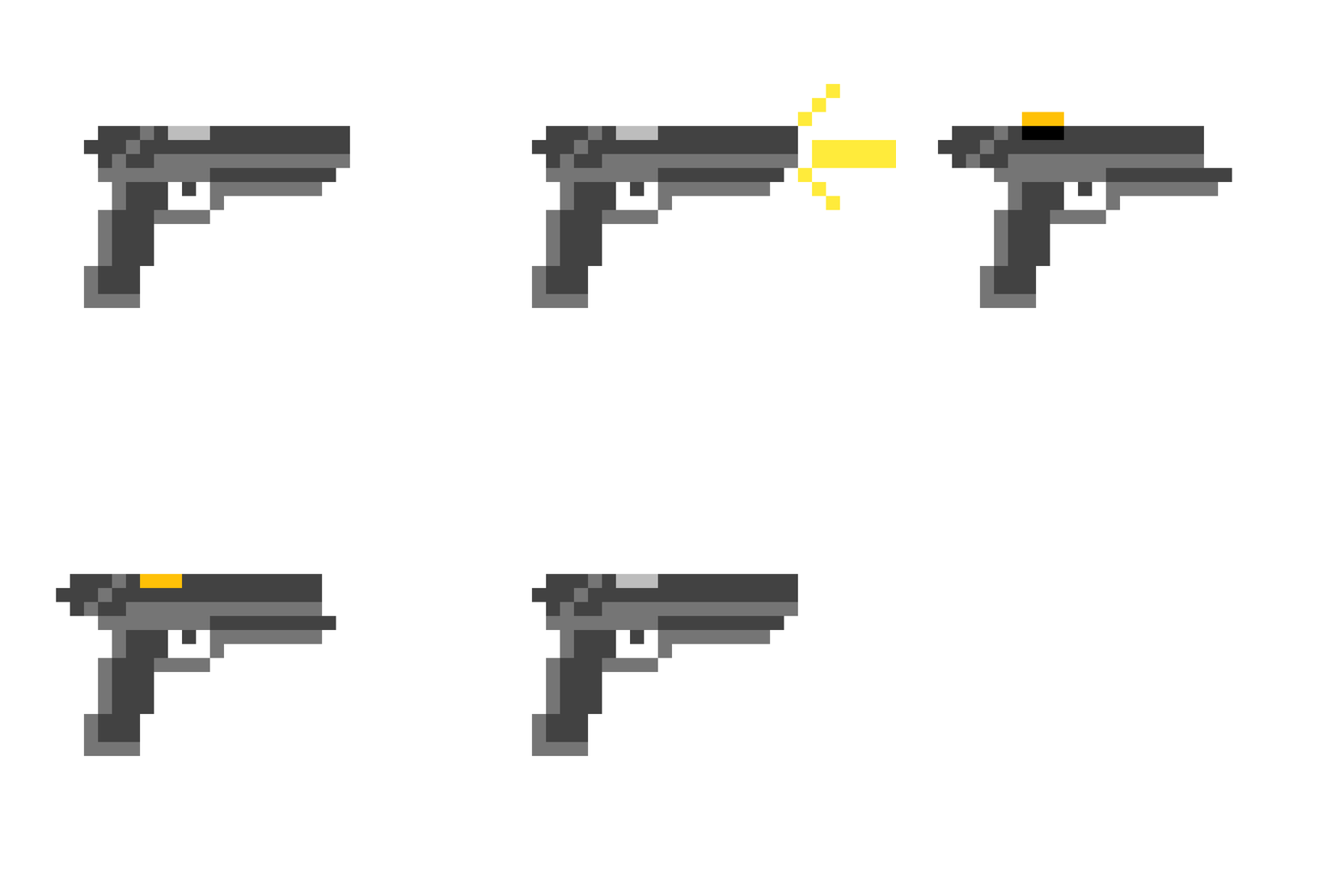


image.thumb.gif.06922f40f97aba9e4d44700e467785bd.gif

Edited by jacobbbb

What's New in Version 1.2.0

Released

1.2.0

Fixed a issue in the ''Fast'' option where the Combat Pistol was slow.


1.1.0

Added an option for

Slow

Medium

Fast


Short Description

Realistic Fire Rate for the Pistol and the Combat Pistol

User Feedback

Recommended Comments

ugotcutetoes

Members

how do i unistall this?

jacobbbb

Members Author

1 hour ago, ugotcutetoes said:

how do i unistall this?

Replace it with ur vanilla weaponsanimations.meta

MrHammyHamslice

Members

hey I would make it a bit slower maybe that's my opinion

jacobbbb

Members Author

31 minutes ago, bnymac said:

hey I would make it a bit slower maybe that's my opinion

Hmm, maybe I could add options. For example, medium, slow, fast

MrHammyHamslice

Members

38 minutes ago, jacobbbb said:

Hmm, maybe I could add options. For example, medium, slow, fast

Yeah it would be pretty cool

MrHammyHamslice

Members

1 hour ago, jacobbbb said:

Hmm, maybe I could add options. For example, medium, slow, fast

Hey also if you can, can you make it for the pistol mk2?

SpartanGaming

Members

is this realistically to the real life Glocks? in particular the Police service Glocks

jacobbbb

Members Author

15 minutes ago, SpartanGaming said:

is this realistically to the real life Glocks? in particular the Police service Glocks

Not sure how you mean that. In real life, I'm pretty sure it's determined by how fast the officer pulls the trigger not on the gun haha.

SpartanGaming

Members

2 hours ago, jacobbbb said:

Not sure how you mean that. In real life, I'm pretty sure it's determined by how fast the officer pulls the trigger not on the gun haha.

oh okay lol i know nothing about guns and stuff but i did watch a video of the glock 22 and i took the Medium option of your file seems to be pretty close enough lol so great job!

Pokie

Members

I personally use the MK2 Pistol for my patrol pistol, could you make a realistic fire rate for the Mk2 Pistol?

MadMaks

Members

If i want delete this, i need to dowload slow variation. Yes? 

Akii

Members

can you make one for the pistol mk2?

Create an account or sign in to comment

Latest Mods

Account

Navigation

Search

Search

Configure browser push notifications

Chrome (Android)
  1. Tap the lock icon next to the address bar.
  2. Tap Permissions → Notifications.
  3. Adjust your preference.
Chrome (Desktop)
  1. Click the padlock icon in the address bar.
  2. Select Site settings.
  3. Find Notifications and adjust your preference.









