


.png.3780f0408ce8295dd5afd9cecd0f3f8c.png)
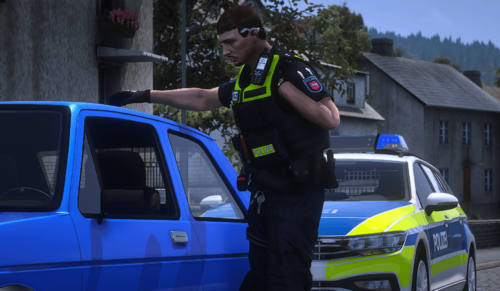
This is an ID badge to be used on Viktor Navorski's Vests as can be found here:
The vests are pretty badass, but I couldn't find any good ID templates to put over the one he made.
I recommend using this in conjunction with my other mods because of the
NYPD Based symbol on the ID, but if you don't like it, feel free to change it to whatever you wish.
I don't provide install instructions, I'm just a little lazy, sorry. But, if you can manage to install the vests then I have faith you can install this without much help.
The ID cards are not cropped perfectly, I couldn't figure out how to crop on a non-straight edge. You'll have to crop it yourself while you put it on the vest.
Me, Myself, and I









![[ELS-Hybrid | Addon] Sandy Shores 2011 CVPI Pack](http://s3-screenshots.int-cdn.lcpdfrusercontent.com/resize/500/-/monthly_2026_06/1.thumb.png.0352936a973262bab2cefb608858e393.png)





Recommended Comments
Create an account or sign in to comment