Skip to content
View in the app

A better way to browse. Learn more.

LCPDFR.com

A full-screen app on your home screen with push notifications, badges and more.

To install this app on iOS and iPadOS
  1. Tap the Share icon in Safari
  2. Scroll the menu and tap Add to Home Screen.
  3. Tap Add in the top-right corner.
To install this app on Android
  1. Tap the 3-dot menu (⋮) in the top-right corner of the browser.
  2. Tap Add to Home screen or Install app.
  3. Confirm by tapping Install.

2013 Ford Explorer Louisiana State Trooper Skin

(4 reviews)

7 Screenshots

2013 Ford Explorer Skin (Louisiana State Trooper)

DO NOT EDIT OR RE-UPLOAD

I own no rights to the model, it is only used to show the skin.

Feel free to submit any skin request to rebelcustom.webs.com

Actual Unit:
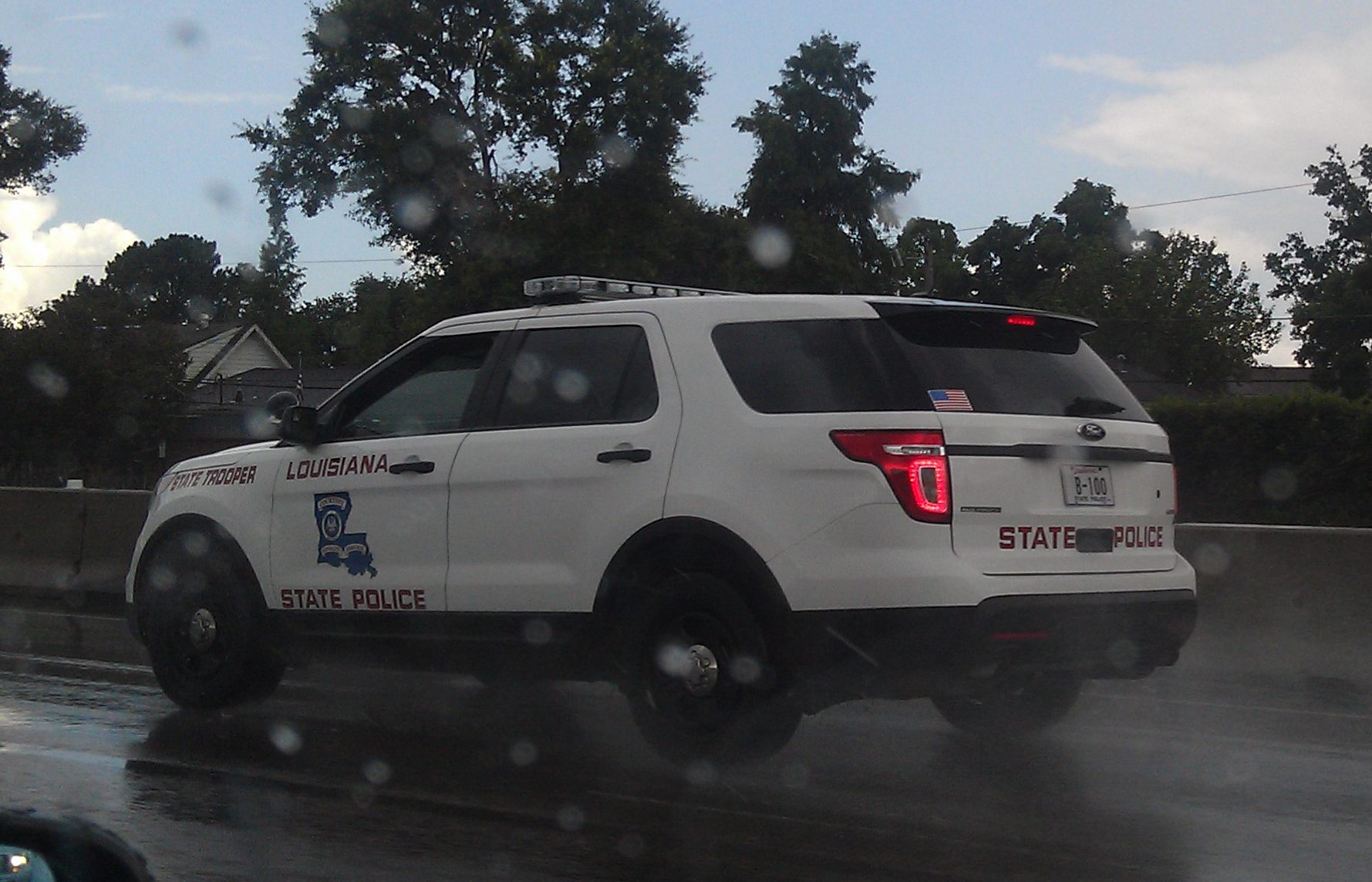
lou153.jpg

User Feedback

Recommended Comments

Piarulli246

Members

I don't know if it's the pictures but the letters look blurry.

nick88fan

Members Author

I don't know if it's the pictures but the letters look blurry.
its the pictures

XBR410

Members

I don't think its the pictures.. the other edges in the pictures (that aren't the letters or the logo) are pretty sharp (also note that in the logo you can barely see the

Matosh

Members

I don't think its the pictures.. the other edges in the pictures (that aren't the letters or the logo) are pretty sharp (also note that in the logo you can barely see the

Piarulli246

Members

Oh okay, looks good then!

Trek80

Members

Very low quality.

I suggest you learn properly photoshop.

Create an account or sign in to comment

Account

Navigation

Search

Search

Configure browser push notifications

Chrome (Android)
  1. Tap the lock icon next to the address bar.
  2. Tap Permissions → Notifications.
  3. Adjust your preference.
Chrome (Desktop)
  1. Click the padlock icon in the address bar.
  2. Select Site settings.
  3. Find Notifications and adjust your preference.










