136 files
-
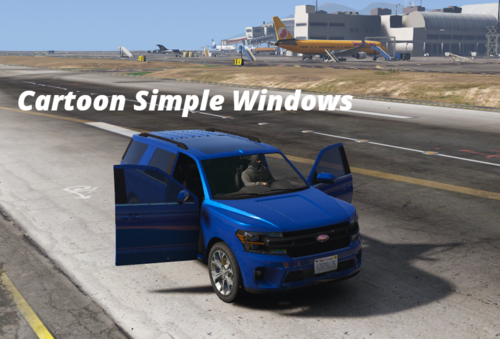 FiveM client script that lets players toggle their vehicle’s windows (front, back, left, right, or all) using the /wind command,
- 100 Downloads
- 2157 Views
- 1.45 kB File Size
CartoonNET in FiveMUpdated -

-
 automatically increasing the dirt level on your vehicle based on your locatio
- 933 Downloads
- 9305 Views
- 2.95 kB File Size
- 6 Comments
Updated -

-
 This lightweight client-side script adds a simple /pt command that starts a configurable countdown timer (default 5 minutes) on
 -

- 564 Downloads
- 7704 Views
- 1.17 kB File Size
Updated -
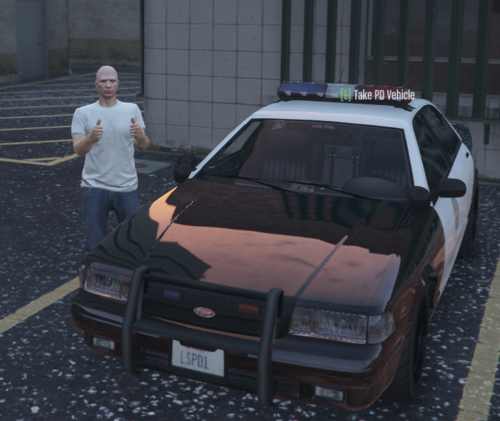 A comprehensive police vehicle assignment system
- 117 Downloads
- 4563 Views
- 13.81 kB File Size
- 1 Comments
Updated -
 Nightz Development Graveyard Script
- 126 Downloads
- 7674 Views
- 6.3 kB File Size
Updated -

-

- 984 Downloads
- 10012 Views
- 3.41 kB File Size
Countyline in FiveMUpdated -
 Laski Loadingscreen offers a flawless waiting experience with dynamic animations and real-time progress updates.
- 182 Downloads
- 3994 Views
- 4.28 MB File Size
Updated -
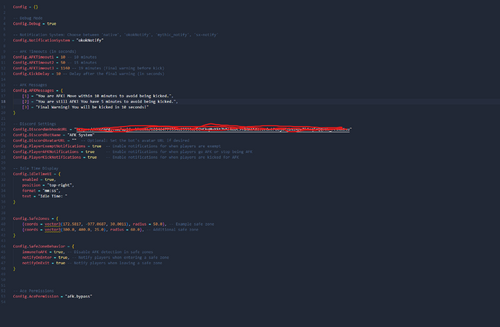 A Complete workup from the old V1
- 130 Downloads
- 3676 Views
- 11.87 kB File Size
Updated -
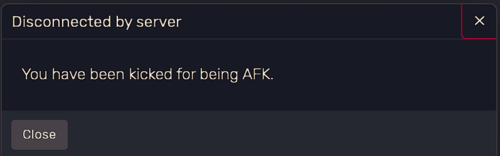 Nightz Development AFK Script
- 248 Downloads
- 6440 Views
- 7.05 kB File Size
- 4 Comments
Updated -

- 327 Downloads
- 5578 Views
- 1.72 kB File Size
Updated -
.thumb.jpg.2bda0b3bc00495a8d0f9e1ee5215c53c.jpg)
-
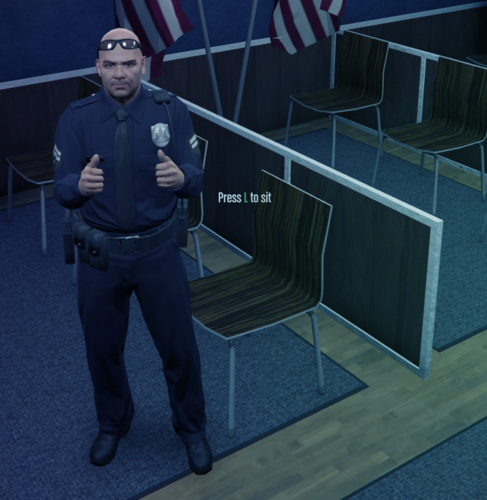 A simple script for FiveM to help your players sit in chairs!
- 1,484 Downloads
- 14449 Views
- 6.97 kB File Size
- 2 Comments
Updated

















.thumb.jpg.2bda0b3bc00495a8d0f9e1ee5215c53c.jpg)