Skip to content
View in the app

A better way to browse. Learn more.

LCPDFR.com

A full-screen app on your home screen with push notifications, badges and more.

To install this app on iOS and iPadOS
  1. Tap the Share icon in Safari
  2. Scroll the menu and tap Add to Home Screen.
  3. Tap Add in the top-right corner.
To install this app on Android
  1. Tap the 3-dot menu (⋮) in the top-right corner of the browser.
  2. Tap Add to Home screen or Install app.
  3. Confirm by tapping Install.
140 files
    • 23 Downloads
    • 648 Views
    • 1.18 kB File Size
    • 1 Comments
    Updated
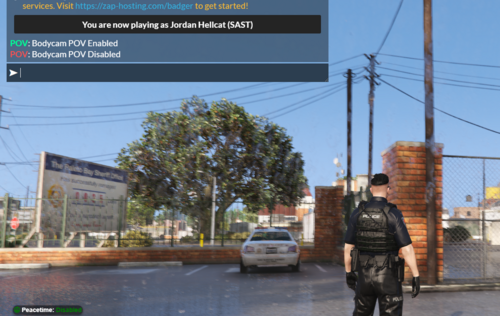
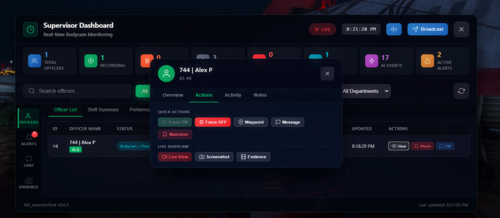
  1. Wildcat Modifications POV System
    • 83 Downloads
    • 1870 Views
    • 1.13 kB File Size
    Updated
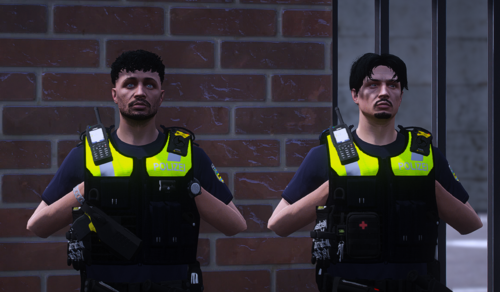
  2. you keep your hand under your vest.
    • 320 Downloads
    • 2915 Views
    • 5.02 kB File Size
    • 1 Comments
    Updated
    • 46 Downloads
    • 1023 Views
    • 3.34 MB File Size
    Updated
    • 208 Downloads
    • 7287 Views
    • 39.09 kB File Size
    Updated
    • 1,302 Downloads
    • 16690 Views
    • 945.42 kB File Size
    Updated
  3. X1Studios – Advanced FiveM Loading Screen
    • 202 Downloads
    • 2074 Views
    • 14.96 MB File Size
    Updated
    • 105 Downloads
    • 1713 Views
    • 3.73 kB File Size
    Updated
    • 134 Downloads
    • 2157 Views
    • 1.15 MB File Size
    Updated
  4. A ready to go EUP File, Just follow the instructions and type /EUP in chat, and enjoy!
    • 1,639 Downloads
    • 12087 Views
    • 642 MB File Size
    • 5 Comments
    Updated
  5. A see whos talking script based off OCRP
    • 186 Downloads
    • 2695 Views
    • 2.15 MB File Size
    Updated
  6. Kleine Anzeige für die Höhe über Boden in Flugzeugen und Helikopter. Umstellbar auf ft und m (Feet & Meter).
    • 8 Downloads
    • 781 Views
    • 3.04 kB File Size
    Updated
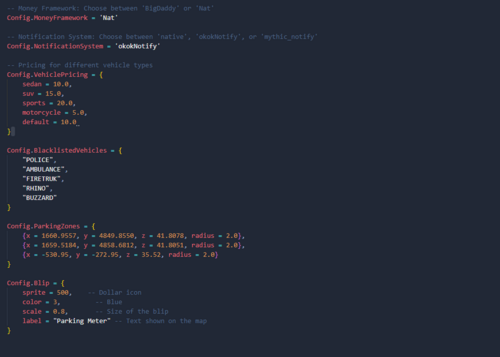
  7. Beck's Valet is a simple script to create a valet job on FiveM with zero dependencies.
    • 13 Downloads
    • 833 Views
    • 4.73 kB File Size
    Updated
  8. Slowdrive. Your Smooth Driving Mode for FiveM
    • 675 Downloads
    • 7299 Views
    • 1.94 kB File Size
    • 5 Comments
    Updated
    • 60 Downloads
    • 1534 Views
    • 1.53 MB File Size
    • 1 Comments
    Updated
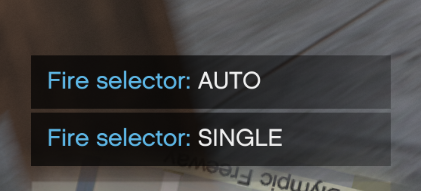
  9. AR Fire Mode Toggle (Auto / Single) — FiveM

    • 206 Downloads
    • 2156 Views
    • 3.25 kB File Size
    Updated

Account

Navigation

Search

Search

Configure browser push notifications

Chrome (Android)
  1. Tap the lock icon next to the address bar.
  2. Tap Permissions → Notifications.
  3. Adjust your preference.
Chrome (Desktop)
  1. Click the padlock icon in the address bar.
  2. Select Site settings.
  3. Find Notifications and adjust your preference.