
otatoprm
Members
-
Joined
-
Last visited
Everything posted by otatoprm
-
 You're such a pleb lmao
 -
How do i add multiple skins on one model?
-
-
If i'm correct they've stopped working on lcpdfr, so do not attempt to update your game!
-
First download lspdfr install it then go to : https://ragepluginhook.net/ download the latest version and install i, never install lspdfr after ragehook always install it before.
-
yup
-
guess he hasn't been paying attention to forums lol
-
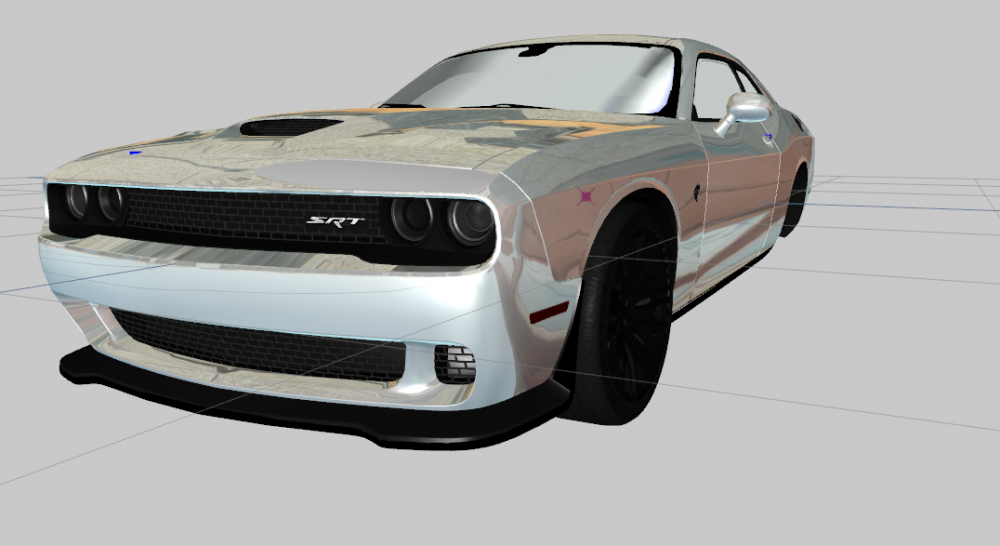
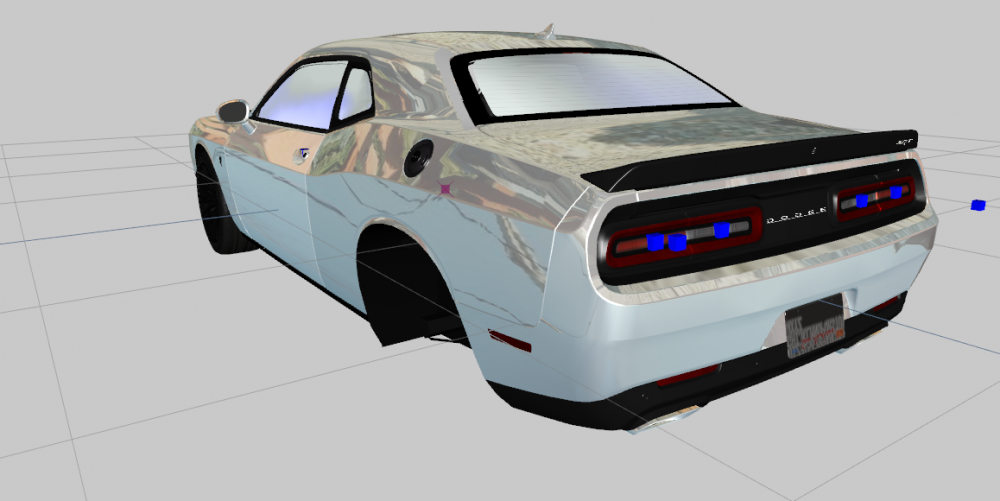
So i remembered i still had my hellcat and i got a newer one and i basically edited both of them together and i got this: I've had thought of releasing the model as dev, but we know how most people are gonna say its stolen lol
-
https://www.gta5-mods.com/misc/gameconfig-for-patch-1-0-757-2-update-at-each-r-update
-
 bruh what you smoking?
 -
Download these: https://www.microsoft.com/en-us/download/details.aspx?id=14632 https://www.microsoft.com/en-in/download/details.aspx?id=5555
-
 Probably on my next crown vic, or if i keep getting request about it, i'll add it to this model.
- 17 comments
- 7 reviews
-
-
- NAME: 2011 Unmarked Crown vic - VERSION: 1.0 - OPTIMIZED FOR: POLICE4 - MOD STATUS: Complete - 100% Model Credits: - Murphy - Lead developer, part modifications, custom modeled components, testing, UV mapping, features & fixes - Original Light - CVPI expertise, modeling contributions, BETA tester - Lundy - Door handles, CVPI expertise, CVPI parts from his models, mod tester - Yard1 - Encouragement, support, and modding techniques - Netman - Encouragement & support - Cj24 - Publisher of the original model for IV & template, including headlight modifications & misc changes from F5544's release - KevinDV - Work on the original model & grille - Ubisoft - Driver: San Francisco Ford Crown Victoria parts, including base model & first person interior - BxBugs123 - Headlight textures & expertise - OfficerUnderwood - CVPI parts from his DEV resource, mainly the headlights, grille, dash - F5544 - Initial GTA IV conversion - Schaefft - Some interior components and initial seat model that was modified into 2011 variant - MrMaticks10 edited material Lights Credits: - Dominators by tomcat8492 convert by allenjr12 - Federal Signal Spectralus ILS made by deco - Whelen Talon by bxbugs123 - custom mini led lights by jasonct203 - Lights convert by MrMaticks10 Equipment: - GoRhino CVPI Wraparound by Carper, Textures by Carper - antenna by gump Note: The rest of the equipment are not owned by me i do not know who they belong to. I didn't add a carv, due to lights not working Preview:
- 17 comments
- 7 reviews
-
-

- 7
-
-
Try removing custom loading in rph.
-
 That's something you wanna keep for yourself, no one wants to know what happens with your little wiwi and butt
- 35 comments
- 5 reviews
-
-
- 7
-
-
He said dbanker purchased it, therefore dbanker own's the interior of this model.
- 35 comments
- 5 reviews
-
-
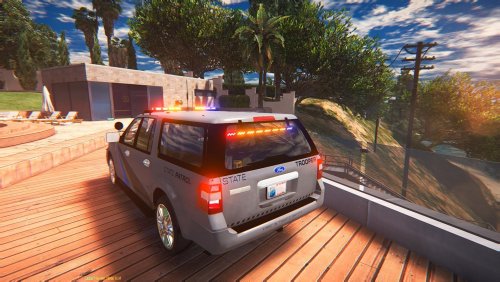 Just give up, it's a terrible low poly model before you uploaded it you should of fix the issues and make it perfect then turn it into a police car
- 34 comments
- 5 reviews
-
That's not a 3d engine, this is: https://gyazo.com/cb8d44d7ce1b932885e4451c36268a78
- 34 comments
- 5 reviews
-
https://gyazo.com/fdec28c0ad7016bde069012c2971ed0f if that's 3d engine we must be in a different world
- 34 comments
- 5 reviews
-
-
Then don't download it:)
-
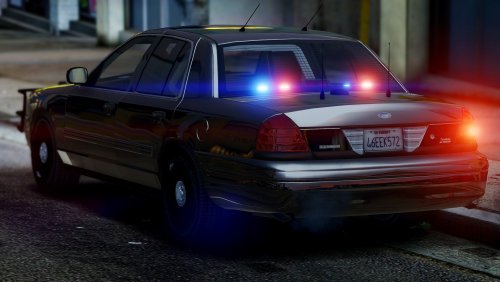
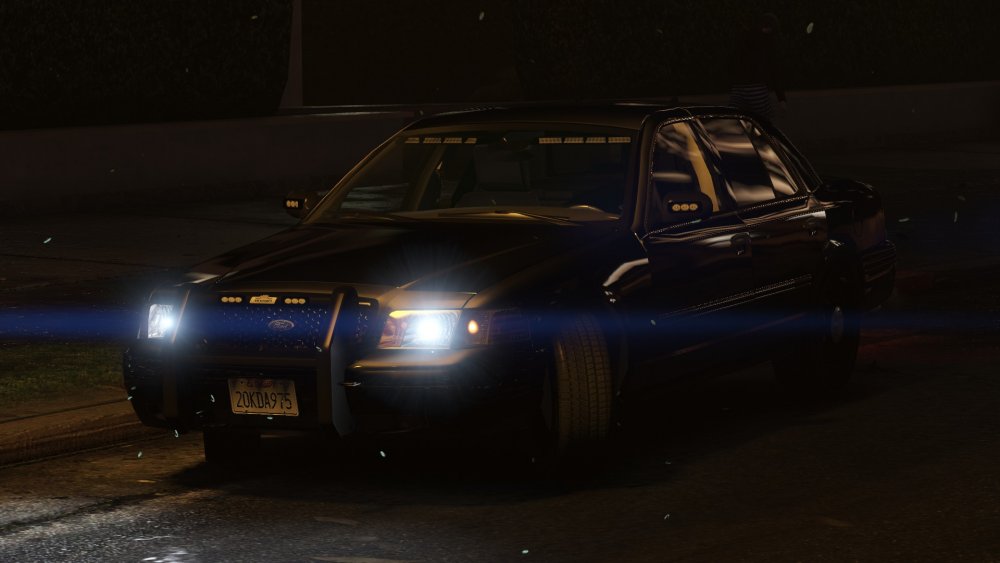
I'm currently working on this cvpi, the back is not finished yet but it's a work in progress the spectralux uses more sirens and looks way better from my charger, this cvpi has better reflections than the original model and i'm currently messing around with the interior!
-