


Luigi4518
Members
-
Joined
-
Last visited
Everything posted by Luigi4518
-
-
Had a few reports of this, will look into it.
-
-
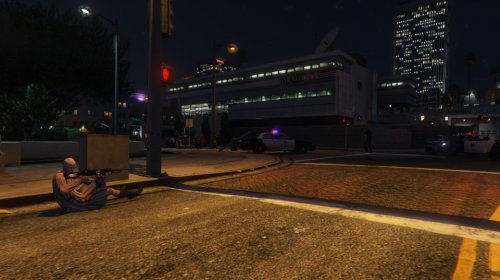 Yes this is for 0.3 and 0.3.1 I have an idea as to what maybe causing this. What call was this specifically caused by?
- 61 comments
- 17 reviews
-
Compatibility mod is out
-
I'm back... Long story short I had major problems regarding the GTA retail installer but I managed to get it fixed and have been powering through updating my callouts for the past 3 weeks so without further ado lets get onto the callouts. This update is for compatibility with the latest version of LSPD:FR, that being said a few major changes have occurred the first and foremost is that for the moment 'jailbreak' and 'ambulance hijacking' calls have been cut because they were not working as intended. Don't worry they will be back as soon as I work out whats causing the behavior but for the moment I've added a few new calls to keep people entertained. The second change is to how several of the calls work. To lay the groundwork for my major coming 'story-call' update 'A night at the movies', several calls are now location based. I have selected a few locations around San Andreas that make sense in the context of the call and LSPD:FR will give you the option to respond to the closest one to your current position. Well that's all for now. Compatibility update is drop shortly.
-
Currently I am using the following code to attempt to force my ped to get into the closest vehicle when they are on foot: foreach(Vehicle v in World.GetAllVehicles()); if (myPed.IsOnFoot) { myPed.Tasks.EnterVehicle(v, -1); } So far the ped reenters the starting vehicle, immediately get out of the starting vehicle and then runs away, never again attempting to steal other vehicles. What I want the ped to try and do is steal any nearby vehicle if they are on foot. Can anybody help me out here?
-
Ok so try this: Replace this: Game.SetRelationshipBetweenRelationshipGroups("MYENEMY", Game.LocalPlayer.Character.RelationshipGroup.Name, Relationship.Hate); NativeFunction.CallByName<uint>("TASK_COMBAT_PED", NPC, Game.LocalPlayer.Character, 0, 1); With this: Game.SetRelationshipBetweenRelationshipGroups("MYENEMY", Game.LocalPlayer.Character.RelationshipGroup.Name, Relationship.Hate); if (this.NPC.IsAlive) { NativeFunction.CallByName<uint>("TASK_COMBAT_PED", NPC, Game.LocalPlayer.Character, 0, 1); } This will make then fight the player for as long as they are alive. Does this work?
-
Ah ok Right so let me get this straight, you have the main callout project with all the files required for it to work, then you have a separate class file in which your building the code which you then transfer over to the main project?
-
We will start with trying to get your ped to attack. Do you have a section call "public override void Process()" withing you code? If you do, then place this a line beneath "base.Process();", It should look something like this. base.Process(); if (this.myPed.IsAlive) NativeFunction.CallByName<uint>("TASK_COMBAT_PED", myPed, Game.LocalPlayer.Character, 0, 1); replace "myPed" with NPC.
-
If the ped is supposed to attack the player you could try this: NativeFunction.CallByName<uint>("TASK_COMBAT_PED", NPC, Game.LocalPlayer.Character, 0, 1);
-
I have encounter that type of error before, it seems some ped models just don't like being spawned in, outside of very specific circumstances. Does that particular call still work sometimes or does it crash every time its called?
-
Somethings not working (Usually my code) as now its throwing a fit. It doesn't limit it by distance but now spawns the callout in only one place using old code that isn't even in the callout now. Would it help if I paste the callout or part of it here?
-
Currently I have a system for calling random spawn-points using a set of set coordinates using 'new random().next(x, x); Unfortunately this system gets buggy and can select points from any point on the map which often leads to either the suspect escaping instantly and/or lspdfr crashing. I'm hoping somebody around here would be able to point me in the right directing as to setting up a list containing the preset coordinates that can be randomly selected from within a maximum distance restriction.
-
Ah the million dollar question. I plan on releasing a small patch soon for the existing callouts which will see some major changes to how they play out. Don't want to give too much away but the shooting calls should be much more enjoyable and scene setting. As for the next big content update.. well most of the calls are stable and working but a few like to throw out all kinds of funky errors so when I get them sorted which shouldn't take too long it will hit the shelves.
- 61 comments
- 17 reviews
-
-

- 2
-
-
-
Police hatchback now in stock:
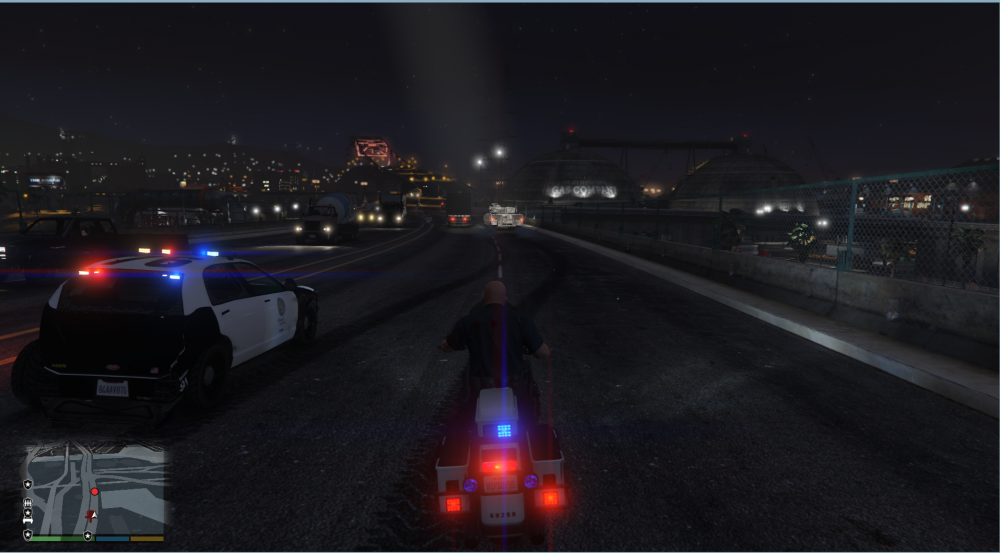 So the first test of a little side callout was just conducted... It went about as well as you would guess. FYI this is long after the call ended.
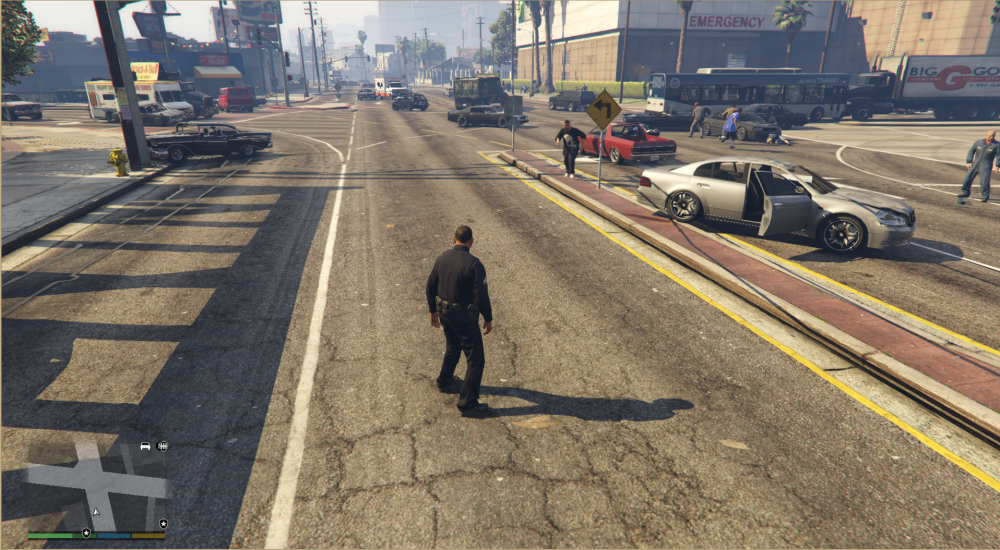 The second hotfix has just hit the shelves and with it the jail break crash has hopefully been patched. A few calls have been edited to be a little more violent.
Oh boy, sorry sorry sorry. I've been very busy with work for Uni and this is the first chance I've had to come back here. As for the error, I'm currently looking into it and have an idea as to what may be causing it.
The second hotfix has just hit the shelves and with it the jail break crash has hopefully been patched. A few calls have been edited to be a little more violent.
Oh boy, sorry sorry sorry. I've been very busy with work for Uni and this is the first chance I've had to come back here. As for the error, I'm currently looking into it and have an idea as to what may be causing it.- 61 comments
- 17 reviews
-
-
- 1
-
High Priority Callouts is the result of my first attempt at creating a callout mod. The goal of this mod is to bring about more action oriented events and eventually callouts that are more in the spirit of Grand Theft Auto. This is my official development thread where I'll post information about the state of my mod My mod opened with 5 calls ranging from pursuits with potentially armed suspects to shootouts with heavily armed subjects. Now onto the real meat, the next few hot fixes and the big update. So after what I would consider a successful release, I've been reading through the reviews/comments and collecting bug information and I'm happy to announce the more repeatable bugs have been squashed and a few new anomalies have emerged (good times). In other news, I've been hard at work cleaning up code, added a new set piece to jail break call and re-balanced the street shooter calls as I was finding the backup AI was arriving and cleaning up the call too quickly. Along with that I've been starting to work on the next big update "A night at the movies: Part 1', which will host a set of calls based on famous action movie sequences. A few 'scenes' may be leaked with a hot fix or two... First hot-fix is live bringing the mod version up to 0.1.5. This hot-fix introduces randomizing of peds and weapons as well as fixing a oversight in the code which was responsible for the bug in the transport vehicle theft call where the passengers blip would be cleared when the driver died or was arrested even if the passenger was still active. A few new anomalies have appeared but they shouldn't interfere with people's patrols too much... Well that just about does it. Love it? Hate it? Not working? Sick of getting one-shot by a sniper? Drop me a line and I'll see what I can do. Please don't redistribute my work.
High Priority Callouts is the result of my first attempt at creating a callout mod. The goal of this mod is to bring about more action oriented events and eventually callouts that are more in the spirit of Grand Theft Auto. This initial release features 5 calls: Active Shooter Ambulance Hijacking - Chase down a hijacked ambulance. Jail Break - A prisoner in transport has gained control and is now running loose. Sniper - Modified to spawn in more expected locations Cargo Vehicle Theft - Two armed suspects have stolen a truck. Terrorist attack - Spawns a set locations with a variety of weapons.. and maybe a surprise. Gang Turfwar - Spawns a set locations (Possibly the most unstable of all the callouts and the next call that will be getting an overhaul). Luxury Vehicle Theft in Progress - Should give players a fast chase (get out your sports cars) Pursuit of Heavily Armed Suspects - Suspects armed with automatic weapons The calls range from fairly simple vehicle pursuits to difficult shootouts with heavily armed subjects. Next planned update: "A night at the movies: Part 1" Well that just about does it. Check out the development thread for this mod: http://www.lcpdfr.com/forums/topic/56194-wiprel-high-priority-callouts/ Love it? Hate it? Not working? Sick of getting one-shot by a sniper? Drop me a line and I'll see what I can do. Please don't redistribute my work.- 61 comments
- 17 reviews
-
-
- 22
-
That's one the things that has me stuck, I do. My folder structure is the same as the example.Hi. I've been following the API Example while trying to build a custom callout but I've run into two errors which have me stumped. This line:"using HighPriority.Callouts;" is throwing the error Error CS0234 The type or namespace name 'Callouts' does not exist in the namespace 'HighPriority' (are you missing an assembly reference?) HighPriority C:\Users\_\Downloads\GTA 5 Modding\HighPriority\HighPriority\HighPriority\Main.cs and this line:"Functions.RegisterCallout(typeof(JailBreak));" is throwing this error Error CS0246 The type or namespace name 'JailBreak' could not be found (are you missing a using directive or an assembly reference?) HighPriority C:\Users\_\Downloads\GTA 5 Modding\HighPriority\HighPriority\HighPriority\Main.cs I've tried every way that I can see to try and fix them to no avail, so I'm somebody might be able to point me in the right direction.


