



DominatorC
Members
-
Joined
-
Last visited
Everything posted by DominatorC
-
From the album: Largo based Mega Skin Pack WIP
-
-
 FPIU2_2
-
 FPIU2_1
-
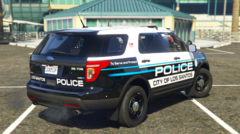 FPIU_2
-
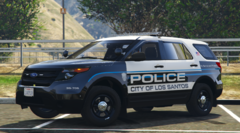 FPIU_1
-
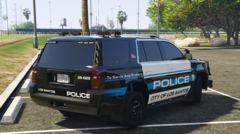 Tahoe_2
-
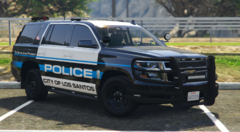 Tahoe_1
-
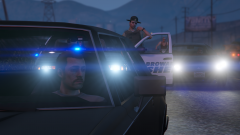 Screenshot_18.png
-
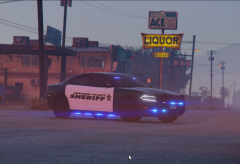 BrowardCharger5.png
-
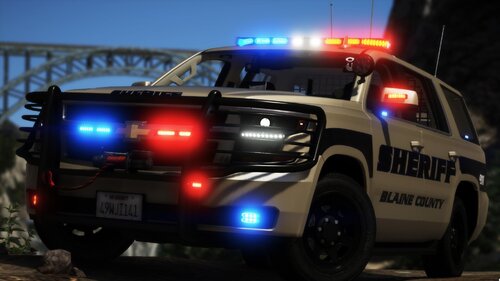
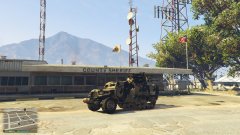 The usual Tuesday patrol in Blaine County
-
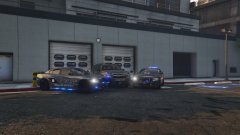 Sheriff Lit 3
-
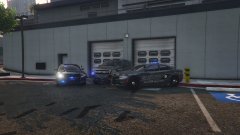 Sheriff Lit 2
-
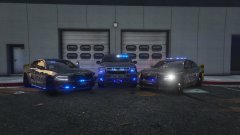 Sheriff Lit 1
-
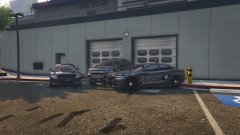 Sheriff Fleet 2
-
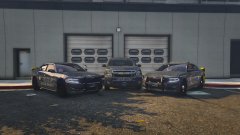 Sheriff Fleet 1
-
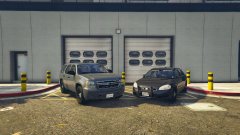 FIB Fleet
-
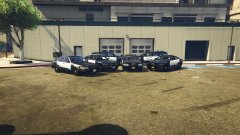 Police Fleet 2
-
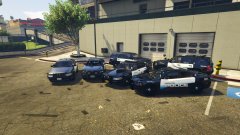 Police Fleet 1
-
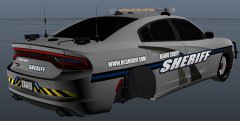 Pack is released, and new silver theme coming soon
-
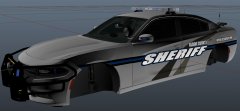 Pack is released, and new silver theme coming soon
-
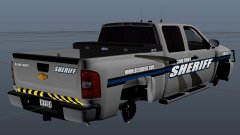 Pack is released, and new silver theme coming soon
-
-
From the album: DominatorC stuff
Largo Based skins WIP -
From the album: DominatorC stuff
Largo Based skins WIP -
From the album: DominatorC stuff
Largo,FL Based skins WIP -
From the album: DominatorC stuff
Largo Based skins WIP -
From the album: DominatorC stuff
Largo Based skins WIP -
From the album: DominatorC stuff
Largo Based skins WIP -
-
Read above
-
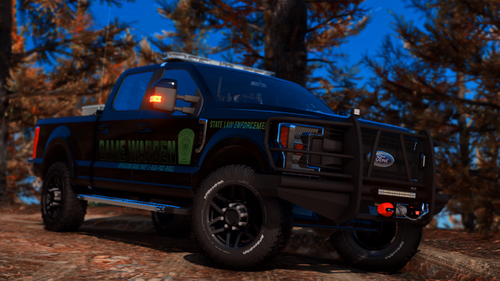 Well I read it but what am I supposed to make out about a generic Redneck name? I know about 6
Where are the vehicles from? I understand they aren't part of the pack but that first silvy is something else
Well I read it but what am I supposed to make out about a generic Redneck name? I know about 6
Where are the vehicles from? I understand they aren't part of the pack but that first silvy is something else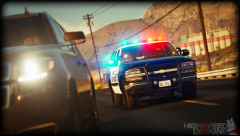 Is this still going to be released?I mean there are a few out there now but yet to have one with the right lighting or an unmarked one. So if you're down to do it with these rims let me know.I've read the highest done had 774k polygons. Not bad compared to the 500k in this oneLooking for someone who can convert a 3d model into a usuable vehicle in GTA. Was looking at this on having a civilian version and a police package. Model would be paid for; estimated 4 months time period https://www.cgstudio.com/3d-model/chevrolet-silverado-lt-z71-crew-cab-gmtk2-standart-box-2016-62030
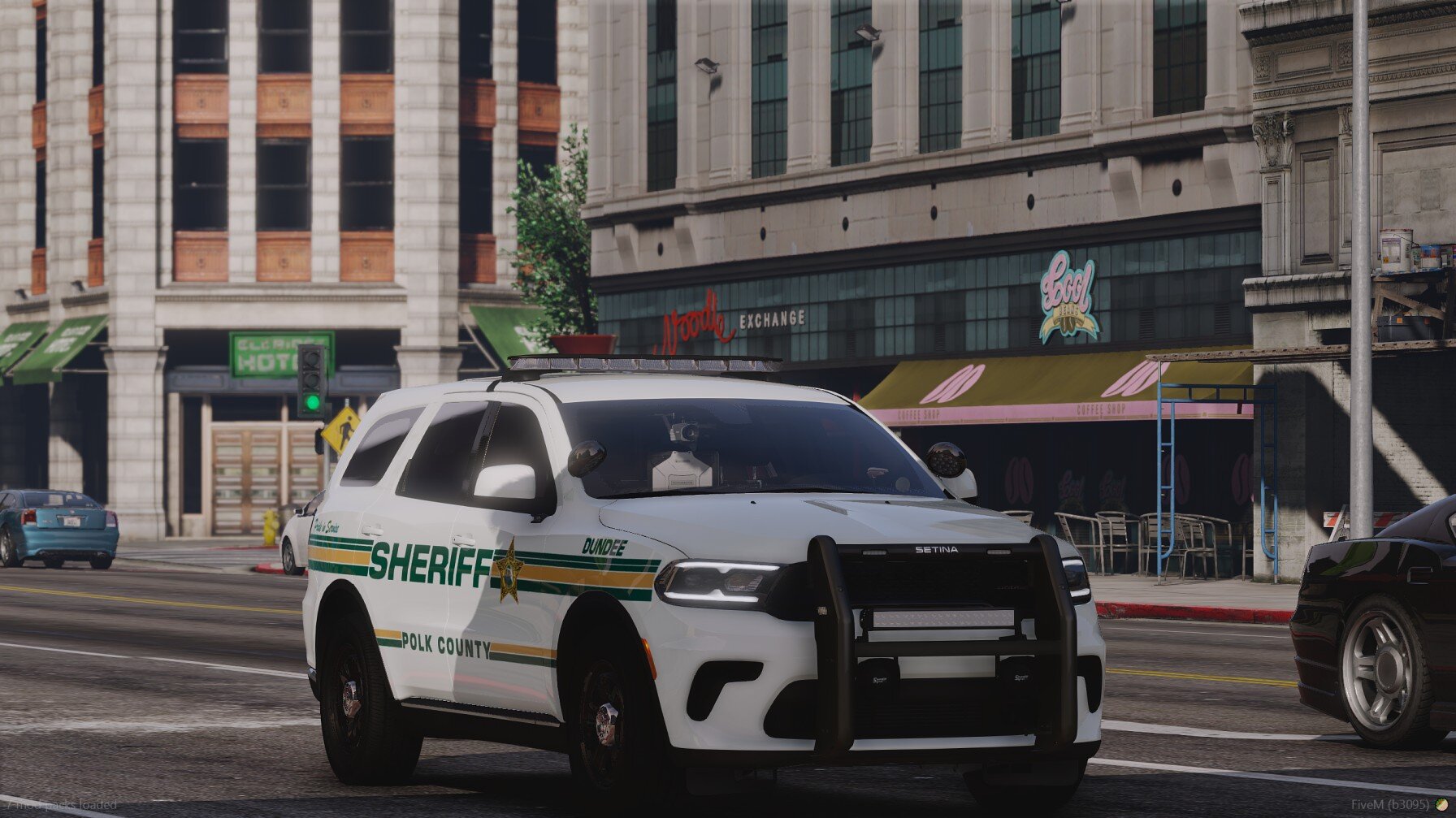
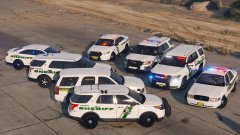 I could make a post about the vehicles and XML files I used but I do not own any of the vehicles or skins. I used PBSO guy's skins and chose some extra or different cars based on what I felt was close. I added a 13 FPIU skin using the 16 FPIU skin. I went through easily 30-40 cars to see which lightbar or setup would resemble Pasco.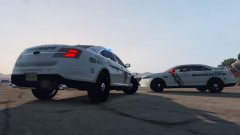
From the album: Pasco County Sheriff's Office
Credit to PBSOguy for the skins and various modelers for the vehicles
From the album: Pasco County Sheriff's Office
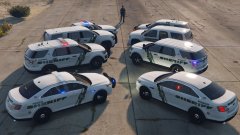
From the album: Pasco County Sheriff's Office
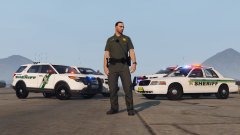
From the album: Pasco County Sheriff's Office


.thumb.png.cc2699824b5c603a8e4dab586aa7fdd9.png)



