




Pavy
-
Joined
Everything posted by Pavy
-
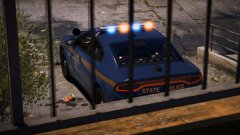
From the album: New York City/State Police Vehicles
-
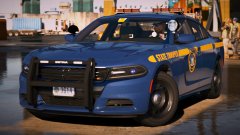
From the album: New York City/State Police Vehicles
-
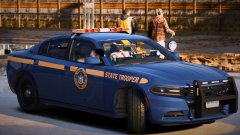
From the album: New York City/State Police Vehicles
-
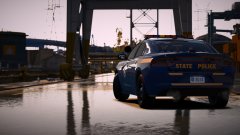
From the album: New York City/State Police Vehicles
-

From the album: New York City/State Police Vehicles
-
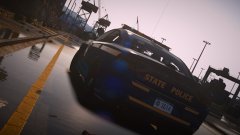
From the album: New York City/State Police Vehicles
-
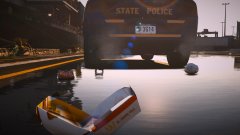
From the album: New York City/State Police Vehicles
-
I'm a bit confused. Is your question how to change the car colors in-game? Use this trainer >Vehicle options>car color https://www.gta5-mods.com/scripts/simple-trainer-for-gtav
-

From the album: Random Gallery
-

From the album: Random Gallery
-
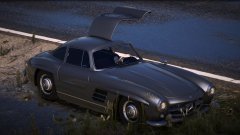
From the album: Random Gallery
-
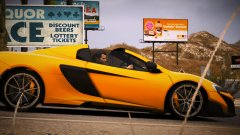
From the album: Random Gallery
-
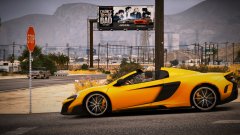
From the album: Random Gallery
-
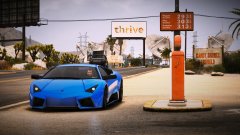
From the album: Random Gallery
-
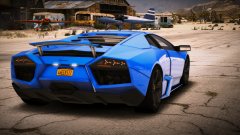
From the album: Random Gallery
-
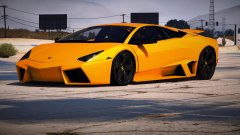
From the album: Random Gallery
-
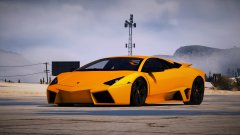
From the album: Random Gallery
-

From the album: Random Gallery
-
Definitely no. Those specs get 50fps on fortnite. I see gta 5 averages 40fps here https://www.youtube.com/watch?v=7tgdvZGvulI For an easier way to find out if gta 5 can be run just type the specs into youtube and look at benchmarks.
-
No plugins were attempted to load in that log. Do you play with a mods folder? If so, rename mods to mods_ and see if your game loads up now.
-
https://www.lcpdfr.com/files/file/16682-chp-tahoe-textures-2015-and-2017/ That is a chp texture. The vehicles you can use are provided by the author. They are non-els models. Also, if you are gonna use them on a FIVEM server you need permission from the author if they deem it necessary. I don't think it will be possible to get a CHP lighting pattern with non-els
-
Whoops, One of the images threw me off. Why do you not want to use ELS? Most cars nowadays are els
-
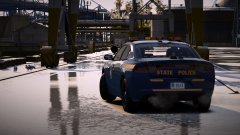 This is Gallery. Not a file upload, not a vehicle showroom. Gallery.



