Pavy
-
Joined
Everything posted by Pavy
-
 This is Gallery. Not a file upload, not a vehicle showroom. Gallery.
 -
There is no attitude. Where am I mad about critiques? Check your eyes please. He can comment on "inaccuracies" if he wants. I'd put this in the vehicle showroom section for improvements if I was the author, but no it's just a screenshot...in the gallery...
-
No I don't have to tell him anything.
-
It's not my model. Idk why he keeps thinking that.
-
Stop the Ped has 2 arrest animations https://www.lcpdfr.com/files/file/18481-stop-the-ped-normal-and-gunpoint-stop-pat-down-ped-gun-permit/ Stop the ped: Stop the nearest ped peacefully. (only one ped at a time) Stop the ped at gunpoint. (while aiming your weapon at the ped) The picture you provided, is the 2nd animation
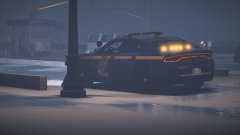
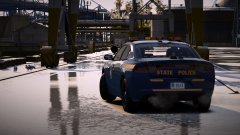
From the album: New York City/State Police Vehicles
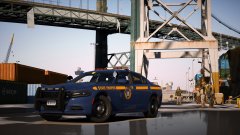
From the album: New York City/State Police Vehicles
From the album: New York City/State Police Vehicles
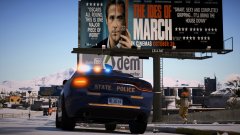
From the album: New York City/State Police Vehicles
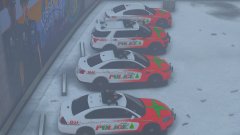
From the album: New York City/State Police Vehicles
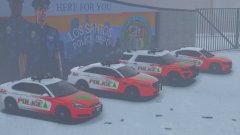
From the album: New York City/State Police Vehicles
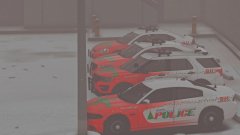
From the album: New York City/State Police Vehicles
From the album: New York City/State Police Vehicles
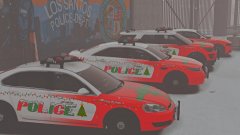
From the album: New York City/State Police Vehicles
From the album: New York City/State Police Vehicles
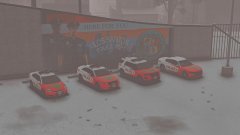
From the album: New York City/State Police Vehicles
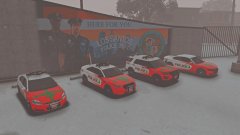
From the album: New York City/State Police Vehicles
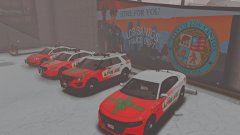
From the album: New York City/State Police Vehicles
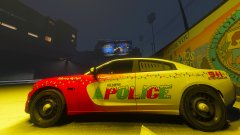
From the album: New York City/State Police Vehicles
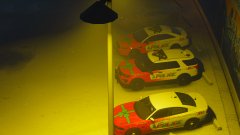
From the album: New York City/State Police Vehicles
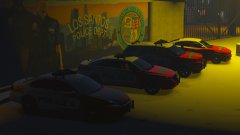
From the album: New York City/State Police Vehicles
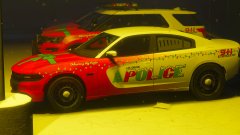
From the album: New York City/State Police Vehicles
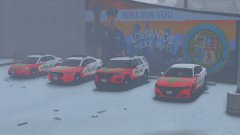
From the album: New York City/State Police Vehicles
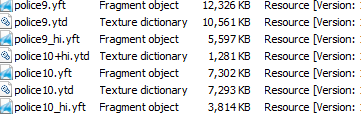
Some vehicles come with 4 model files. Some with 3. The difference is the +Hi file. Here is an example. For police9 I have 3, police10 I have 4. You need to search in openiv for the sheriff slot and see if there is an extra file that doesn't belong there.