


Sheriff Van Dyck
Members
-
Joined
-
Last visited
Everything posted by Sheriff Van Dyck
-
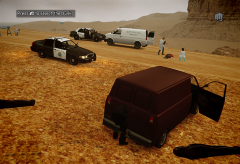
From the album: Radom things
They tried to kill me so... -
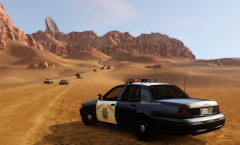
From the album: Radom things
-
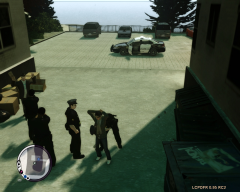
From the album: Radom things
-
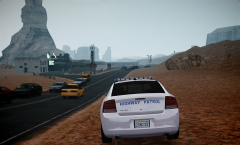
From the album: Radom things
-
From the album: Radom things
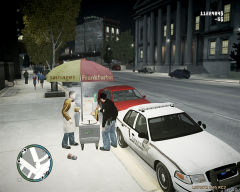
Just forget it, i'm going to put some mustard on it -
-
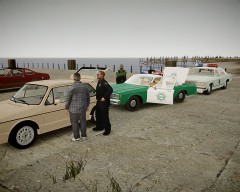 hahahahah, it always have to be Mexico who's got the drugs ah?
 -
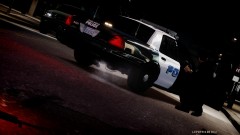 Sorry for asking, what's that CVPI, could i get a DL link for it?
 -
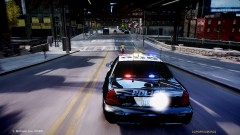 Hey so this car still in update process, or can i download it now?
 -
-
-
Did you tried to run it as administrator? Also check that all the files on GTAIV folder aren't in read only mode.
-
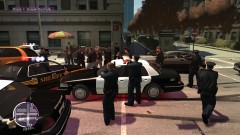 woo there, wich one is that cvpi? looks fantastic man, nice photo
 -
-
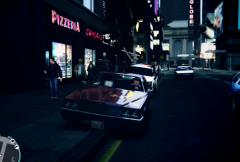 I mean, *how does this palette looks
 -
-
-
-
When you use ELS on cars wich are not ELS enabled, sirens just disappear, so you need to download ELS-enabled vehicles. And the doors are opening-closing everytime because ELS re-maps the whole model again and again, so the lights can blink as you like.
-
-
-
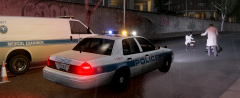 Hey that van would be replaceable for any car slot? I mean, put it on the PSTOCKADE slot and stuff?
 -
-
-

