


Sheriff Van Dyck
Members
-
Joined
-
Last visited
Everything posted by Sheriff Van Dyck
-
 :-O
:-O -
 Thank you! :-D
 -
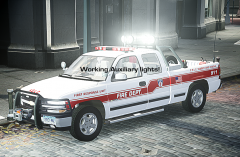
I'm Glad you like it ! And of course it will have that lighting setup, it's the watermark on my cars :-P
-
Thanks bro, hose lights are part of that rambar, i've just added the ELS Led lights on there
-
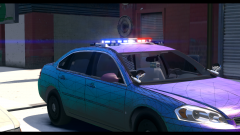 You could try using my LPD Pack for that impala ;-) '?do=embed' frameborder='0' data-embedContent>> Also, that bloom looks amazing.
 -
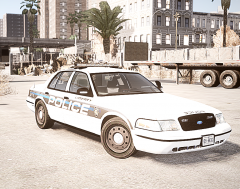
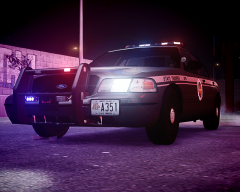
From the album: Next Releases
COming Soon -
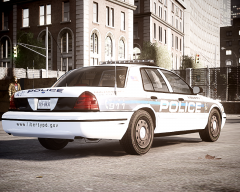
From the album: Next Releases
-
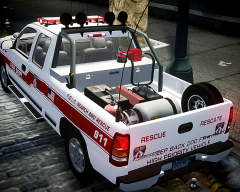 Thanks bro! And thanks for your help on the topic of the "invisible" things, that helped me a lot, you will be on the credits, Pengi will be too.
 -
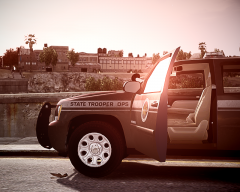
From the album: Next Releases
Coming Soon -
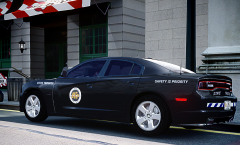
From the album: Next Releases
-
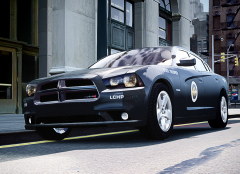
From the album: Next Releases
-
From the album: Next Releases
-
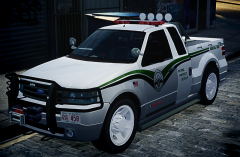
From the album: Next Releases
-
From the album: Next Releases
-
From the album: Next Releases
Model from BxBugs -
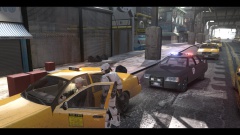 I.....MUST....HAVE...IT!!!!!!!!!!!!!!!!!!!!!!!!!!!!! I have on in real life, i love those cars!
 -
I absolutely agree on that. :-) Thank you again! Now i can overload the trunks of every car ! >:-D
-
Pengi and MascottePaper Thanks for your help. I've managed to make those objects visible now, thanks for the tutorial link and for your help. I appreciate that and i hope i can help when you need it. '>'>
-
Oh! Missed that. Lemme try it. Could you please PM me that link? It would be very helpful.
-
Yep! I've attached it to the chassis, same issue. Here's a pic of the materials: '>%20%20%20PS:%20I%27ve'> PS: I've found that there are another material for the "toolbox" named toolbox gta default. It's created automatically when i export the model, idk if that has something to do here The first image is what i've created The second one is from Zmodeler
-
Hey mate, i have done what that topic says, but my objects seems to keep "invisible" I have even mapped the objects! Was that desk on your tahoe some gta iv item? Here's a picture of what i'm trying to add to the car: '>
-
Thanks bro, gonna read that!
-
Hi, it's me again. I have a problem, in Zmodeler i'm trying to put some .wdr objects into my car, in Zmodeler they seem to be in their place, in OpenIV they appear too, but when i go to the game and spawn my car, those objects aren't there. The wdr objects i'm trying to put on the car are a toolbox and a case, found in weapons.img. What am i doing wrong this time, or what can i do for those objects to be visible? Any help will be appreciated, thank you!
-
-
Excuse me, i have an issue. With the "suspicious parked vehicle", the bomb squad never shows up. I press the button the game tells me but they won't appear, i have even a message that says i can force their sorry asses (lol) to teleport to my location, but they won't come! What can i do?


