
xDodox
Members
-
Joined
-
Last visited
Everything posted by xDodox
-
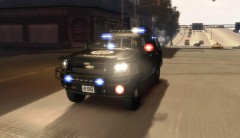 If someone would say that to me with this car.... ;-)
 -
-
-
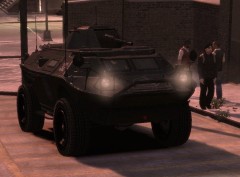 :)
:) -
-
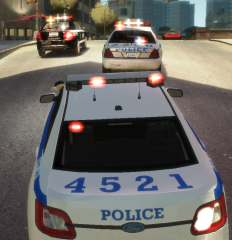 :D look at gpm, now! ;)
 -
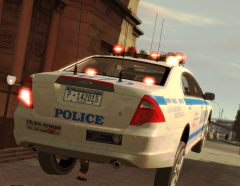 look at gpm for it.
 -
Countdown for Battlefield 3. :yes:
-
From the album: xDodox's Pictures
© xDodox
-
Do this, what Flambe said.
-
,,,and start your GTA as an admin (richt click on the exe. and choose "launch as an admin...".
-
The new ELSv6 should work with 0.95 and with 0.91, it got updatet. But ELSv5 is a good way to fix problems.
-
Very good Harper! +1
-
Best way to test it, is to install it to your desktop.
-
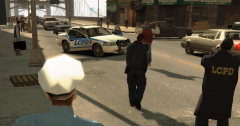
From the album: xDodox's Pictures
© xDodox
-
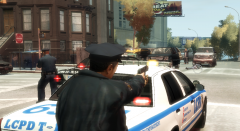
From the album: xDodox's Pictures
© xDodox
-
Just install the default cars.
-
Please make a log with the diagnostictool and post the full log here. Then post your system specs (CPU, RAM, GPU, ...).
-
-
Haha...n1 break! :biggrin:
-
That looks fucking amazing! Good work Sniper!
-
You need GTA IV v1.0.7.0 and the Games for Windows Live Update for GTA IV. Then you wil need the Microsoft .NET Framework 4 (Standalone Installer) http://www.microsoft...s.aspx?id=17718. You should run GTA IV as an admin (right click on the exe. and choose "launch as an admin")
-
-
Easiest way to fix your problems is to read all the stickies! For the steamless version of GTA IV you need the "Games for Windows Live Update for GTA IV". And try that what Interference said!
-