wolfrunner86
Members
-
Joined
-
Last visited
Everything posted by wolfrunner86
-
I cant wait for this
-
 I have taken a break from modding, i did release the model unlocked so someone else possibly could.
- 11 comments
- 4 reviews
-
 that error is because you are trying to import into zmod 3 instead of opening/merging
 -
-
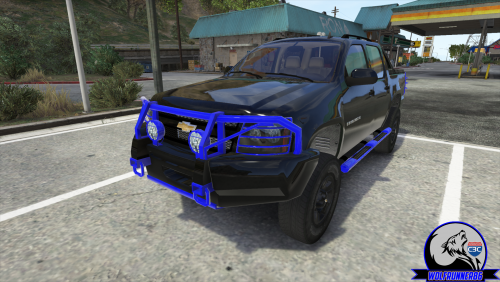 2010 Chevrolet Avalanche Ripped from 4x4:Hummer By Taho|Converted to GTA:V by Wolfrunner86 Headlights, Taillights, & rims By Shadydk311|Converted to GTA:V by SkylineGTRFreak -------------------------------------------------------------------------------- DO NOT RE-UPLOAD FILES UNLOCKED --------------------------------------------------------------------------------
 -
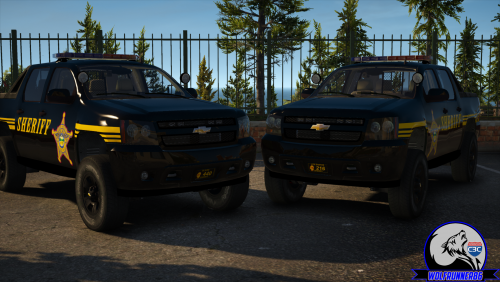 cause they are sexy :)
 -
-
2010 Avalanche Sheriff's Livery's You may edit for personal use. for use with DO NOT RE-UPLOAD ANYWHERE ELSE
-
From the album: Wolfrunner V
-
where are you installing these cars, it could be that you need to go to a more recent dlc to install, try patchday 16 if you havnt already
-
-
yeah but when you are making one that dont replace a default slot you will need to have a carvariations for that added vehicle
-
in the carvariations did you set the siren to 1.
-
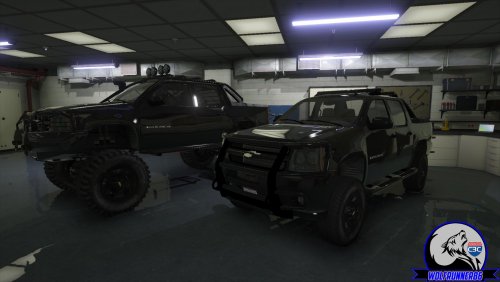
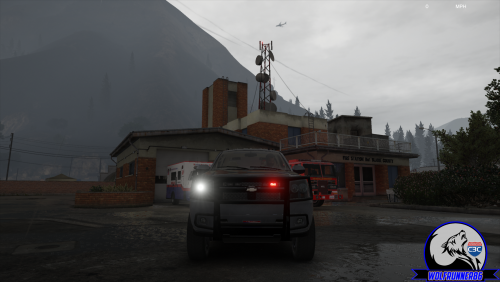
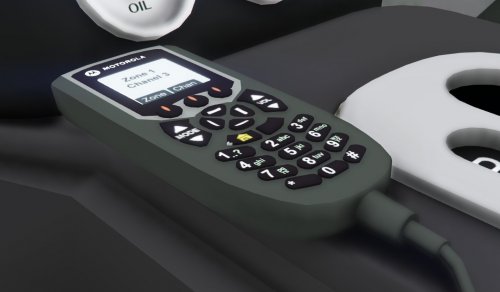
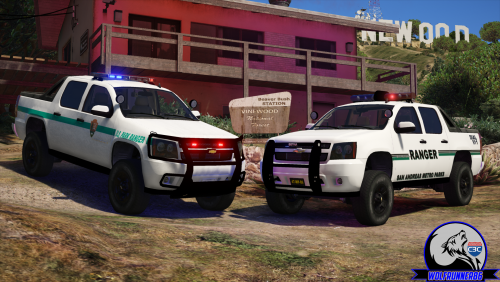 2010 Chevy Avalanche Model Features ELS: Whelen Liberty NON-ELS: Whelen liberty & Federal Signal Jetstream mod shop components: 2 rambars, running boards, sun roof, alternative rear bumper body and window templated Install Instructions in Read-Me file 2010 Chevrolet Avalanche Ripped from 4x4:Hummer By Taho Converted to GTA:V by Wolfrunner86 Headlights, Taillights, & rims By Shadydk311 Converted to GTA:V by SkylineGTRFreak Equipment: Whelen Liberty modeled by RoegonTV. converted to GTA V by Wolfrunner86 Federal Signal Jetstream by Unknown (people need to put readme's in there files) Whelen Dominator by: HDgamerzPC Whelen SA315P Speaker by: HDgamerzPC Motorola XTL5000 radio by: OfficerUnderwood Tahoe Setina Pushbar by NickieB Panasonic Toughbook CF-31 modeled and converted by Ridgerunner Designs Panasonic Toughbook CF-31 texture by Ridgerunner Designs Whelen Cencom Sapphire scratch made by IronicRainbow Police Console by 0taku Setina BodyGuard 6,7 Partition made by deco Stalker Patrol Radar modeled by RoegonTV Watchguard 4RE Modeled by CAP'N CRUNCH DO NOT RE-UPLOAD ANYWHERE ELSE
- 11 comments
- 2 reviews
-
-

- 4
-
-
anytime i have els installed i cant equip extra's that have collisions. that for any vehicle not just els ones. anyone know how to fix this or do i just have to stop using els
-
From the album: Wolfrunner V
took a few days off modding but made alot of progress tonight. mostly bug testing left -
i usually can improve them by going in trainer/weather/time cycle modifier and in the top section change to carpark_MP_exit
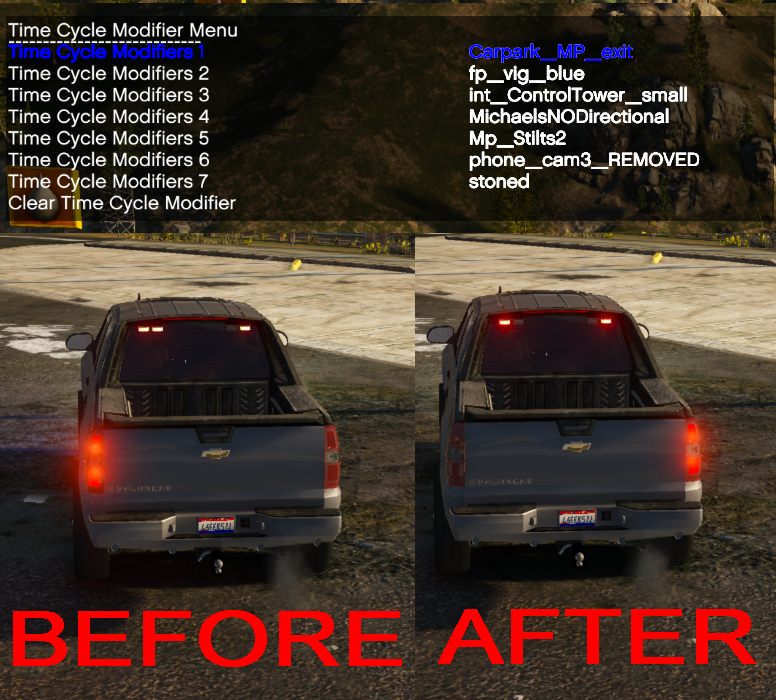
-
Sorry i guess i still use old terms from GTA IV. but i have included the els file in the update.
- 11 comments
- 4 reviews
-
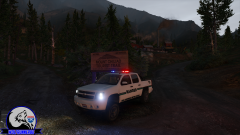
From the album: Wolfrunner V
i have finally started work on this one -
I WILL i will try to do a non-els version, its been a while since i messed with that stuff. i just used the default one and changed 1-4 to red and disable all other extras, as there are actual extras on the vehicle
- 11 comments
- 4 reviews
-
2010 Chevy Avalanche Model Features multiple extras body and window templated compatible with the modshop parts from my civiain avalanche Install Instructions in Read-Me file Credits Ripped from 4x4:Hummer By Taho Converted to GTA:V by Wolfrunner86 Headlights, Taillights, & rims By Shadydk311 Converted to GTA:V by SkylineGTRFreak Equipment: Whelen Dominator by: HDgamerzPC Whelen SA315P Speaker by: HDgamerzPC Whelen 295SL101 Siren Controller by: OfficerFive0 Motorola XTL5000 radio by: OfficerUnderwood DO NOT RE-UPLOAD ANYWHERE ELSE
- 11 comments
- 4 reviews
-
-
- 4
-
-
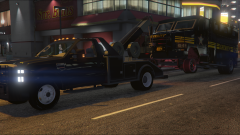 i kinda got distracted by my Avalanche, yeah i had planned to do something with it once i get it working properly
 -
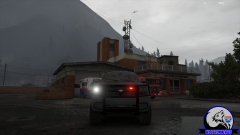
From the album: Wolfrunner V
Just a quick simple thing im messing with -
-
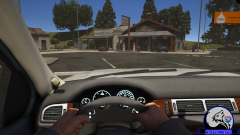
From the album: Wolfrunner V
Just a couple things coming next update