



Wilhelm
Friends of LSPDFR
-
Joined
-
Last visited
Everything posted by Wilhelm
-
I'm playing around with modelling again, and I'm getting this strange issue. It's the 2013 Tahoe (OfficerUnderwood) with a Whelen Liberty on it. Everything is fine in ZModeler3 and OpenIV, but as soon as it goes in game it completely breaks down. The top screenshot below is the messages that I'm getting on export. This might be the cause of it, but its strange how it looks fine in ZModeler and OpenIV? Thank you for your help! Update: I've managed to fix the export messages by assigning mask and bump textures etc. You can see the lightbar base in the ZModeler screenshot and the OpenIV screenshot are different, in that the OpenIV image has no texture on the stand. This has no impact on the issue, and the model still freaks out. After a few moments, everything around me starts to reduce in quality (ground textures break down, traffic disappears etc). Maybe it's a LOD issue? I know that the Tahoe model only has LOD0, as it came, but the lightbar has LOD0-3.
-
What slot are you using? If you're using a slot that usually has tint on the windows, it'll apply the tint to the lightbar glass as it would the window glass. To fix this, you'll have to make some chances to the vehicles.meta.
-
Hi Pav500, Paperwork++ will not be up again in the forseeable future. Development is currently beginning (taking baby steps) for PaperSuite. Hi TroopaN, PaperworkPlus, which is a desktop application which I uploaded here, will be saved offline to XML files. The online service for PaperworkPlus was suspended a long time ago. Thank you for your input rmiers, it's good to see you're still interested! 🙂
-
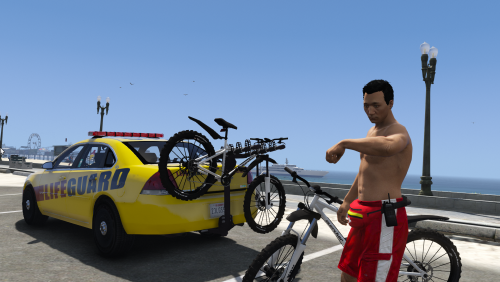 Hi @Officer.Barbrady, Thank you for your comment, I always love to hear from the community. I'm afraid I don't know what "pligaric" means, as I speak modern English, like the rest of the world. I had a quick Google, and I can assure you I'm not bald (my dad does have a receding hairline however). It seems as though I've upset you in some way, but I'm not sure how. It seems as though my opinion has insulted yours? As far as the modding community goes, I'm not interested in "reputation". As a matter of fact, I've made all kinds of mods and have released a whole lot of free-to-use graphics to a community that I'm a part of. I've made skins, a few models, server and client scripts. I do it because I enjoy it, not because I want people to like me. The comment that I made in July 2017 was because there was no ELS lifeguard mods available at the time, and I ordered my full fleet of mods to be ELS, and so I did what I could to change that. I can, of course, see both sides of the argument, and that vanilla has its place, often on server environments. I do still prefer ELS, and I'm sorry that offends you. I look forward to seeing your own take on vehicle models contributed to the community. Kind regards, WillUnderscore
- 16 comments
- 6 reviews
-
-

- 2
-
-
Updated main post for July 2018 service closure and Paper Suite information.
-
 Probably the best way to do it! :)
 -
-
A beauty! Do you have any projects going?
-
-
 Lovely to see some textures that aren't shiny brand new out the factory! :D
 -
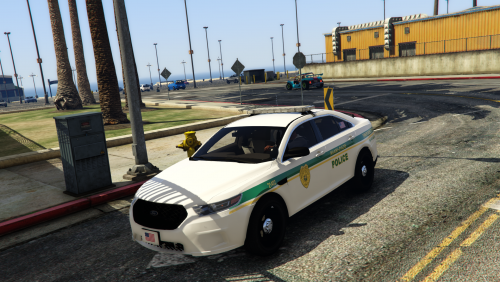 This is a Broward County pack I made a while ago (pre-ELS). If you can adapt the textures to the models of your choice then you're more than welcome to release them! A mention would be appreciated but not required in this case! :) The same applies to a Ft. Lauderdale pack I made (lower link) https://www.gta5-mods.com/paintjobs/broward-county-florida-department-pack https://www.gta5-mods.com/paintjobs/fort-lauderdale-police-florida-department-pack
- 9 comments
- 3 reviews
-
I'm currently building up a lore mega pack, one of the fire departments is dade-inspired :)
- 9 comments
- 3 reviews
-
-
- 1
-
-
Paperwork++ will be made available to the public in the next three weeks. I will send an email to everyone who has registered an account!
-
 Anyone is able to sign up to Paperwork++ and doesn't require anyone to have a copy of the game!
- 79 comments
- 28 reviews
-
Thanks for the offer, I really appreciate it! I'm planning on taking some screenshots and setting up a guide. But thanks anyway!
- 79 comments
- 28 reviews
-
Hi there, Thanks for getting in touch about PaperworkPlus! As per the notice displayed at the top of the page, which I have included a copy of above, PaperworkPlus is no longer taking requests for new users. You can continue to use the offline mode however. The reason for this is the development of Paperwork++, which basically moves the functionality of PaperworkPlus onto a website! Checkout information about Paperwork++, which will be released in the next few weeks, here! Thanks, Will_ Copy of the notice:
- 79 comments
- 28 reviews
-
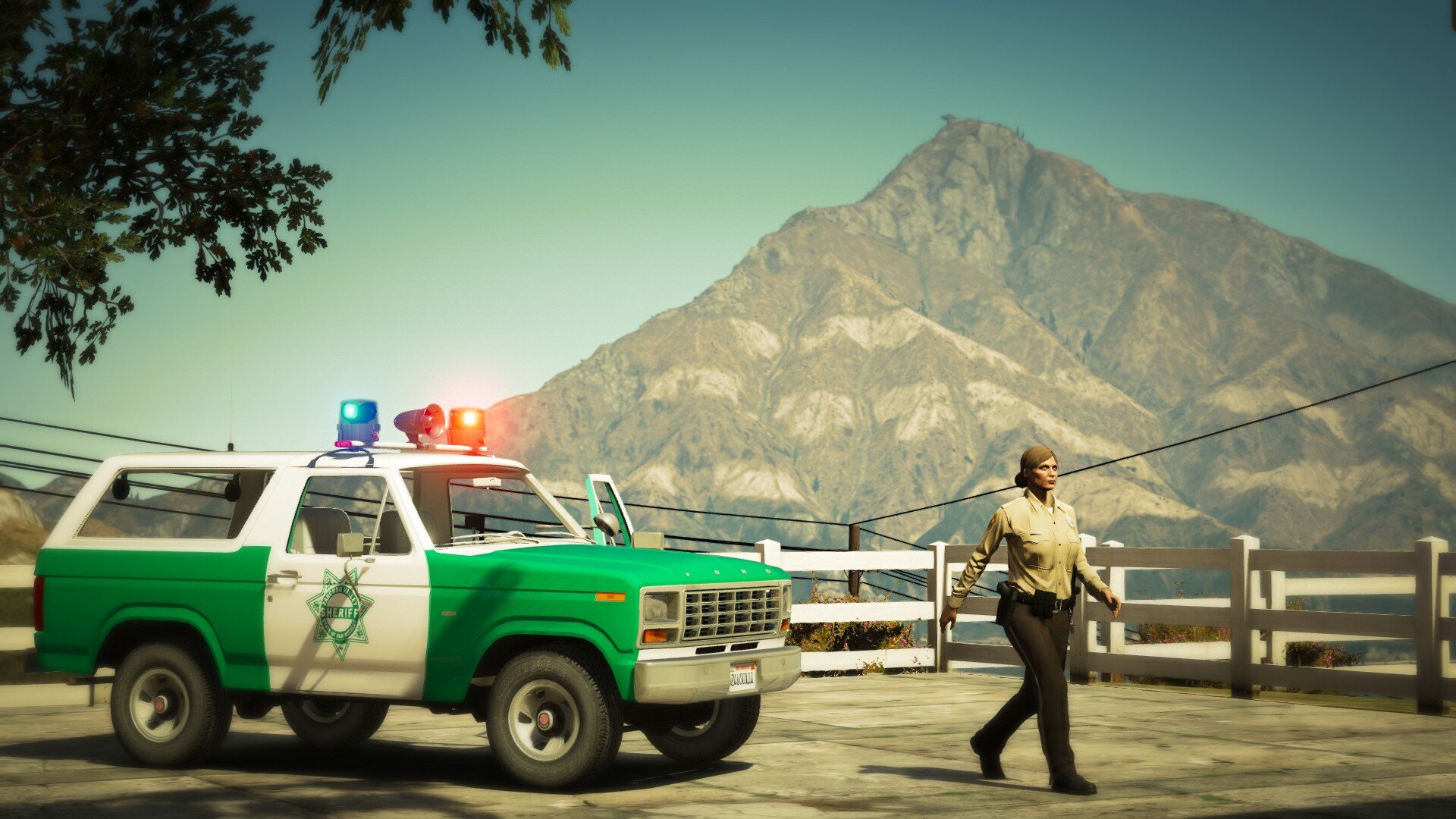
Welcome to Miami-Dade County Miami-Dade County is a county located in the southeastern part of the U.S. state of Florida. It is the southeastern-most county on the U.S. mainland (Wikipedia). This pack contains a range of Miami-Dade Police Department and Miami-Dade Fire and Rescue vehicles. This pack makes use of T0y's Los Santos Police Department Mega Pack, Trooper Goetz's Pierce Quantum, and downcoldkiller's Ford F-350 Ambulance. This pack is designed to be accurate to the classic single green stripe liveries, along with the bright green fire and rescue vehicles. It took some time to produce this pack and I've had it sitting around for a while. I hope you really enjoy using it! Use it for anything, I don't mind: But if you're going to use the models, make sure you get their creator's permission too! You'll need these models.
- 9 comments
- 3 reviews
-
-
- 4
-
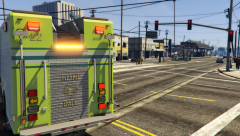
From the album: Miami-Dade County
© SgtFluffy
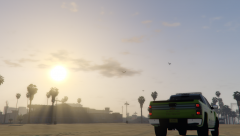
From the album: Miami-Dade County
© SgtFluffy
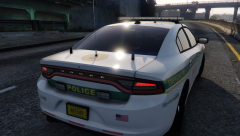
From the album: Miami-Dade County
© SgtFluffy
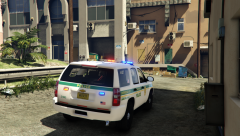
From the album: Miami-Dade County
© SgtFluffy
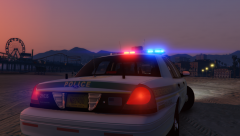
From the album: Miami-Dade County
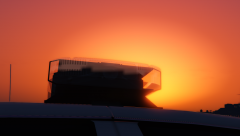
From the album: Miami-Dade County
© SgtFluffy


Account
Navigation
Search
Configure browser push notifications
Chrome (Android)
- Tap the lock icon next to the address bar.
- Tap Permissions → Notifications.
- Adjust your preference.
Chrome (Desktop)
- Click the padlock icon in the address bar.
- Select Site settings.
- Find Notifications and adjust your preference.
Safari (iOS 16.4+)
- Ensure the site is installed via Add to Home Screen.
- Open Settings App → Notifications.
- Find your app name and adjust your preference.
Safari (macOS)
- Go to Safari → Preferences.
- Click the Websites tab.
- Select Notifications in the sidebar.
- Find this website and adjust your preference.
Edge (Android)
- Tap the lock icon next to the address bar.
- Tap Permissions.
- Find Notifications and adjust your preference.
Edge (Desktop)
- Click the padlock icon in the address bar.
- Click Permissions for this site.
- Find Notifications and adjust your preference.
Firefox (Android)
- Go to Settings → Site permissions.
- Tap Notifications.
- Find this site in the list and adjust your preference.
Firefox (Desktop)
- Open Firefox Settings.
- Search for Notifications.
- Find this site in the list and adjust your preference.