
Schecter004
Members
-
Joined
-
Last visited
Everything posted by Schecter004
-
Well, Christmas is tomorrow. I think it'll be releases February/ March 2019.
-
Many thanks to all developers and people who keep this mod alive.
-
Well, i agree. But why don't they quit their jobs, get divorced and lock themselves up in a dark basement and concentrate only on 0.4?
-
Well, that's not what i wrote. Read my text again. Why do they have to announce an update over a year of it's actual release? We even don't know if it will released this year. At some point people get dissapointed and loose interest because they don't know how long will it still take.
-
Yeah, i'm also loosing interest. It defenitely takes too long. Would be better to post all the announcements a couple weeks before the actual releaae. You know people get excited when you post announcements. If it'll not released this year it, than it's pretty disappointing.
-
Nahhhhh..... WQHD, 144hz and G- Sync is better.....
-
Well, with my nex GTX 1080 and my new 700€ 27“ IPS monitor this will be fun!
-
-
-
-
-
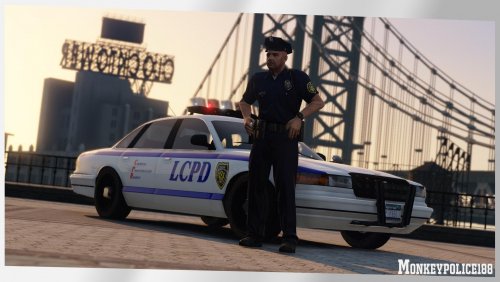 Okay, guys. THIS IS THE BEST SHIT OUT THERE! The quality of this pack had blown me away. I'm a true ELS- guy. But there's simply no ELS- pack out there what contains such high quality cars. My favorite car:
- 8 comments
- 5 reviews
-
Will be there a possibility to have State Patrol patrolling only the highways? Now the Sheriff hides in the bushes to catch speeders on the highway.
-
What the hell are you talking about? Do you want him to update the white CVPI, or what? Write clearly. Otherwise nobody will be able to understand you
-
-
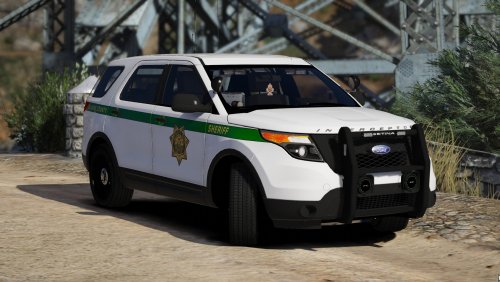 I always ask myself why some people spend month over month to create a single car and others release a whole pack every two weeks.🤔
- 60 comments
- 23 reviews
-
-

- 1
-
-
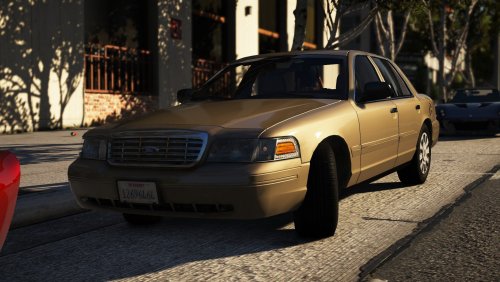 The car is very well done. Only thing i changed is the WRNL pattern to leds: 26 for a realistic LAPD pattern. And i prefer the ELS led pattern. Pattern 30 for IF and IB is the most realistic pattern you can get.
- 11 comments
- 14 reviews
-
-
- 1
-
-
Hi, recently my mouse cursor doesn't show up anymore. Display resolution is the same as the game resolution. I use only one monitor. Any ideas?
-
Willst mich verarschen?
-
Auf was für eine Schule gehst du denn, wenn ich fragen darf?
-
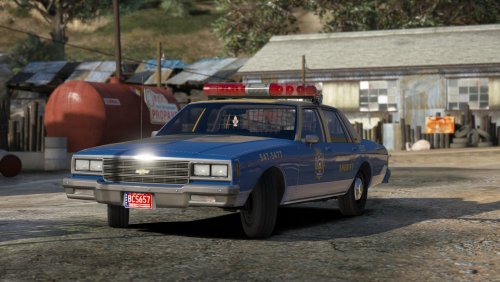 Awesome. Definitely one of the best car packs out there. I only changed the ELS files for my personal taste.
- 26 comments
- 22 reviews
-
-
- 1
-
-
 Phenomenal! Top notch. It's so much fun to play with these cars. The light options are crazy. Du hast wirklich ein verdammt geiles Pack gemacht.
- 85 comments
- 36 reviews
-
-
- 1
-
-
 Overall, it's a nice pack. But i wanted to show you some issues i've found with the slicktop. 1. Head of the arrested person pops through the roof. 2. The front bumper LED's appear to be red/ blue from a distance instead of all blue. 3. The rear appears to have a red between the blue lights.
- 76 comments
- 55 reviews
-
Well, i really don't unterstand how this custom police station thing works. You'll need a template from a building to create a logo for the police station.
-
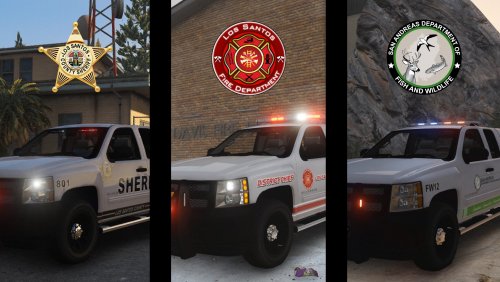 High quality as always. The only thing i don't like is the lightbar on the Game Warden because the light modules are so tiny. I can barely see the lights during the day. But that's my personal taste and has nothing to do with your work. Well done, sir! Glad to have people who take their time to make a proper model. Btw i recently searched for a proper off- road vehicle.....
- 9 comments
- 6 reviews
-
-
- 1
-