



Aston
Members
-
Joined
-
Last visited
Everything posted by Aston
-
-
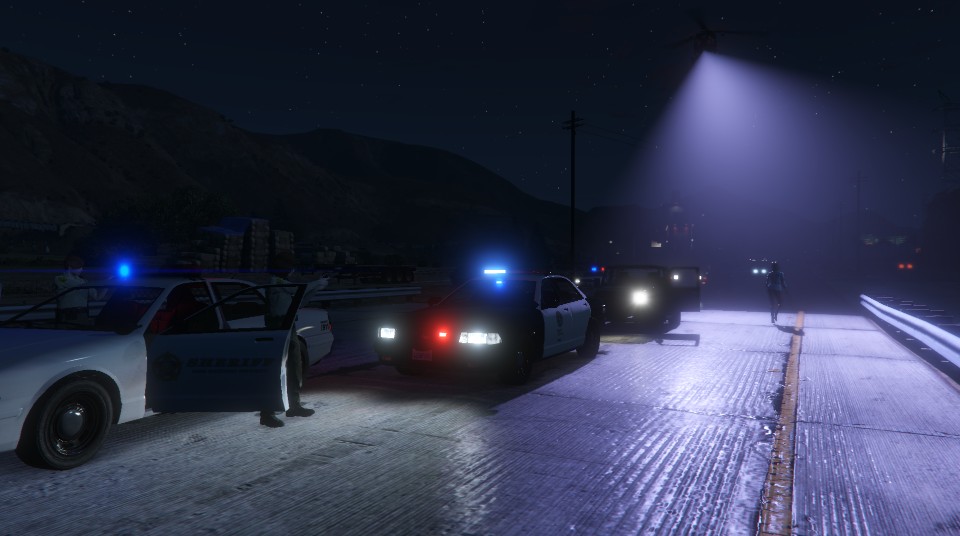
From the album: GTA V Pics
-
-
if I have a pirated windows, may I install the windows 10?
-
who have already install w10. Tell us about it! Intrigue.
-
you can tell more about the performance? In various games, programs, etc. I think whether it is necessary to move from 7 to 10.
-
-
-
-
-
From the album: GTA V Pics
before going on watch -
in which directory?
-
Often I watch it on our website. Visually, I do not notice any difference. Maybe in the technical part they differ?
-
This address was stored in my bookmarks.
-
Oh damn! Excuse me, I'm very inconsiderate.I removed "S" from the URL. Now, everything works great, thank you!
-
Wow. this is more than enough! thank you!
-
I searched the internet for different animation light bar, but they are difficult to find. I thought that you can help me. In any one of you hidden good gif image :)I'm using the latest version of the Firefox browser. Two weeks ago, does not load the site. Just goes infinite loading. With Google Chrome all the load properly. Is there a way to fix this problem?I think it would be great ..Happy birthday, Iconography! I wish you all the best! Thank you for what you do for our community!
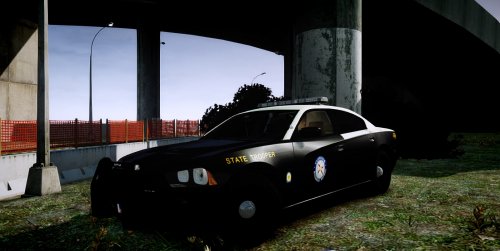 I'm not sure, but it seems to me that "FHP" rear and roof should be yellowish, not white.
- 7 comments
- 2 reviews
-
-

- 1
-
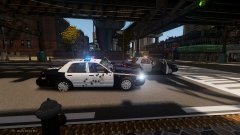
From the album: Patrol photos
Police Cruiser after the shelling.-
Police Cruiser after the shelling.
-
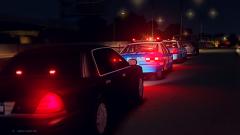 Stop the truck with illegal weapons
-
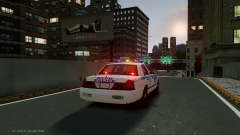 Responding
-
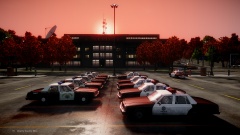 Sunset. View from the police parking.
-
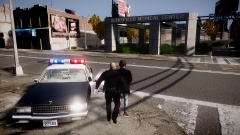 Arrest a drug dealer.
-
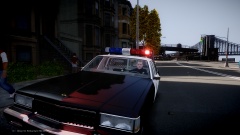 Waiting for the call.
-
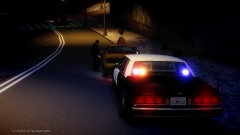 CHP. Traffic stop.
-
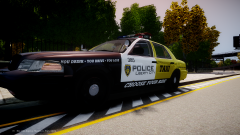 It's your choice!
-
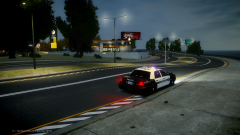 waiting for speeding.
-
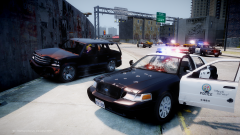 Deadly pursuit.
-
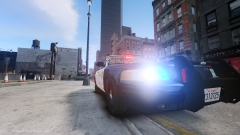 Slicktop
-
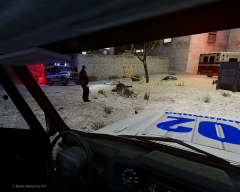 Triple murder. Russian police car (UAZ)
-
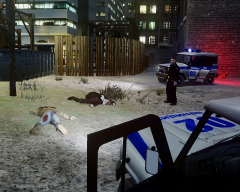 Triple murder. Russian Police car
-
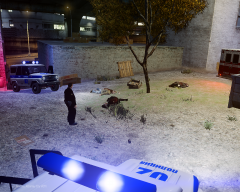 Triple murder. Investigation.
-
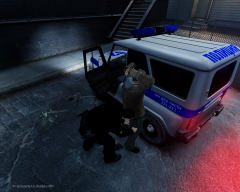 Frisk the suspect
-
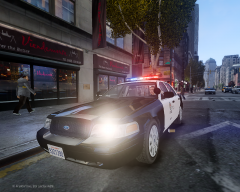 LSPD CVPI by Cj24
-
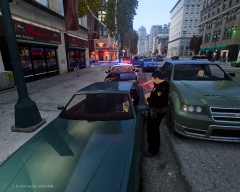 passed at red light.
-
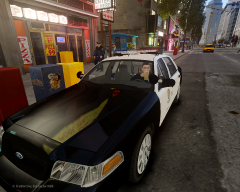 On Duty. Coffee time
-
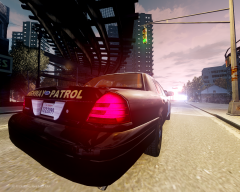 on the way.
-
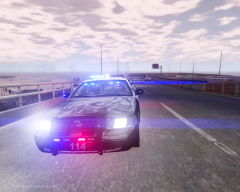 Responding





