
Aston
Members
-
Joined
-
Last visited
Everything posted by Aston
-
 load on the system as the Cry Enb? or the ENB much easier?
 -
-

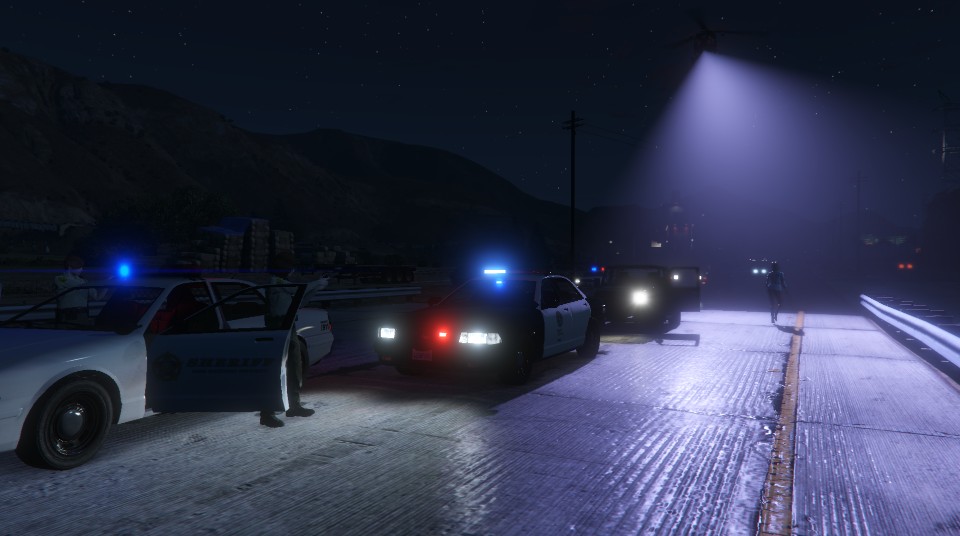
From the album: Patrol photos
-
-
Previously, it was much more convenient. It was possible to find a file on the tag such as "LCPD" and sort it by popularity, by the greatest number of comments. Now, it is very difficult (I have not figured out how). I look for the right models and files by name and could not find any! Sorting files looks awful. There is only on the date and-relevant. Home download (http://www.lcpdfr.com/files/) looks very uncomfortable .. shown very few new files and favorites. I hope you will see my review. I think the last version of the website much more convenient. I know I have to get used to and so on, but still, it's problematic for me. This is just a review is not an insult, not a humiliation of our website.
-
Hey! Try rename file "D3D11.dll" to "dxgi.dll"
-
-
-
I have the GeForce GTX 570 1GB. I play at medium graphics settings, the game doesn't slows down. When put "texture quality" on high game starts to slow down. I want to get good quality with no lag. this mod will help me? or are there other ways?
-
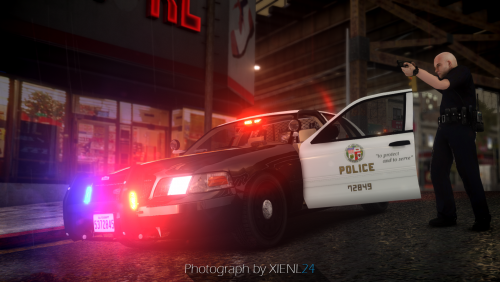 So, I see that the file has been updated. but by pressing the "Download" I see there are two files. I do not know which one is updated. Which one should I download?
- 45 comments
- 12 reviews
-
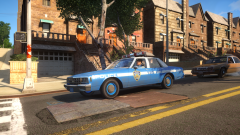 when will be the release of this model? or already?
 -
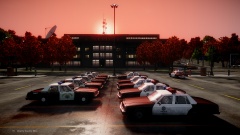
From the album: Patrol photos
Full size: -
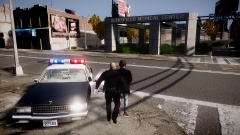 '?do=embed' frameborder='0' data-embedContent>>
 -
From the album: Patrol photos
Full size: -
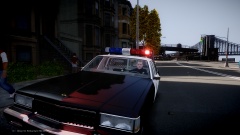
From the album: Patrol photos
Full size: -
-
Welcome ! :)
-
wow! it would be very cool! I look forward to .. Thanks!
-
at least you tried.
-
1980-1987 i think
-
thank you but.. For the new Ford sound is not difficult to find. I'm asking is for LTD. I searched Google, but it did not help me.
-
If anyone knows of a suitable sound engine for this car, I would be very grateful.
-
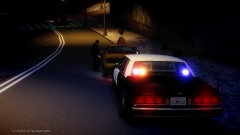
From the album: Patrol photos
Full size: -
um... not an exact copy, but very similar. '?do=embed' frameborder='0' data-embedContent>> '?do=embed' frameborder='0' data-embedContent>> '?do=embed' frameborder='0' data-embedContent>>
-