
PimDSLR
Members
-
Joined
-
Last visited
Everything posted by PimDSLR
-
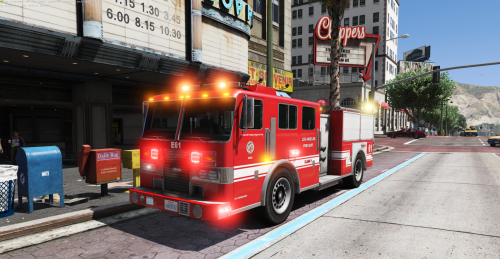 [ELS] Pierce LAFD based firetruck LAFD Pierce based firetruck, completely modified. Do you like my work? Consider a small donation, it keeps the stuff going ;) Also a nice review is always nice.Thanks. Firetruck UV mapped by nicks0112, textured by PimDSLR, nicks0112 and Rockstar. Firetruck heavily modified, textured and added stuff by PimDSLR 4K skin by BogdanM Converted to ELS by PimDSLR Code 3 arch 36 scratch modeled by Five0/OfficerFive0 converted to gta 5 by Five0/OfficerFive0 TIR 6 / Quarderflars made and textured by PimDSLR Code 3 by Ems101 UV mapped to firetruck fit by PimDSLR
- 11 comments
- 9 reviews
-
-

- 10
-
-
-
-
-
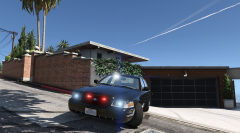
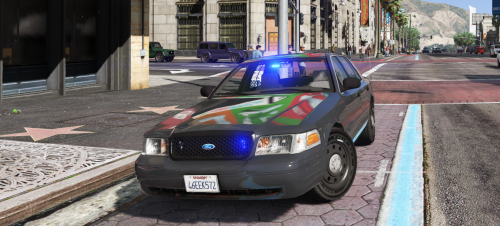 [ELS] Ford CVPI minimalistic lighting A CVPI with minimalistic lighting. For people who don't like those Christmas trees. Thanks to the people who donated to me. It is always well appreciated, it helps.
- 17 comments
- 10 reviews
-
-
- 10
-
-
 Thanks! Please consider a review ;) It helps. Thanks! Please consider a review ;) It helps.
- 29 comments
- 9 reviews
-
-
- 1
-
-
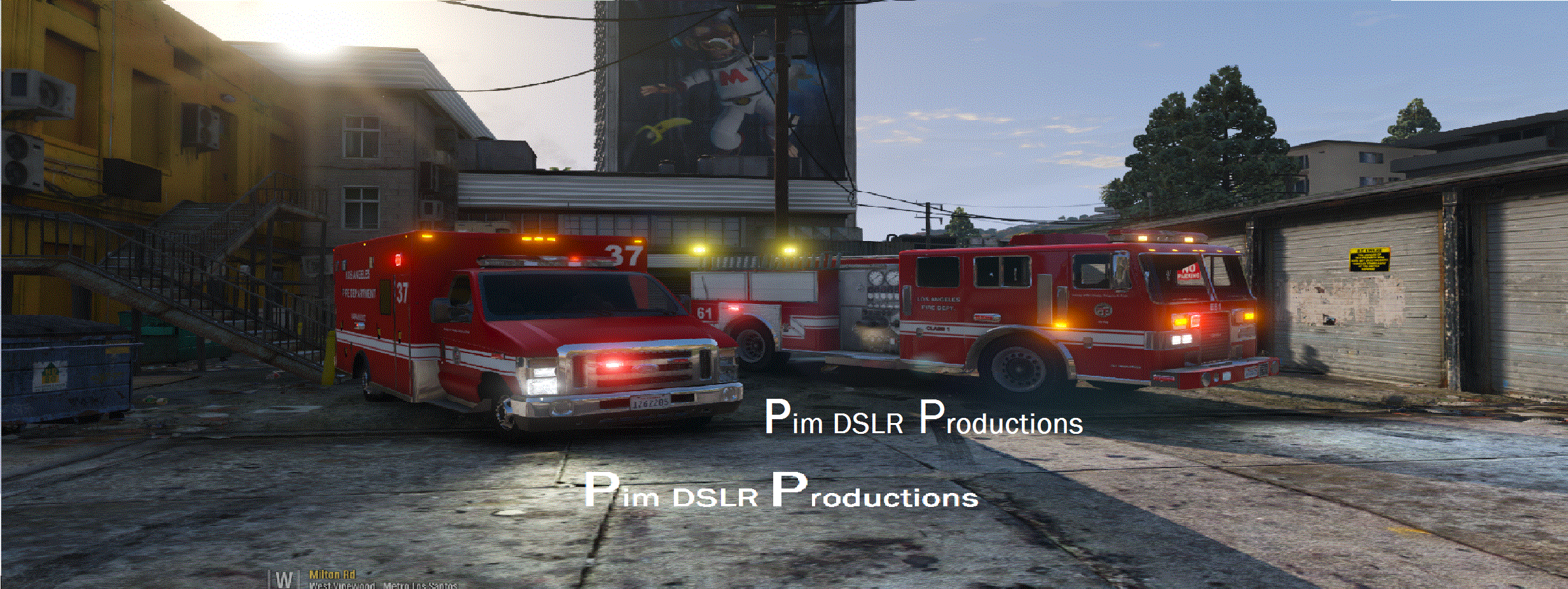
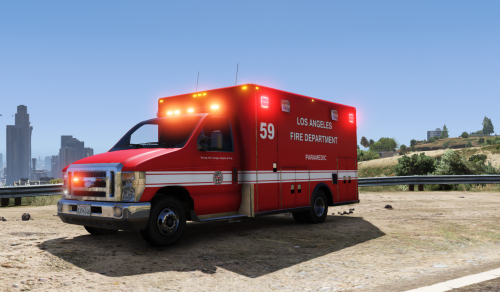
Ford E450 LAFD based Ambulance (ELS) -Now ELS version. It has; -Steady burn -Scene lighting -Full damage (bullets)-Breaking glass.-Contains L0, L1, L2, L3-4K skins Thanks for the people who donated to me. The are always welcome. Entering the back doors will be worked on. Also more side lights.
- 29 comments
- 9 reviews
-
-
-

- 18
-
-
-
-
-
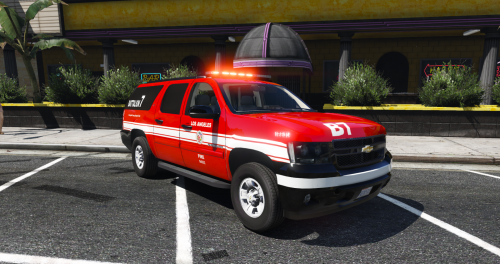 LAFD* Battalion Chief Surburban My last GTA 5 upload. Had this laying around, found it a shame to keep it on my pc. So here you go; enjoy, Special thanks to @iansonwheels * LAFD Based (for the naggers) Donations are always welcome.
- 15 comments
- 7 reviews
-
-
- 13
-
-
 It still doesn't look like before They still aren't bright on 12:00-19:00 daylight.
- 337 comments
- 70 reviews
-
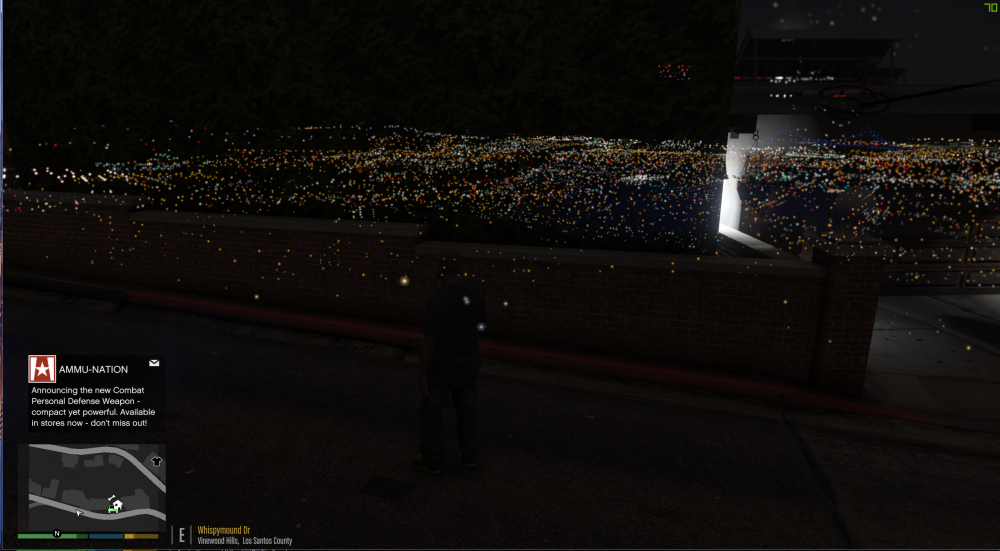
Hi guys, Does someone how to fix this? It's only at night. thanks.
-
-
-
looking very good. Let me know if I can do something for you ;)
-
 It's released ;)
 -
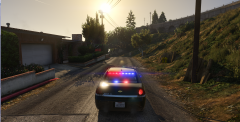
-
Coming soon...
-
-
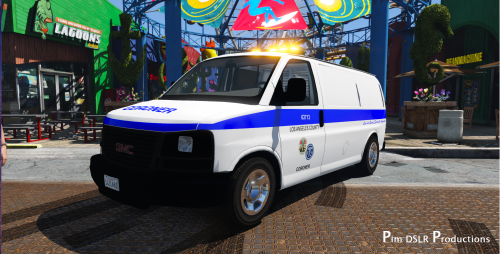 Los Angeles* Coroner 4K (Add-on) I came across some unfinished work and wanted to finsh it and release it. -GMC Savana -Code 3 Defender -4K LA skin -Multilble LODs *So things have been changed, the original car has a FedSig Vista, I have a GTA 5 model but it won't seem to work with this model, so I had to use the Code 3 Defender, so you know this before you start nagging about its accurately. Thanks for the people that donated recently! Donations are always welcome, ZModeler 3 subscription, my free time etc.. This work is licensed under Creative Commons Attribution-NonCommercial-NoDerivatives 4.0 International License. © 2016 Pim DSLR Productions
- 12 comments
- 8 reviews
-
-
- 8
-
-
Big deal? Was searching for a bar that kind of looked like it.
-
updated the front LEDs
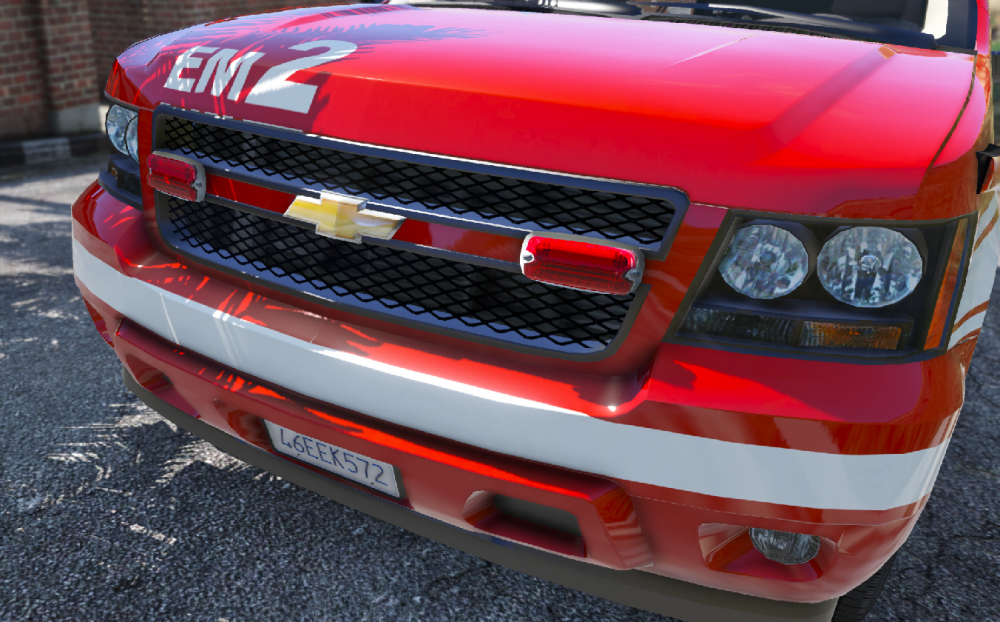
-
Can't remember that, it's hard to keep track when a lot of people are saying things. EMS lightbar is correct, I'm working on a XF2300 for the Battalion, I'm also working on the Whelen M7s. About interior, not everything is possible, it is and will always be a game.
-
I don't blow you off, first time I asked for some points to improve, all your comments were just you saying that is was fictional.