



IcelandicPolice
Members
-
Joined
-
Last visited
Everything posted by IcelandicPolice
-
-
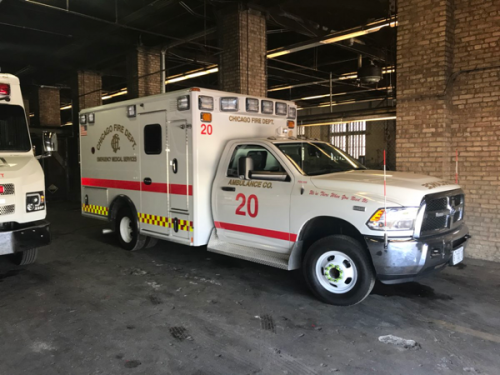
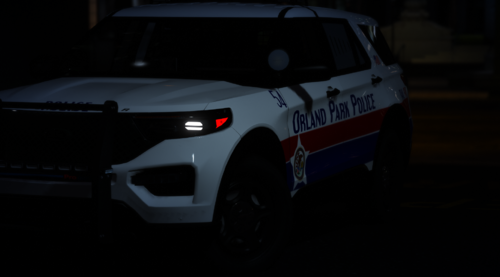 You wanna make one big Illinois service pack ? this is the list of the skins I have done so far. V1. CHICAGO PD. CHICAGO SWAT CHICAGO FD, CHICAGO PORT AUTHORITY (FICTIONAL) THE UNIVERSITY OF CHICAGO POLICE ARLINGTONS HEIGHTS (FICTIONAL) GREAT LAKES NAVAL POLICE AND FIRE (FICTIONAL) COOK COUNTY, FRANKFORT POLICE, ILLINOIS STATE POLICE, METRA POLICE, ROCKFORD PD, ------------------------------------------ NEXT IM DOING IN V2 CAROL STREAM, EVANSTON, JOILET, MERRIONETTE PARK, MOLINE, NORTH CHICAGO, ORLAND PARK, ROCK ISLAND, UNION PACIFIC RAILROAD POLICE, ELWOOD, CHICAGO EMS -- would be amazing if you are up for marching your pack and make one big one with multiple departments let me know if you are up for it
- 17 comments
- 2 reviews
-
 what is the difference between five m and five pd ?
 -
damn It I was going to add orland park to my Illinois service pack Ill just link your pack if people want to use orland park, also they look nice
- 17 comments
- 2 reviews
-
 the skin inside the folder is not the right format cant use it i'ts not photo format based please fix it
 -
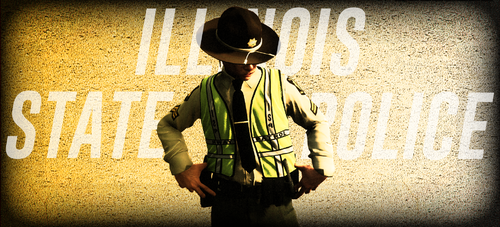 any news on the Chicago pd and cook county ? im currently making Illinois service pack with Chicago pd and cook country and much more
 -
great skins, im currently making Illinois service pack with Chicago pd and fd and 7-8 other departments like of west Chicago, cook county, metra, Rockford , UNIVERSITY OF CHICAGO POLICE, ARLINGTON HEIGHTS, (FICTIONAL) CHICAGO PORT AUTHORITY (FICTIONAL), and more can I link this pack with mine ? would love to include link to this pack in my Illinois service pack so people can also get your skin to go along side with mine 🙂
- 17 comments
- 2 reviews
-
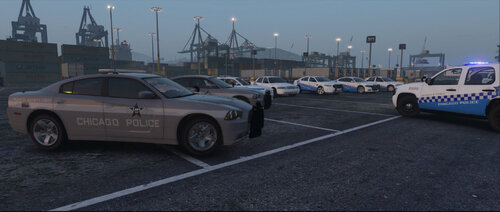 nope those exist the new design is on crown vic also, (just not all district have it only very few that actually have the new design on them) also Chicago pd hace safety unit but in real life they just use the old skin with TRAFFIC SAFETY on the side door I think this in the pack is just fictional skins not based on real life here is a photo of the crown vic parked in front of one of district in Chicago to those that says Chicago doesent have a traffic safety unit yes they do, here is a pic of it in real life. the skin in the pack is fictional not based on real life design of Chicago pd
- 18 comments
- 2 reviews
-
where can I get the model ?
-
working on illoinois pack will include some Rockford skin aswell
-
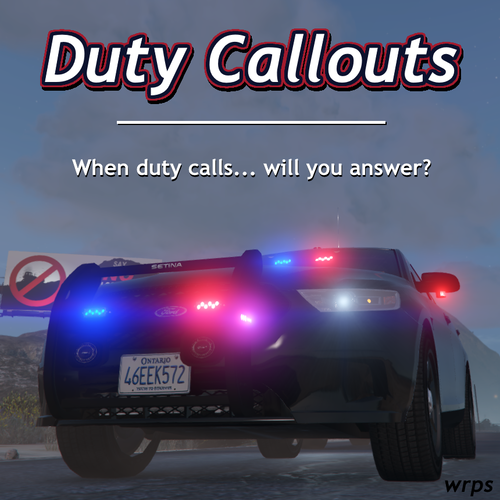 love the photo when it says ,, when duty calls will you answer and behind car on the sign left side it says ''just say no'' lol will give this a try, looks promising 🙂
- 12 comments
- 4 reviews
-
-

- 2
-
-
-
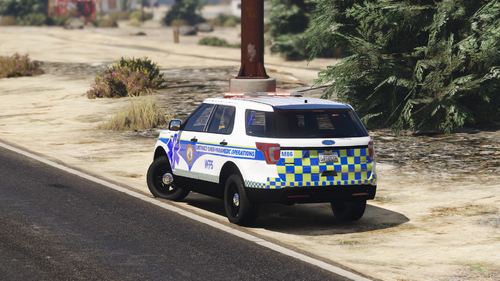 looks very nice, any change I can make skin for it and include it (with link to the this vehicle of course) in my megapack ? 🙂
- 4 comments
- 1 review
-
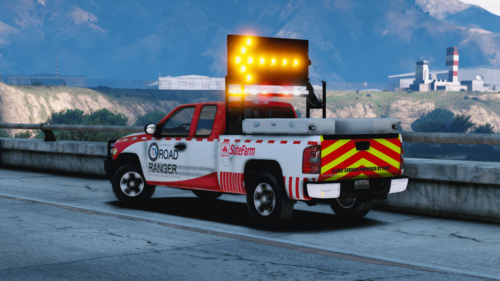 it's SADOT pack on here search SADOT then go to more settings and click file it will come up
 -
.thumb.jpg.7be36ff92dab19e4da1ad467daf70ddd.jpg) looks so good! great job on this one, is there any change that I can get the template for it? would love to include it in my pack with credits and link to the model of course 🙂
looks so good! great job on this one, is there any change that I can get the template for it? would love to include it in my pack with credits and link to the model of course 🙂- 4 comments
- 2 reviews
-
-
- 1
-
-
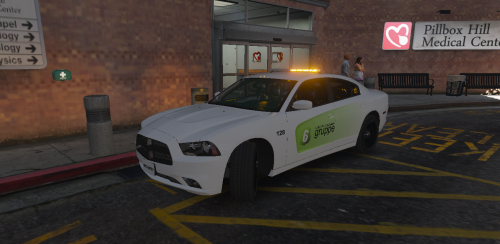 any change you could make more security with yellow lights ? like simple cvpi or something like that ? 🙂 would be awesome because there is very few security vehicles with yellow lights.
- 18 comments
- 3 reviews
-
love to make skin for the charger, can I make one and give you credits for the pack pack ? 🙂
- 18 comments
- 3 reviews
-
 Icelandic version almost ready, simply amazing mod been waiting for more depth when talking to suspect big credits to the author
- 184 comments
- 72 reviews
-
-
-
From the album: Icelandic Textures
-
From the album: Icelandic Textures
-
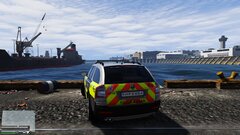
From the album: Icelandic Textures
-
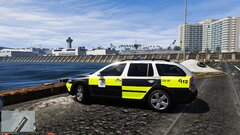
From the album: Icelandic Textures
-
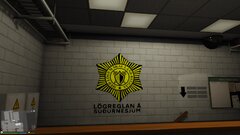
From the album: Icelandic Textures

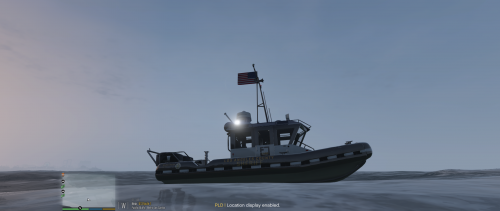
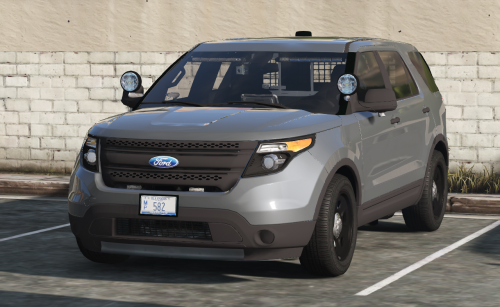
.thumb.jpg.7be36ff92dab19e4da1ad467daf70ddd.jpg)

