Skip to content
View in the app

A better way to browse. Learn more.

LCPDFR.com

A full-screen app on your home screen with push notifications, badges and more.

To install this app on iOS and iPadOS
  1. Tap the Share icon in Safari
  2. Scroll the menu and tap Add to Home Screen.
  3. Tap Add in the top-right corner.
To install this app on Android
  1. Tap the 3-dot menu (⋮) in the top-right corner of the browser.
  2. Tap Add to Home screen or Install app.
  3. Confirm by tapping Install.

MrDaxDev

Members
  • Joined

  • Last visited

  1.    VC Halls reacted to a comment on a file: Stow That Weapon
  2.    BlueLine Vibes reacted to a comment on a file: Stow That Weapon
  3.    Splash Customs reacted to a comment on a file: LSPD Vests: Patrol,Supervisor,CID
  4. For me it's just hard to upload things anymore, everything i upload needs approval by a moderator and sometimes they take a week if it's a holiday and it gets unnoticed because it releases down on the list (not on top) i really can't be bothered to work anymore on fivem ready vests/clothes anymore due to this issue.
  5.    XenonMods reacted to a comment on a file: Burger King Crown Guy Merch
    • 629 downloads
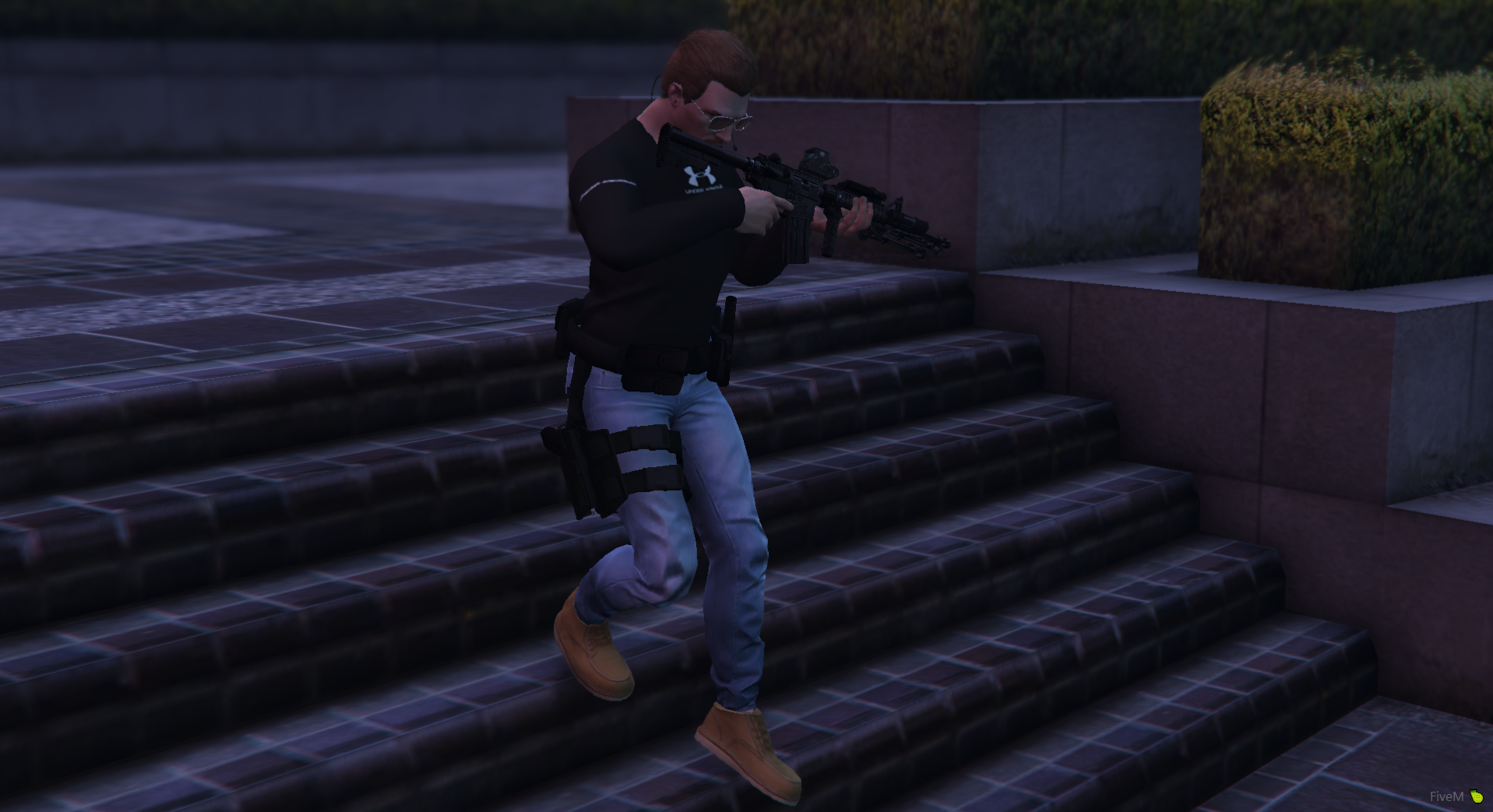
    Long sleeve created by me, check my first upload for more info install - eup license key required unless you want it to try it for free on your dev server force the players to 8 and it will automaticly lends you free EUP to test it out by yourself.
  6. MrDaxDev changed their profile photo
    • 325 downloads
    Installation area will be in discord. To get the model you have to join markos ( sperce industries ) discord. https://discord.gg/u36ajQeG7k
    • 929 downloads
    Retextured a vest from hanakos vest. sp - OpenIV - edit mode - open the dds texture, and there will be an option says "replace" then replace it. For any question discord me DAX#8324 EUP VEST&EARPIECE - Player & Ped Modifications - LCPDFR.com
  7. Yeah we really need a hilux unmarked car for the server to ask you for permission to install it on fivem lmao.
  8. Yes, you can place a plain background due whatever color you want your hat to be for civilian, export the picture from the ytd file and do it from paint then replace it back into the ytd file again in OpenIV, if you don't know how to use openiv, look at youtube [How to texture]
  9. pateron key is for fivem to stream the cap, you shouldn't worry about it, it will work on single player for u, just read what i said [rename them]
  10. Yes it does work with single player but i'm not bothered to rename them, rename the ydd to p_head_001.ydd, then from A to D for ytd files. p_head_diff_001_a.ytd Take a look at this picture ^ for location for LSPDFR single player. and no it's a free cap converted from franklin to mp model so you don't pay to use it.
    • 971 downloads
    • Version none
    This is for fivem only. How to install : You need to have patreon key to stream it. location [YourServerFolder] eup-stream / stream = copy and paste the folders, get into your server and restart eup-stream, it might take time to re-stream five thousand files again. or restart the server to start it again freshly. Credits Emerson tac vest (paid model) @Alin23 (Converted the hat) from franklin to mp model. HANAKOS safariland holster. Only hat is uploaded, it's converted from franklins model to mp so it's a free cap, but other credits for me i have no permission to re upload them. if you want the safari land holster search it in lspdfr website. want the vest? contact emerson tac like as i paid for the model.
  11. It was ment to upload, remove this topic pls
  12.    NAVYGROUNDHOG reacted to a comment on a file: FivePD GANG UNIT Long sleeves
  13.    mbk2008 reacted to a comment on a file: FivePD GANG UNIT Long sleeves
  14. If you want to remove FivePD on the back, you're free to take it out, shouldn't tell you how but you can figure it out, or ask me for a new one.

Account

Navigation

Search

Search

Configure browser push notifications

Chrome (Android)
  1. Tap the lock icon next to the address bar.
  2. Tap Permissions → Notifications.
  3. Adjust your preference.
Chrome (Desktop)
  1. Click the padlock icon in the address bar.
  2. Select Site settings.
  3. Find Notifications and adjust your preference.