


StealthyOne6
Members
-
Joined
-
Last visited
Everything posted by StealthyOne6
-
-
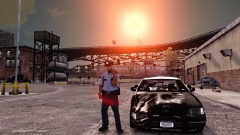 Nice!
Nice! -
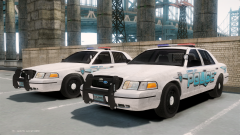 What ENB is this Kazuko? The building textures especially, look very nice!
 -
-
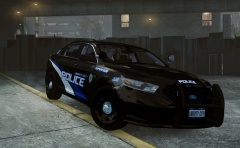 Hey! I know who took this photo (ME) ...credit were credit is due McAwesome! Original Photo: http://redandblueroleplay.enjin.com/sysmodule/m/19051503/detail/177886#pid=1704425 Also... Hmm, both IronicRainbow AND Jump's textures look an awful lot like a texture on a specific Police Car...
 -
-
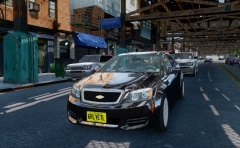 Best looking Caprice I've seen so far! Looks great!
 -
![[WIP] Slicktop Explorer](//s3-gallery.int-cdn.lcpdfrusercontent.com/gallery/album_1177/sml_gallery_9139_1177_87464.jpg) Gorgeous. Can't wait to see it from behind!
Gorgeous. Can't wait to see it from behind! -
Hmmm, Police uniforms with Sheriff car textures, interesting concept.
-
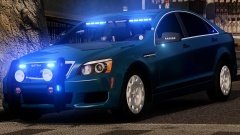 I would also agree, I think the combination of ram-bar and rims looks slightly bizarre.
 -
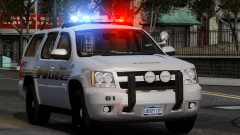 Needs more photos, because from this angle it looks like the Fog Lights on the ram bar are just floating. Also, it looks like someone smashed in the passenger side of the truck with a bat or something, its not a normal smooth flowing side panel. I'm not sure if this was done intentionally to reduce poly-count but it looks a bit goofy to me.


![[WIP] Slicktop Explorer](http://s3-gallery.int-cdn.lcpdfrusercontent.com/gallery/album_1177/sml_gallery_9139_1177_87464.jpg)
