



Beren
Members
-
Joined
-
Last visited
Everything posted by Beren
-
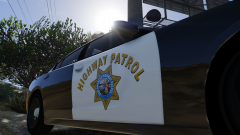
From the album: San Andreas Highway Patrol
-
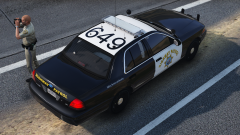
From the album: San Andreas Highway Patrol
-
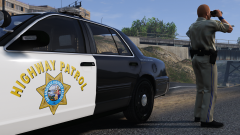
From the album: San Andreas Highway Patrol
-
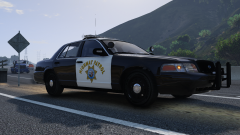
From the album: San Andreas Highway Patrol
-
The one you saw with the valor lightbar is the 2016 model, which seems to be a more common sight as I drive around LA these days.
-
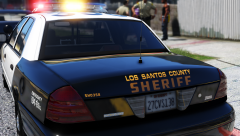 @MikoFiticus Whoah, even if they're not the same, those fonts still look pretty good. I can definitely use them for another set of liveries. Thanks @Illusionyary Ah, that could explain why it's hard to find. While it's not ideal, I might as well do the same for these skins.
 -
@MikoFiticus You're right, it should be the same as 'sheriff.' I just haven't been able to find the exact font the LASD use. I looked over the font knowledge threads and none of the ones listed were of the same style. Any chance you might know the name of the it?
-
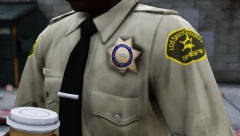
From the album: Los Santos Sheriff's Department
-
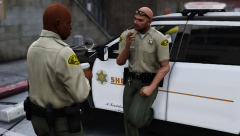
From the album: Los Santos Sheriff's Department
-
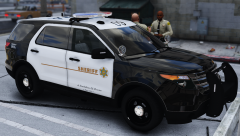
From the album: Los Santos Sheriff's Department
-
From the album: Los Santos Sheriff's Department
-
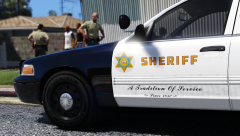
From the album: Los Santos Sheriff's Department
-
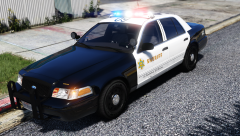
From the album: Los Santos Sheriff's Department
-
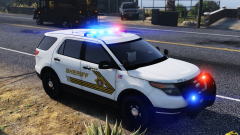
From the album: San Bernardino Sheriff based BCSO
-
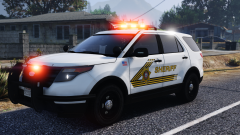
From the album: San Bernardino Sheriff based BCSO
-
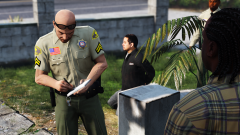
From the album: San Bernardino Sheriff based BCSO
San Bernardino-style uniforms for Velactor's model. FYI, the pen's photoshopped. -
To get by this, I actually had to create a new fireman ped entry and removed the SCBA gear from the model.
-
 This happens to me if I have a lot of vehicle entries in Transport Regions.xml. I switched back to the default settings with fewer vehicles and I haven't experienced those texture pops anymore. Might want to try that.
- 1,915 comments
- 242 reviews
-
-

- 1
-
-
Can't wait to use this baby with BetterEMS
-
-
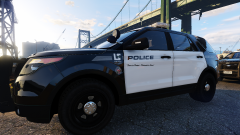 @HomerS At first I thought you meant the literal "LS" symbol with the green squiggly line, but I'm assuming you mean the seal? I thought about that when I started out texturing for GTA V, but since I was trying to be as close to the original source as possible, I decided to stick with the real-life seal. Just with "City of Los Santos" instead of "City of Los Angeles" for the text. Besides, I couldn't take the LSPD seriously when they had a sasquatch on their seal
 -
-
-
-




